Upload a Photo
Choose a JPG, PNG, or WEBP image. Product shots, portraits, screenshots, quote backgrounds, and thumbnails all work.
JPG, PNG, and WEBP files open in your browser. Your upload is handed directly to the Add Text to Photo tool.
Place captions, labels, quotes, and promo text on busy photos. EzImgEditor helps you keep text clear with strong contrast, tidy spacing, and photo-aware placement.
Add Text to Photo Now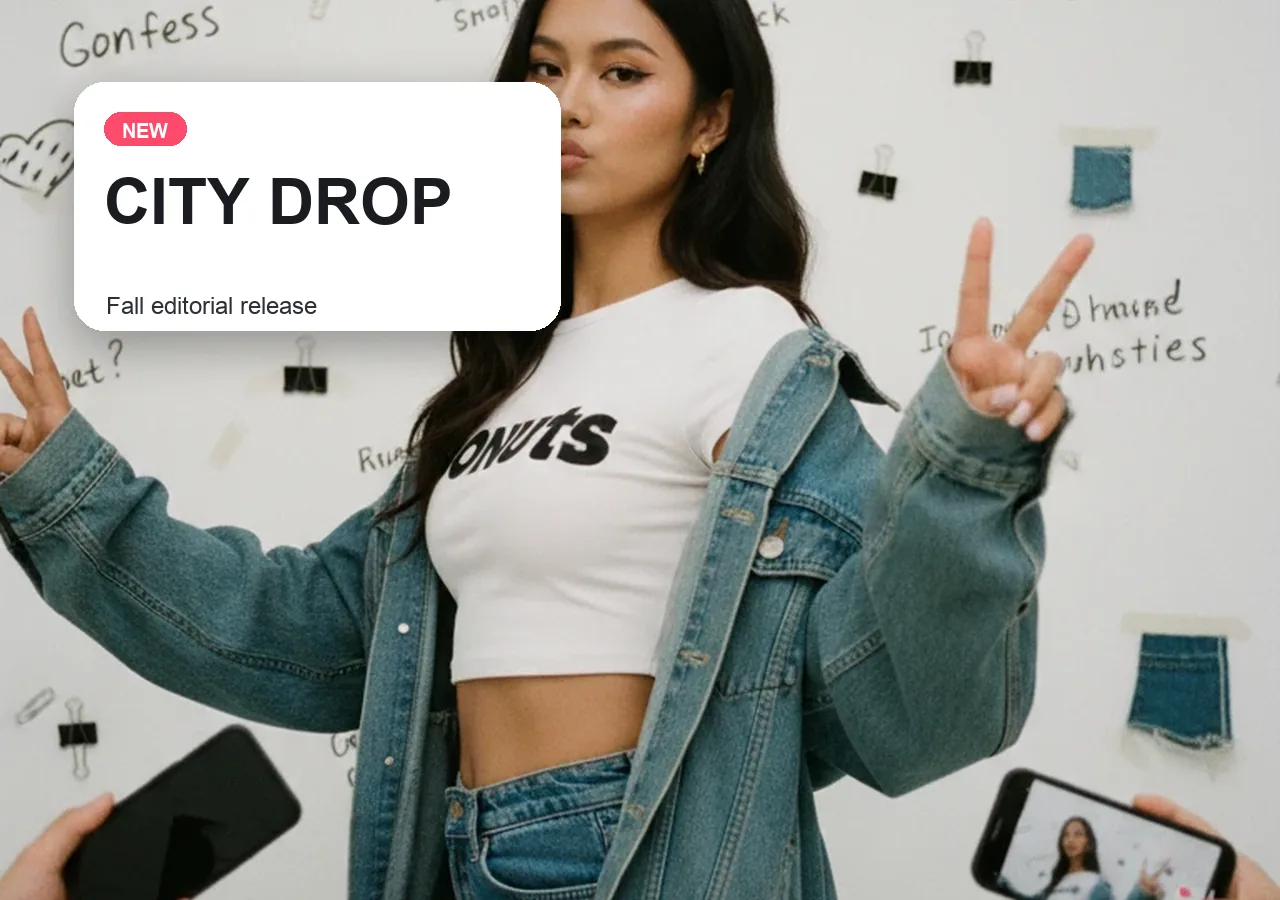
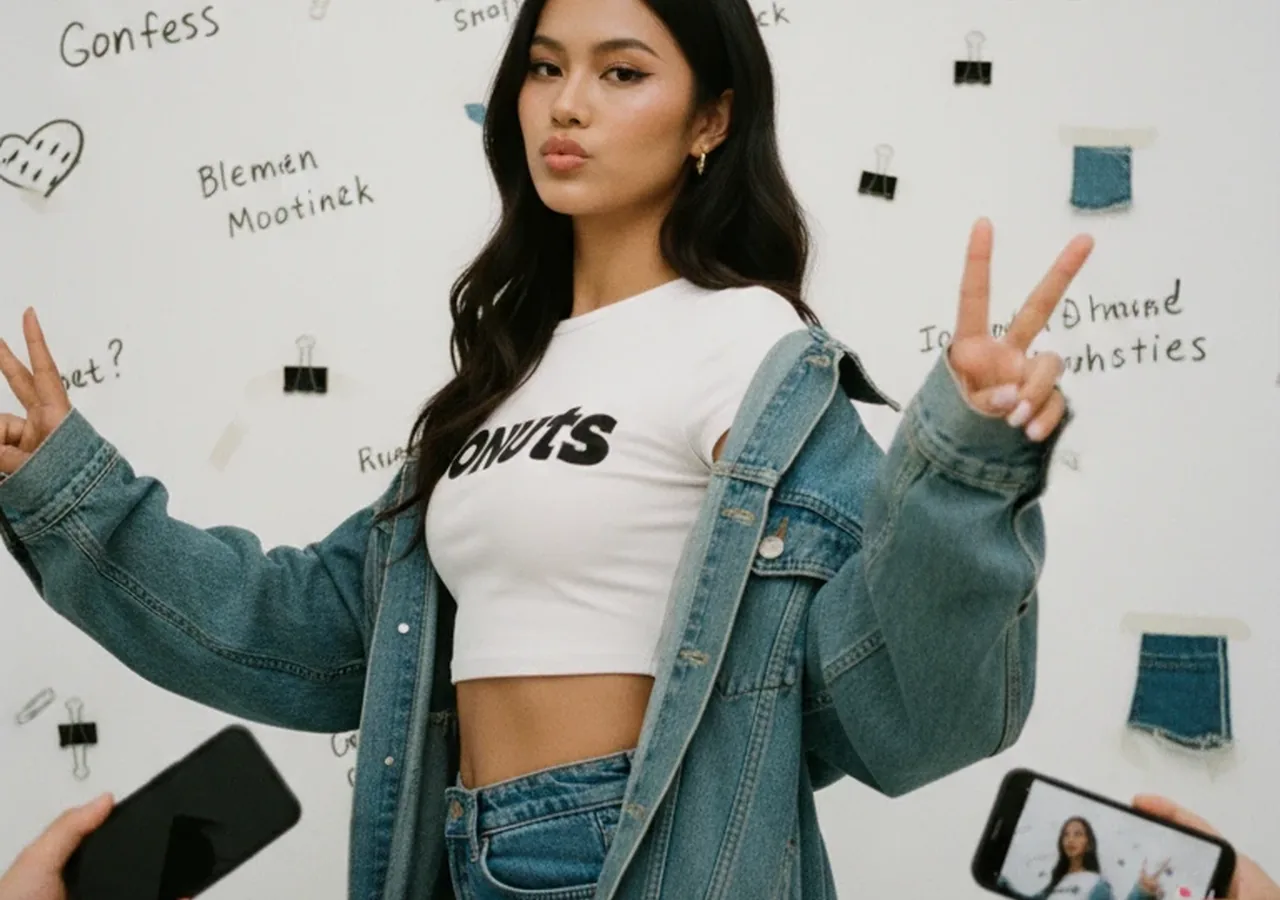
Turn a plain image into an Instagram post, Pinterest pin, announcement, or story graphic with short text that reads well on mobile.
Add Text to Photo Now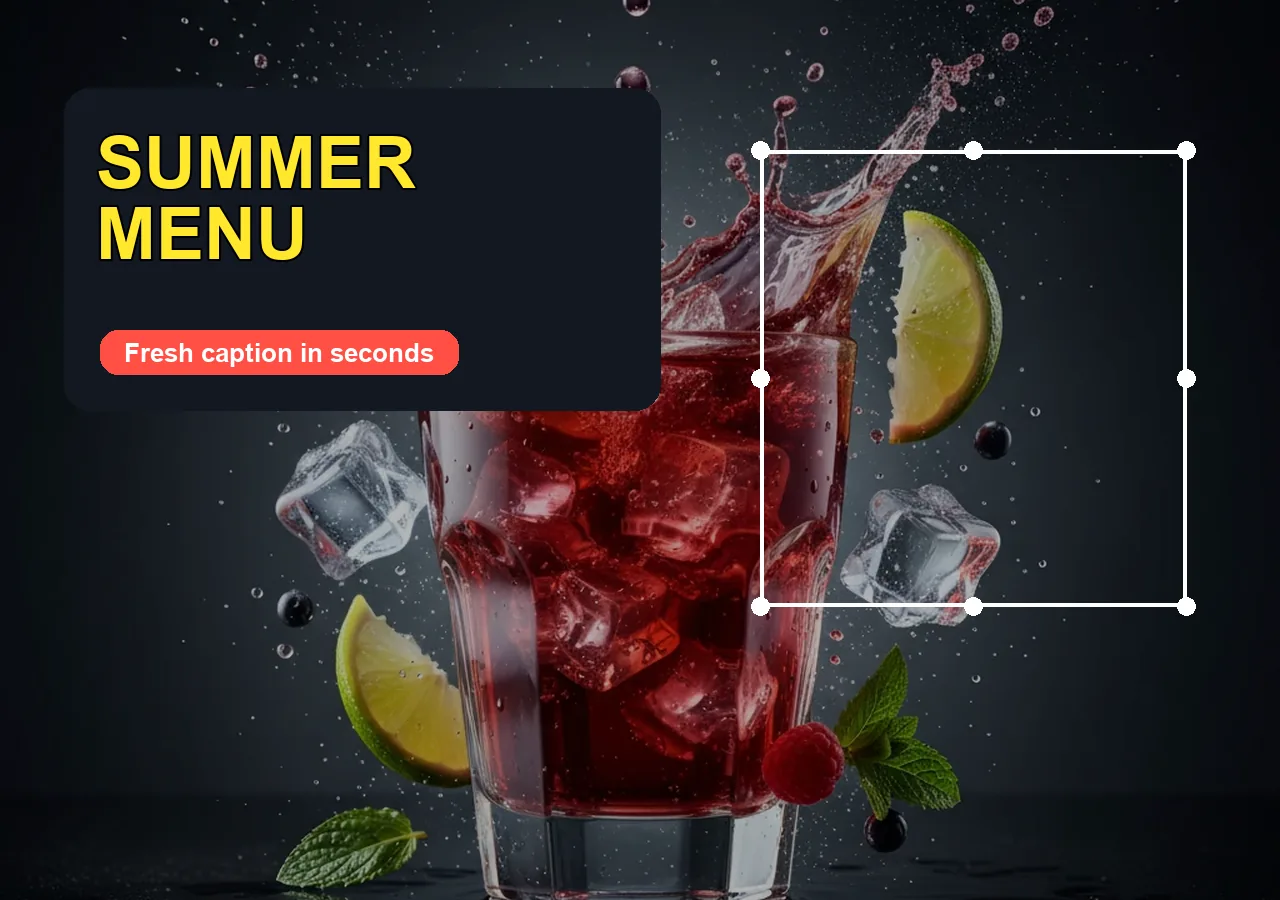
Create ecommerce product labels, sale badges, price notes, and campaign headlines without opening a heavy design app.
Add Text to Photo Now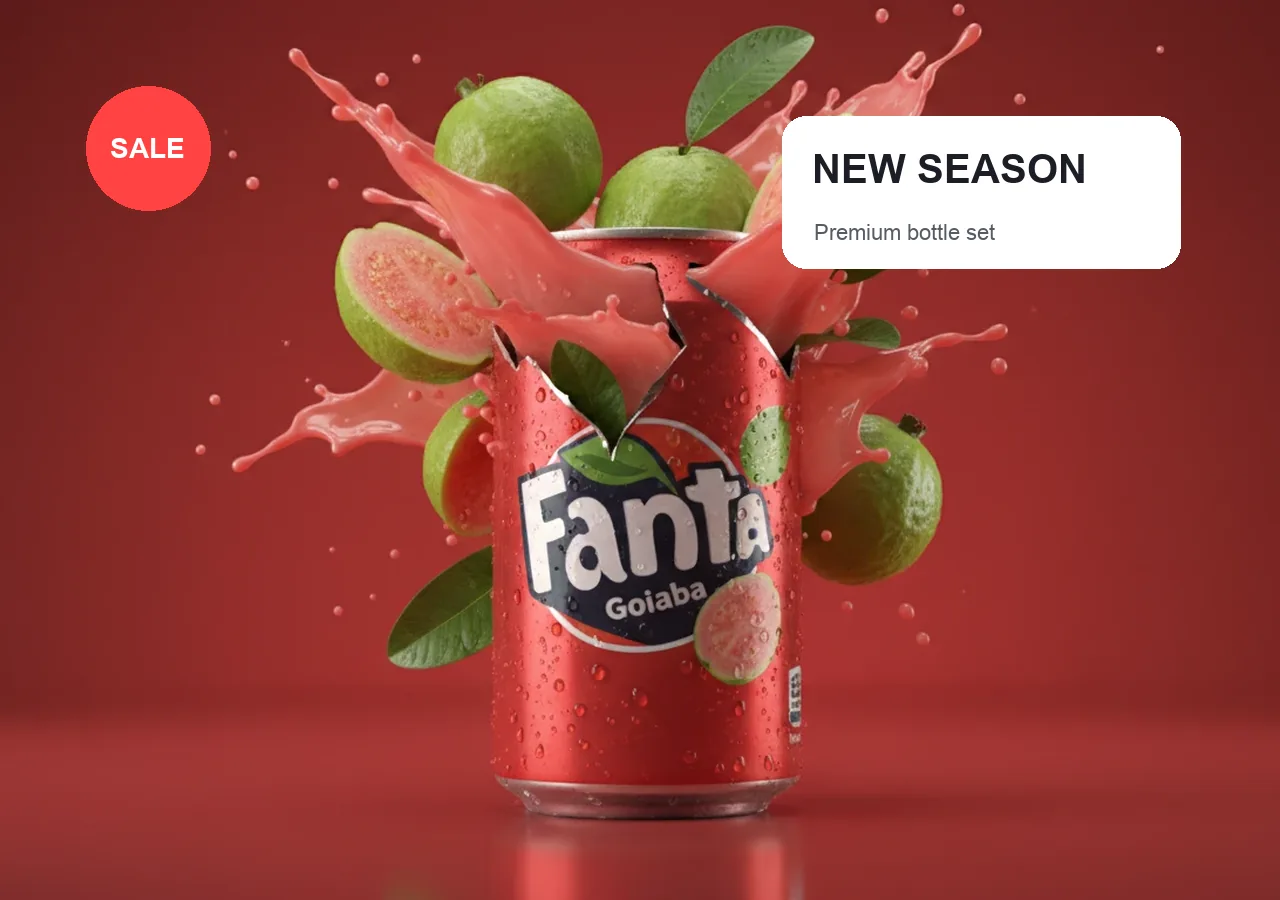

Protect preview images with subtle account names, brand marks, copyright notes, or transparent watermark text before you publish.
Add Text to Photo Now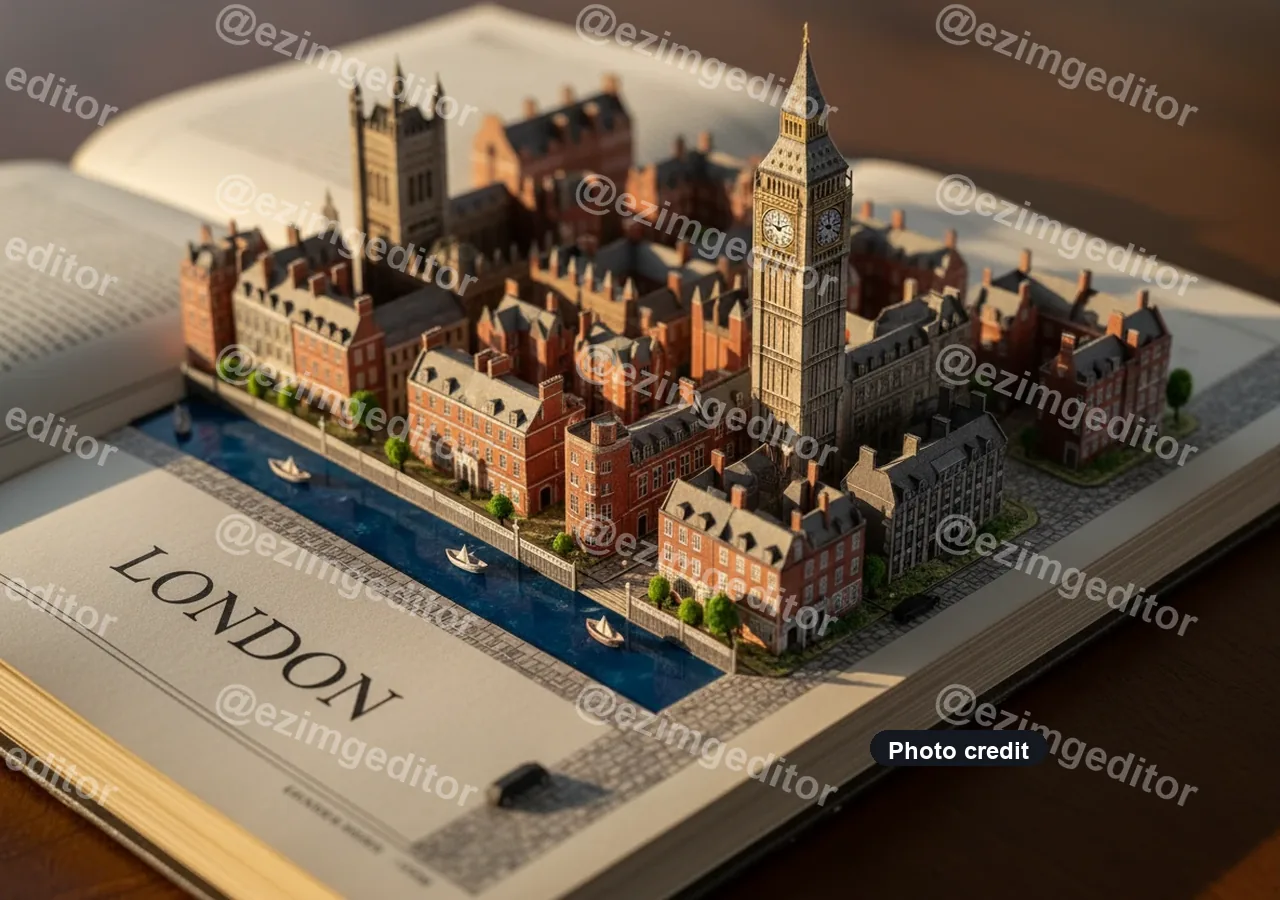

A direct workflow for the search intent: upload a photo, add a text layer, style it for readability, then download the finished image.
Choose a JPG, PNG, or WEBP image. Product shots, portraits, screenshots, quote backgrounds, and thumbnails all work.
Type your caption, label, title, quote, or watermark. Adjust font, color, size, position, opacity, shadow, and background.
Export a polished image with the text baked in, ready for social posts, ads, presentations, listings, or client previews.
Use the same online photo text editor for the jobs people search for most: social captions, product labels, quote cards, watermarks, YouTube thumbnails, and presentation notes.


Add short captions and announcement text for Instagram, Pinterest, Facebook, TikTok covers, and story graphics.
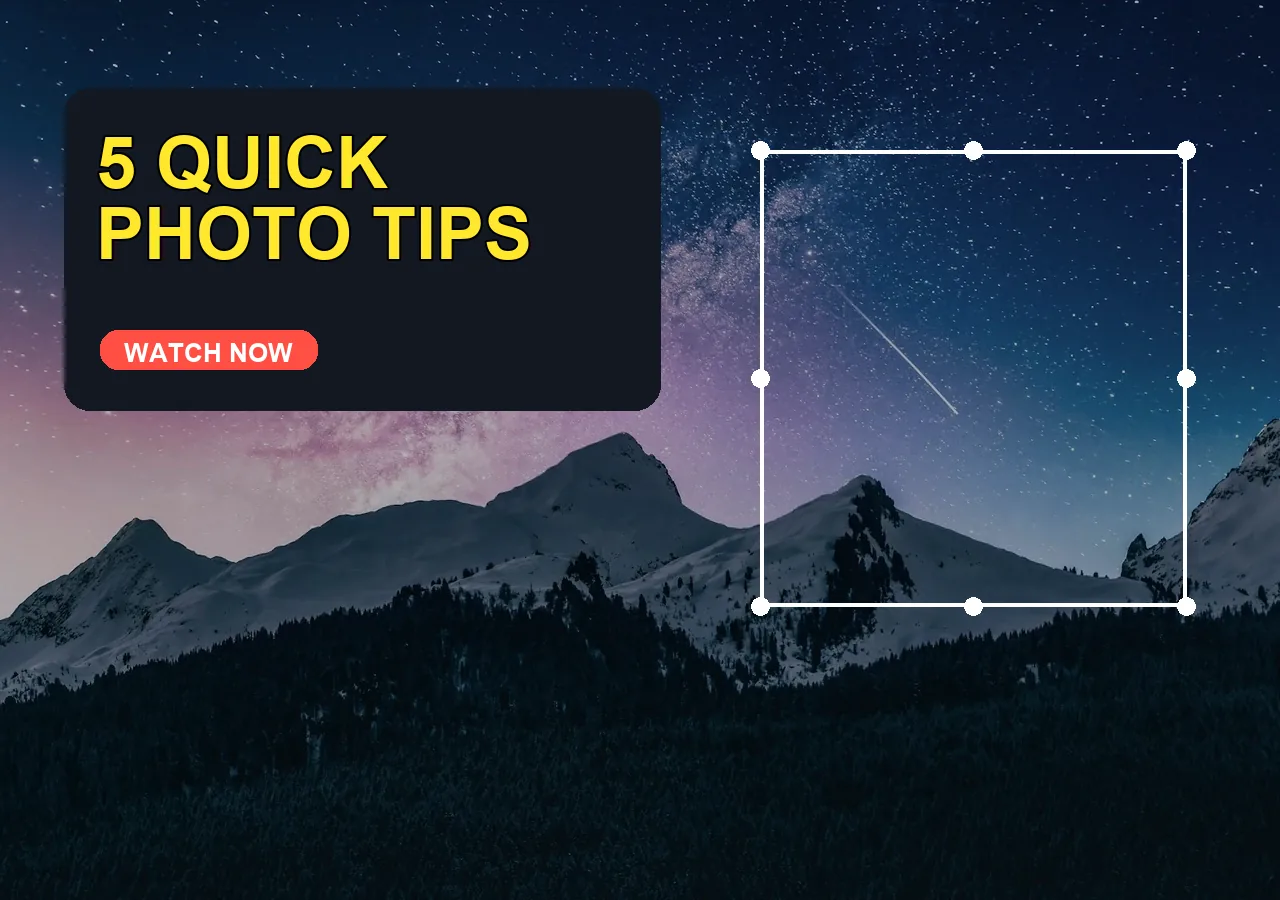

Make bold thumbnail headlines that stay readable at small sizes with contrast, outlines, and clean spacing.
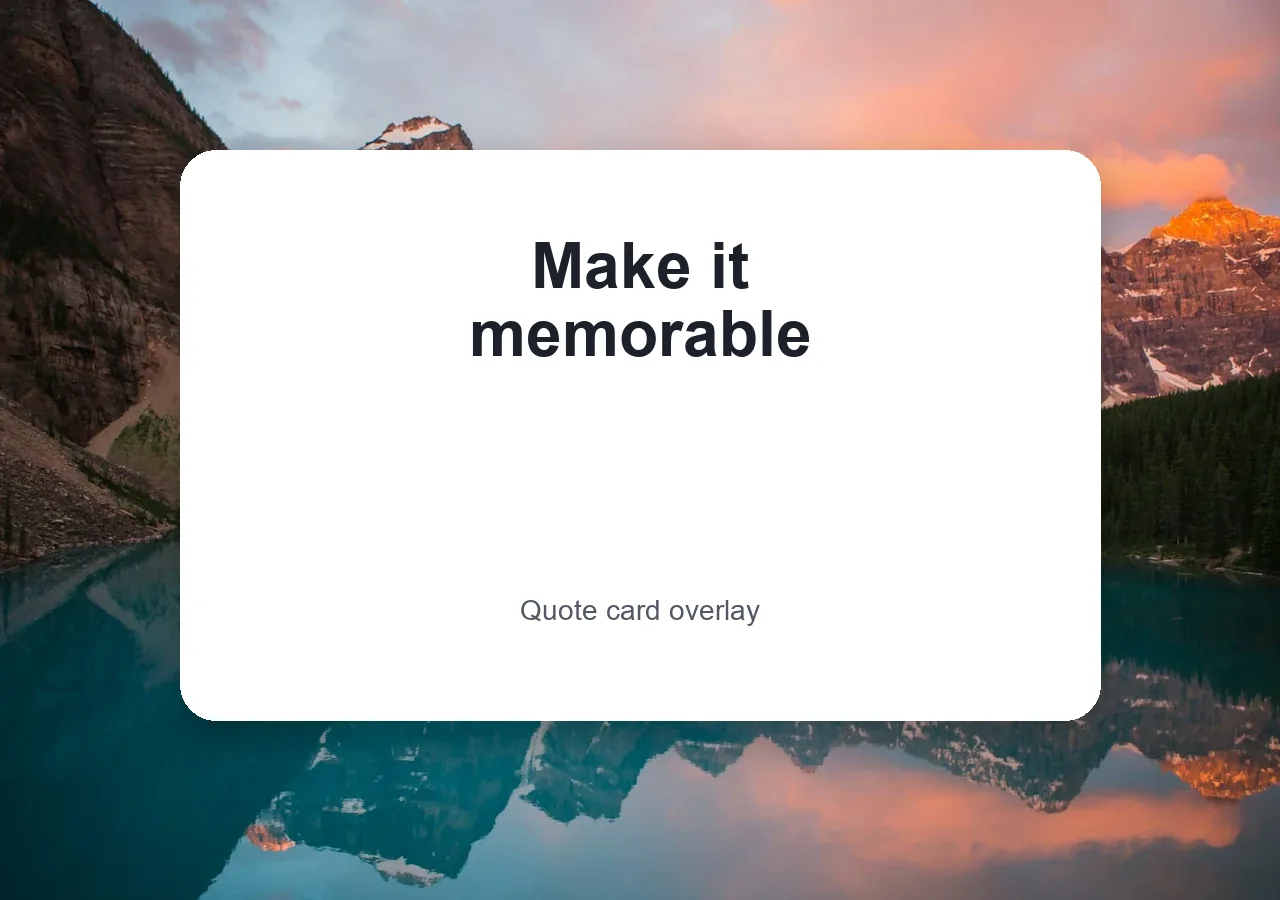

Create quote graphics, event posters, greeting cards, and motivational images from a photo background.


Add labels, callouts, titles, and short notes to screenshots or photos before putting them into slides.
Start with a simple text overlay, then adapt the same style for campaigns, product drops, social posts, quote graphics, and brand-safe previews.
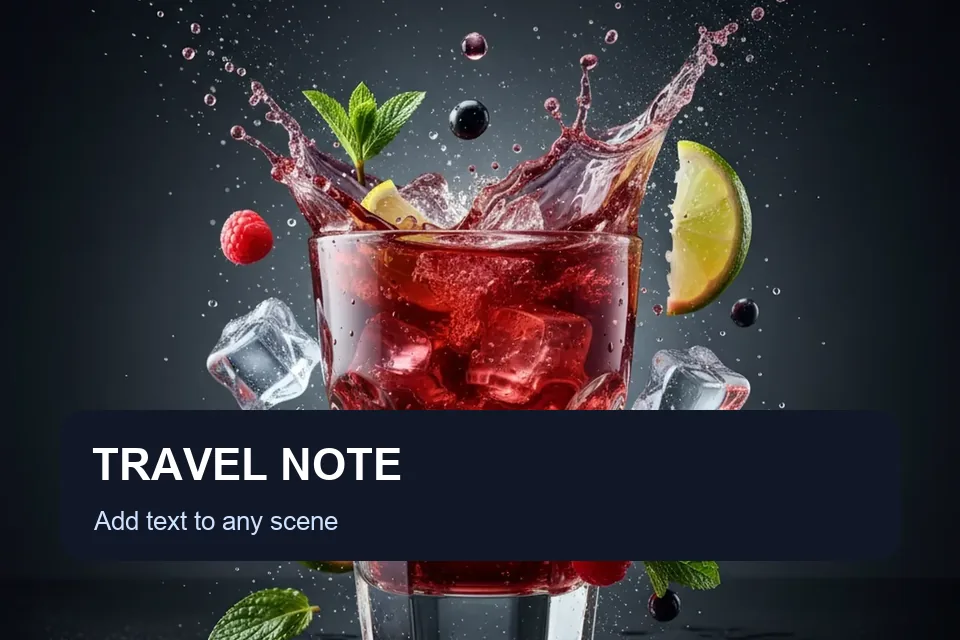
Write short captions that explain the image at a glance.

Add a subtle owner name, handle, or copyright mark.
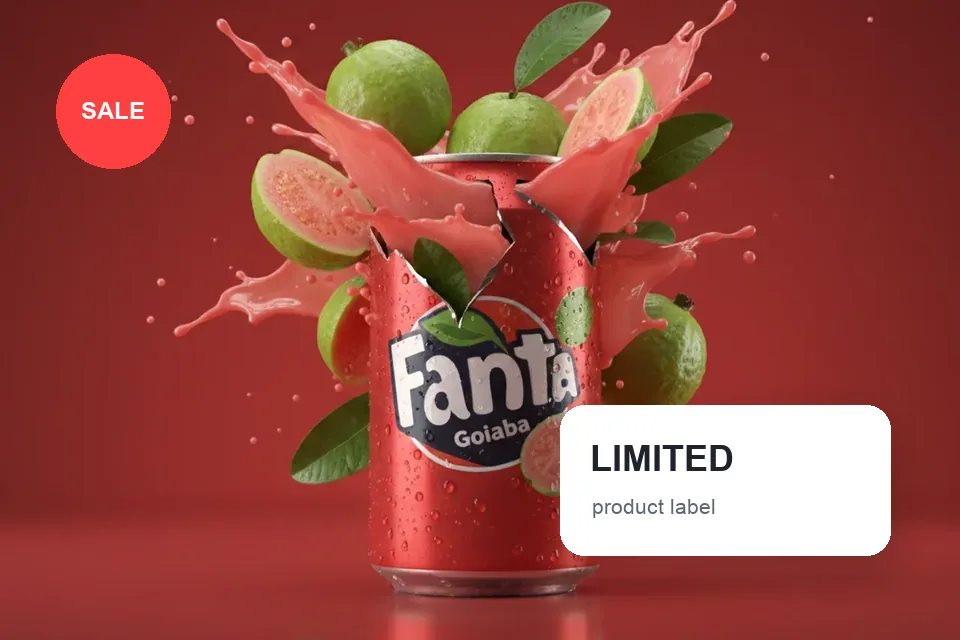
Place prices, SKU notes, and sale copy on product photos.

Build high-contrast title text for thumbnail images.
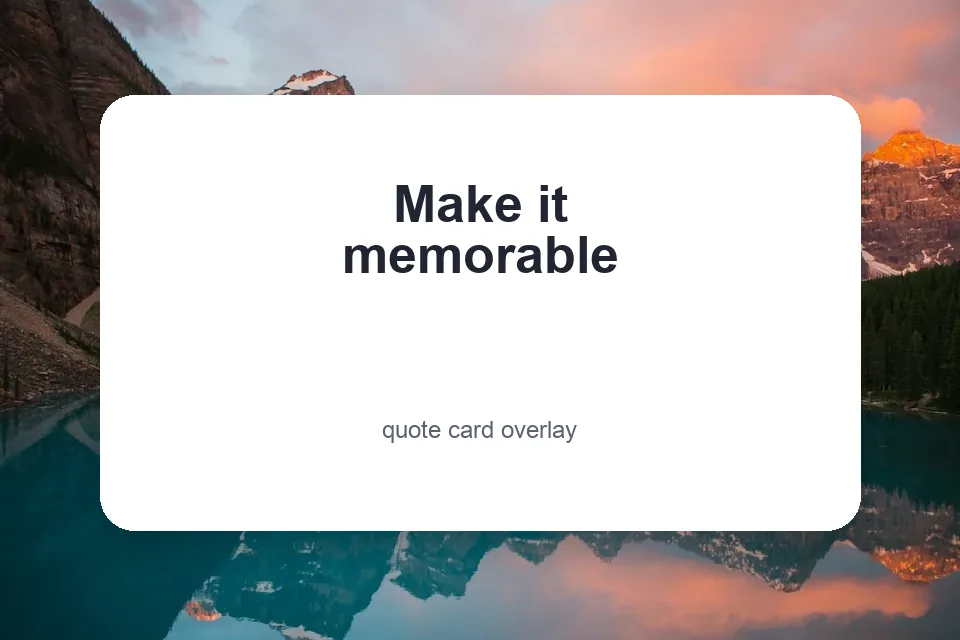
Turn photo backgrounds into shareable quote graphics.
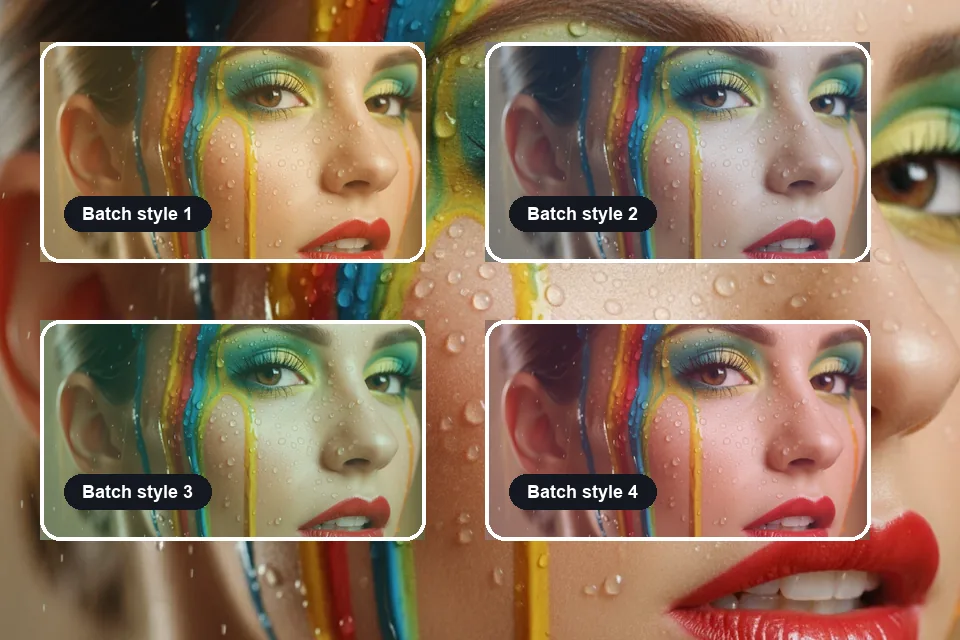
Reuse text styles across campaign images and variants.
Searchers want a fast page that does the job, but they also need clean typography, no confusing detours, and text that still reads after export.
Use contrast, shadow, outline, and background panels so captions stay clear on detailed images.
Start with a clean layout, then drag, resize, recolor, and fine-tune the text layer by hand.
Open the page, upload a photo, add text, and export without switching into Photoshop-style software.
Prepare announcement images, sale graphics, product labels, thumbnail titles, and quote cards.
Keep a consistent caption style across a campaign, product drop, content series, or client set.
Use clear upload and export steps so users know when their photo is being processed.
The market signal is clear: quick upload, editable text layers, readable typography, watermark control, mobile-friendly editing, and direct download.
I need captions that read on a phone. The layout ideas save me from fiddling with the same title for ten minutes.
Lena Park
Social media manager
Sale labels and product notes are the small edits I make every week. A quick text-on-photo page is exactly the job.
Marcus Lee
Shopify seller
I add labels to screenshots before they go into lessons. Clear text and fast export matter more than fancy effects.
Ava Thompson
Online educator
More tools
Move between the image jobs people usually pair together: editing, backgrounds, resizing, enhancement, and text overlays.
Answers for online text overlays, captions, watermarks, busy backgrounds, product labels, multiple text layers, and mobile uploads.
Upload your image, type the text you want, then adjust font, size, color, opacity, position, shadow, or background. Export the finished text-on-photo image for social posts, product listings, presentations, or client previews.
EzImgEditor lets you add text to photo files in the browser, so you do not need Photoshop for captions, labels, quotes, watermarks, or thumbnail titles. Use simple controls first, then refine the layout if needed.
Readable photo text usually needs contrast, short copy, enough padding, and a clean placement area. Use white text on dark zones, dark text on light zones, plus shadow, outline, or a soft background panel.
Add watermark text by placing your name, brand, handle, or copyright note over the image, then lowering opacity and positioning it near an edge or across the center for stronger protection.
Short captions, bold headlines, sale badges, quote text, and clean title overlays work best for social media. Keep the message brief, use high contrast, and preview the image at mobile size before exporting.
Multiple text layers are useful for title, subtitle, watermark, label, and callout layouts. Keep hierarchy clear by using one dominant headline, one supporting line, and smaller secondary notes.
Product photo text should focus on sale price, feature labels, shipping notes, or launch copy. Place the text outside the product area and use a consistent style across the whole catalog or campaign.
Open the add text to photo page in your mobile browser, upload from Photos or Files, enter your caption or label, adjust the style, then download the edited image back to your device.