
Upload a Photo to Change Background
Drop a product shot, portrait, pet photo, or social image. Clear edges give the best cutout.
Change backgrounds for products, portraits, and social posts. Upload, pick a new background, then download or keep editing.
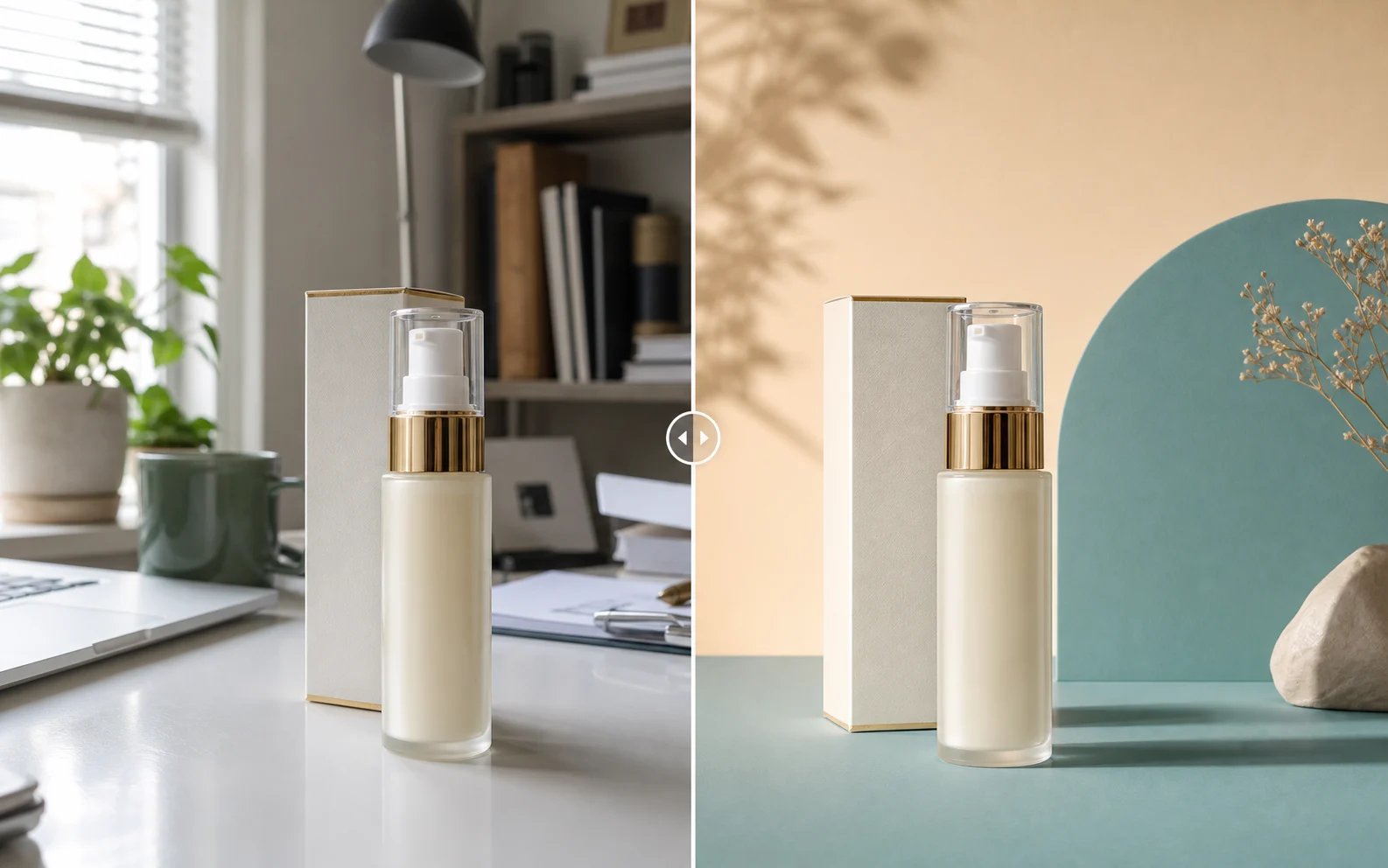
Open Change Background ToolReplace messy desks and bad lighting with clean white or brand-color backgrounds. Ready for Shopify, Amazon, eBay, and Depop.
Start Change Background Now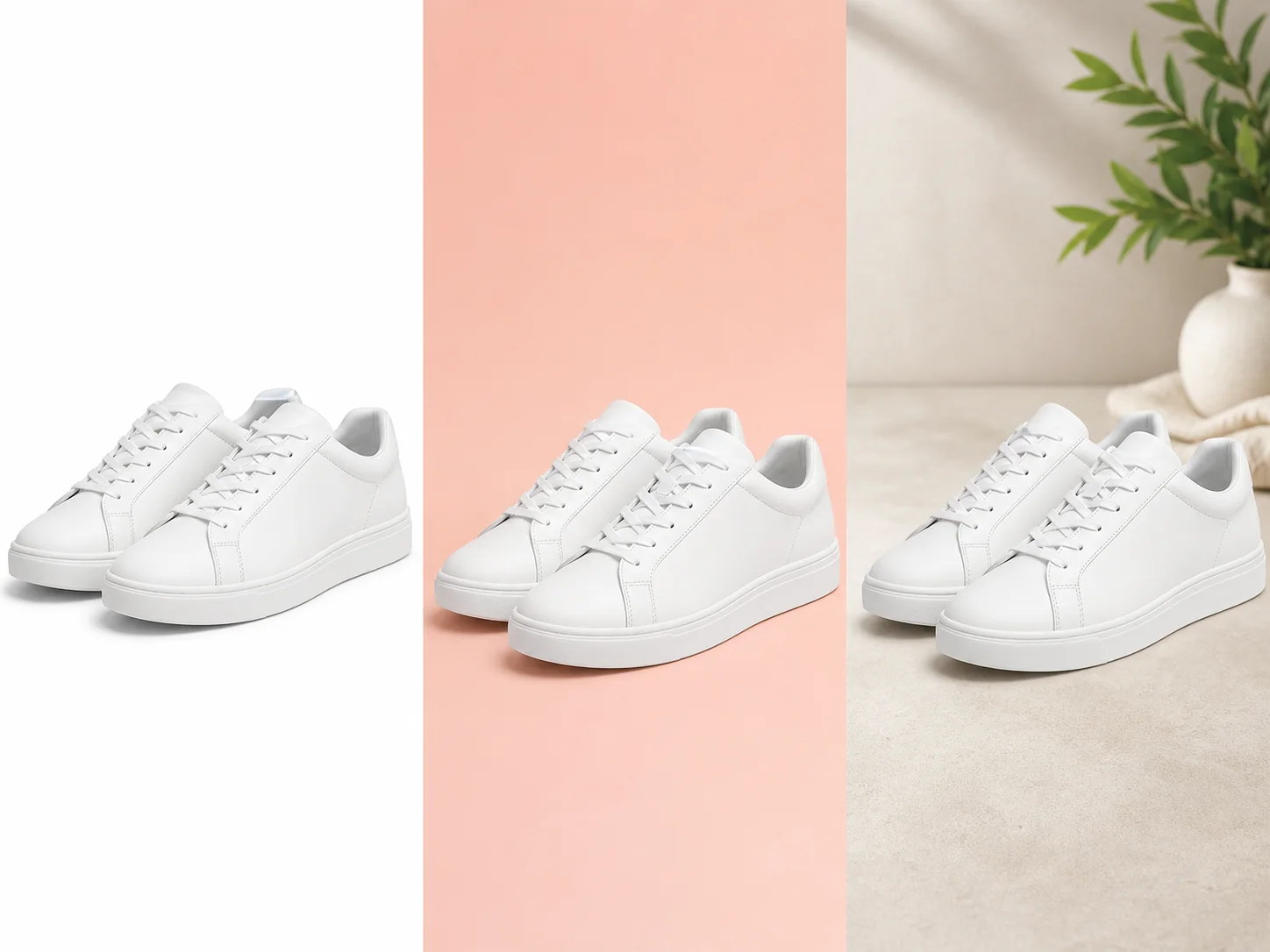
Turn one photo into many campaign scenes. No reshoots needed. Test colors and styles fast.
Start Change Background Now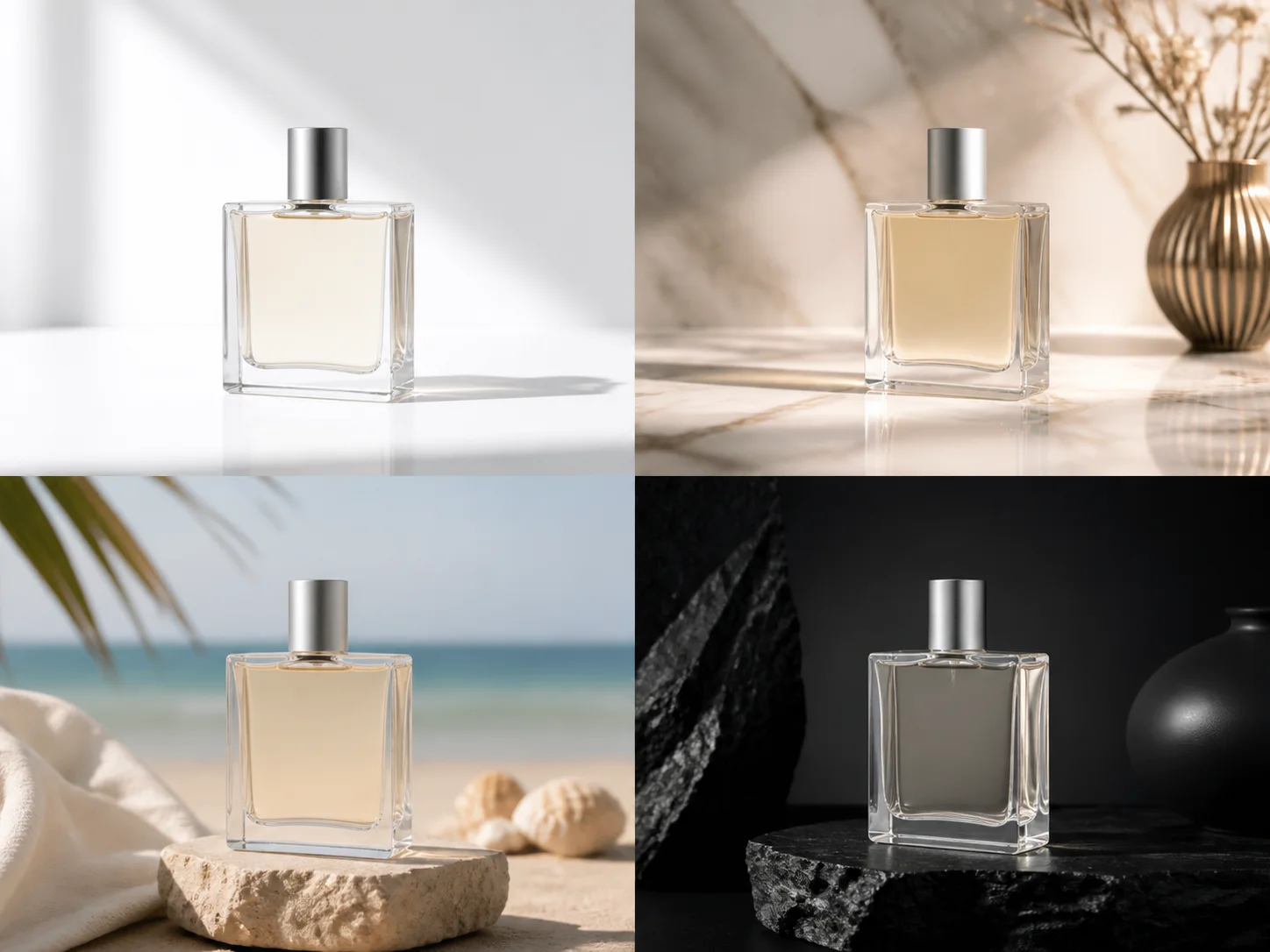
Swap a messy room for a clean pro look. Great for LinkedIn, resumes, and profile pics.
Start Change Background Now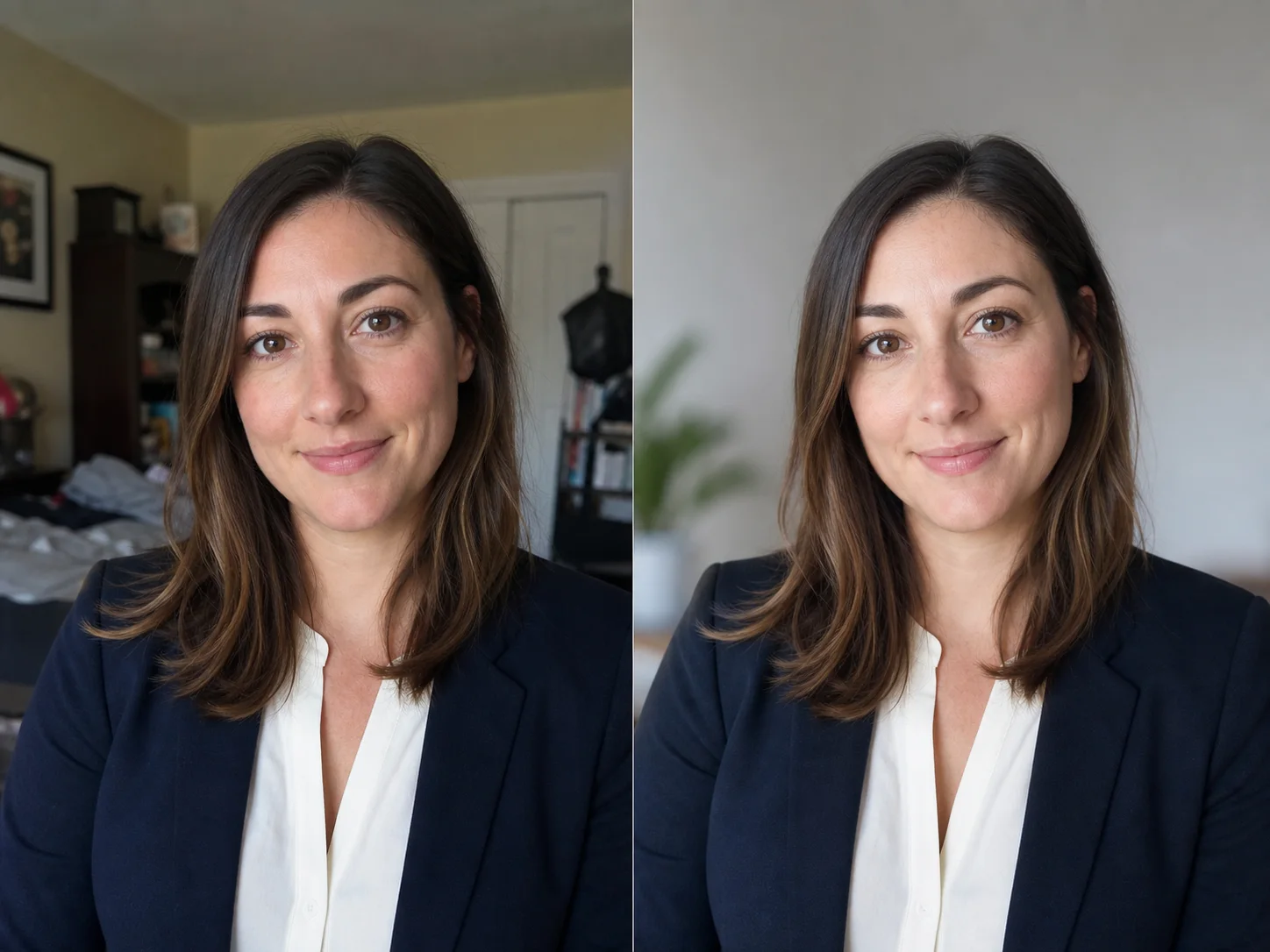
Upload your photo, pick a new background, then save the result.


Drop a product shot, portrait, pet photo, or social image. Clear edges give the best cutout.
Pick white, black, a soft color, or a studio look. Match it to your listing, profile, or post.
Save as PNG, keep editing, or use the same style for more photos.
Product listings, profile pics, passport photos, and social posts. Each needs a clean new background.
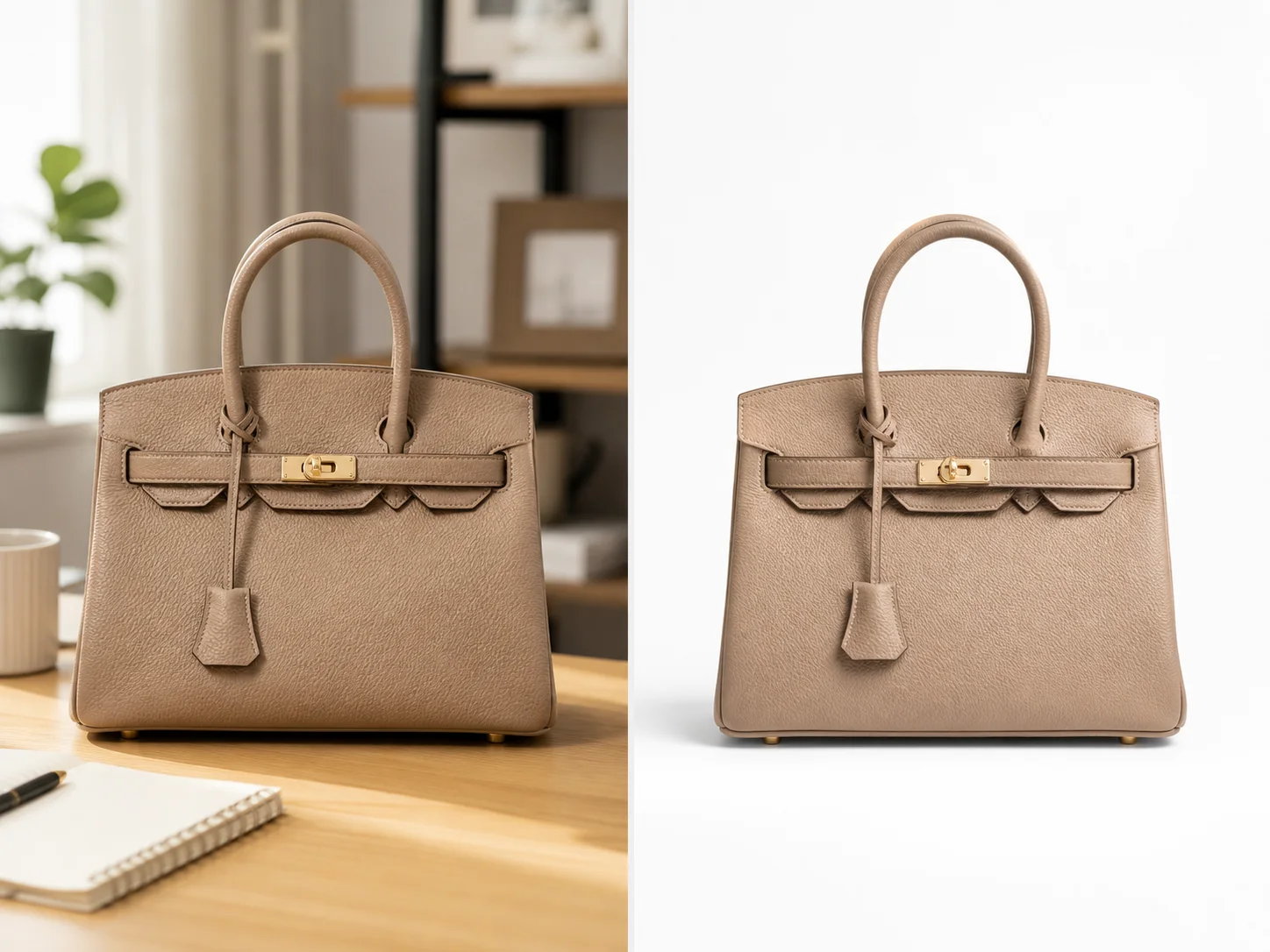
Get white backgrounds, brand colors, or lifestyle scenes from one photo. Ready for your store.

Replace dull rooms with clean scenes for Instagram, TikTok, and launch posts.
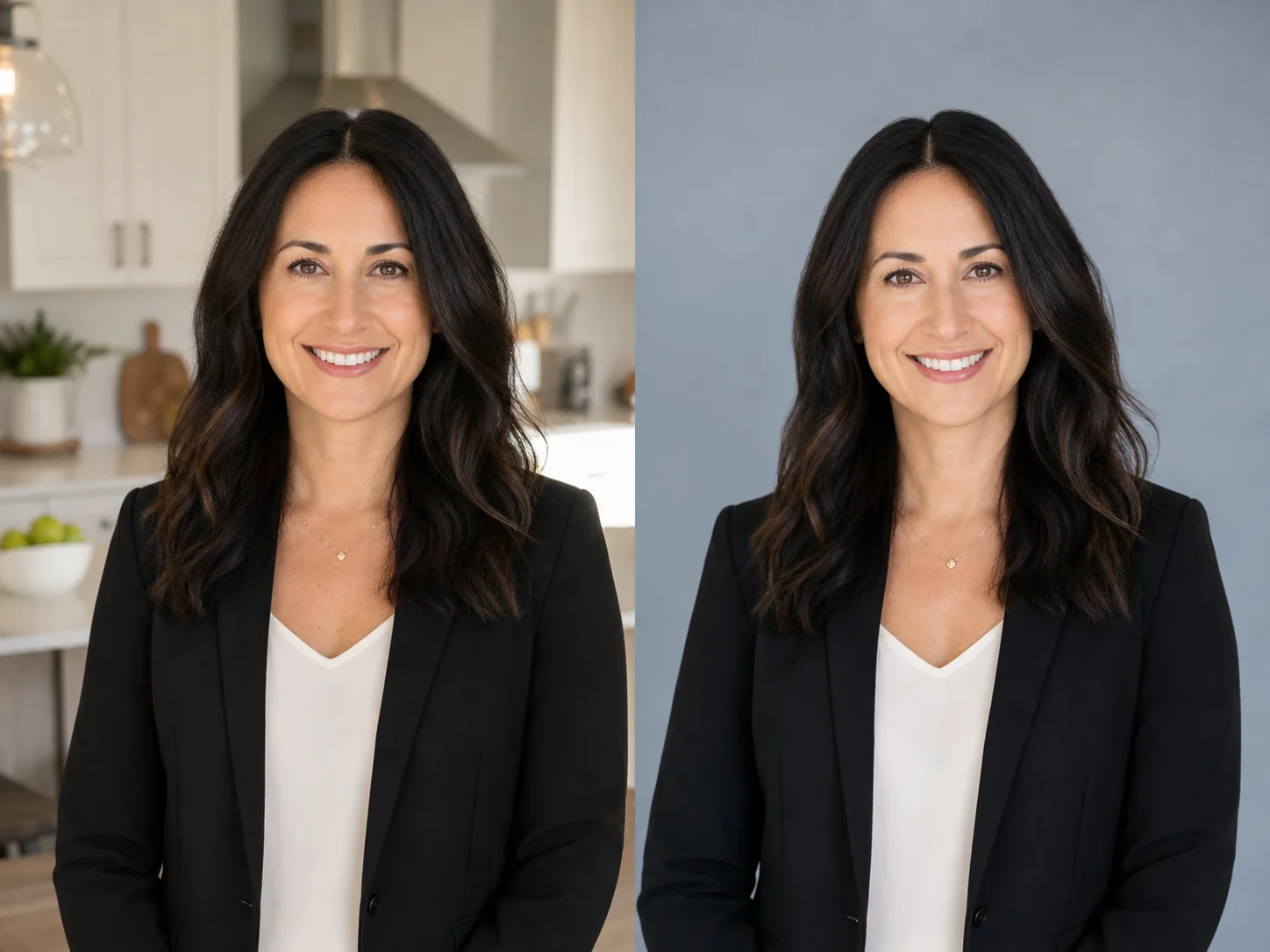
Swap a busy home shot for a clean pro look. Great for LinkedIn and resumes.
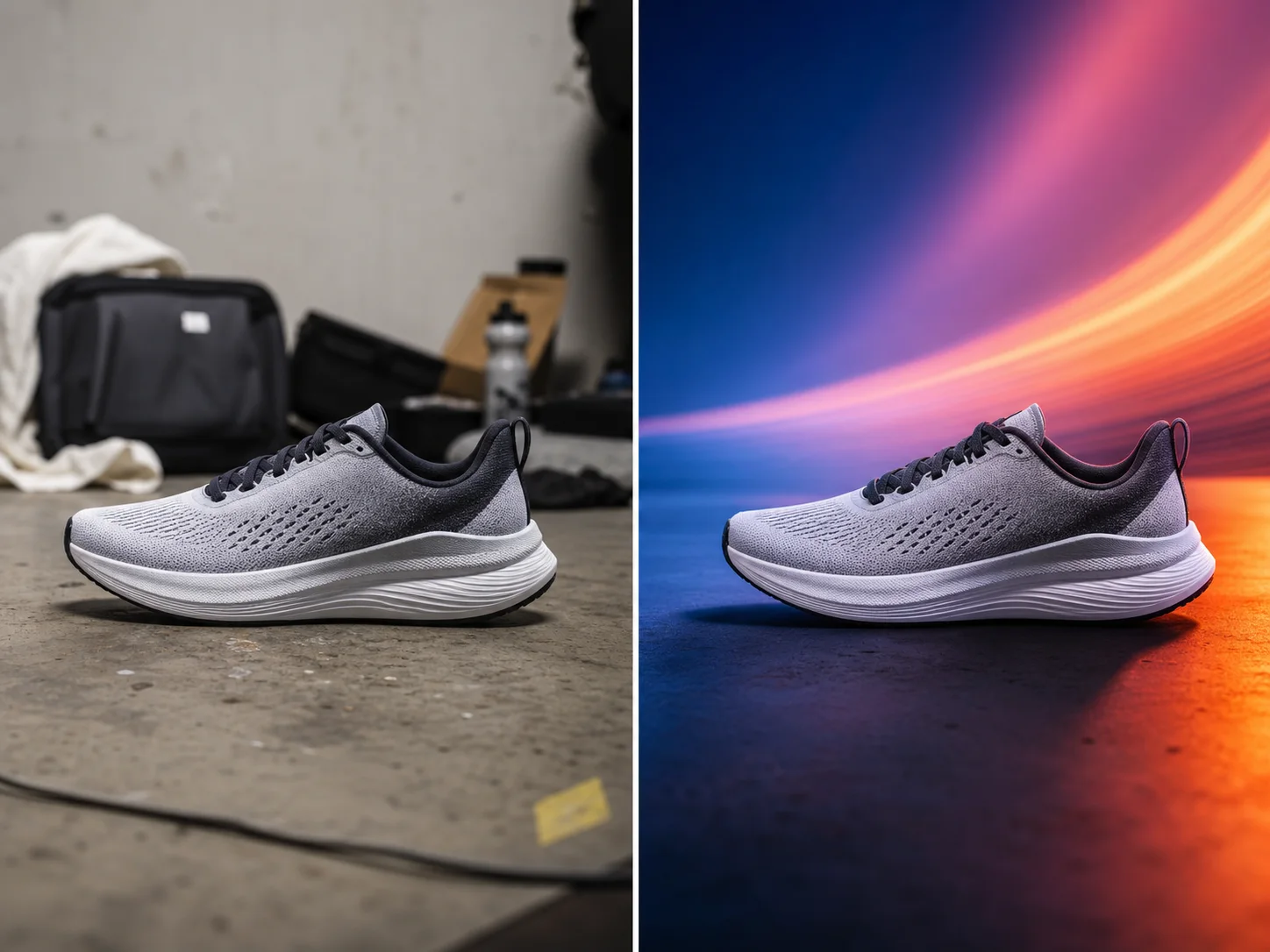
Make many background styles from one cutout. Keep ads, emails, and pages looking consistent.
Get white store photos, brand colors, transparent PNGs, passport backdrops, or campaign-ready scenes.
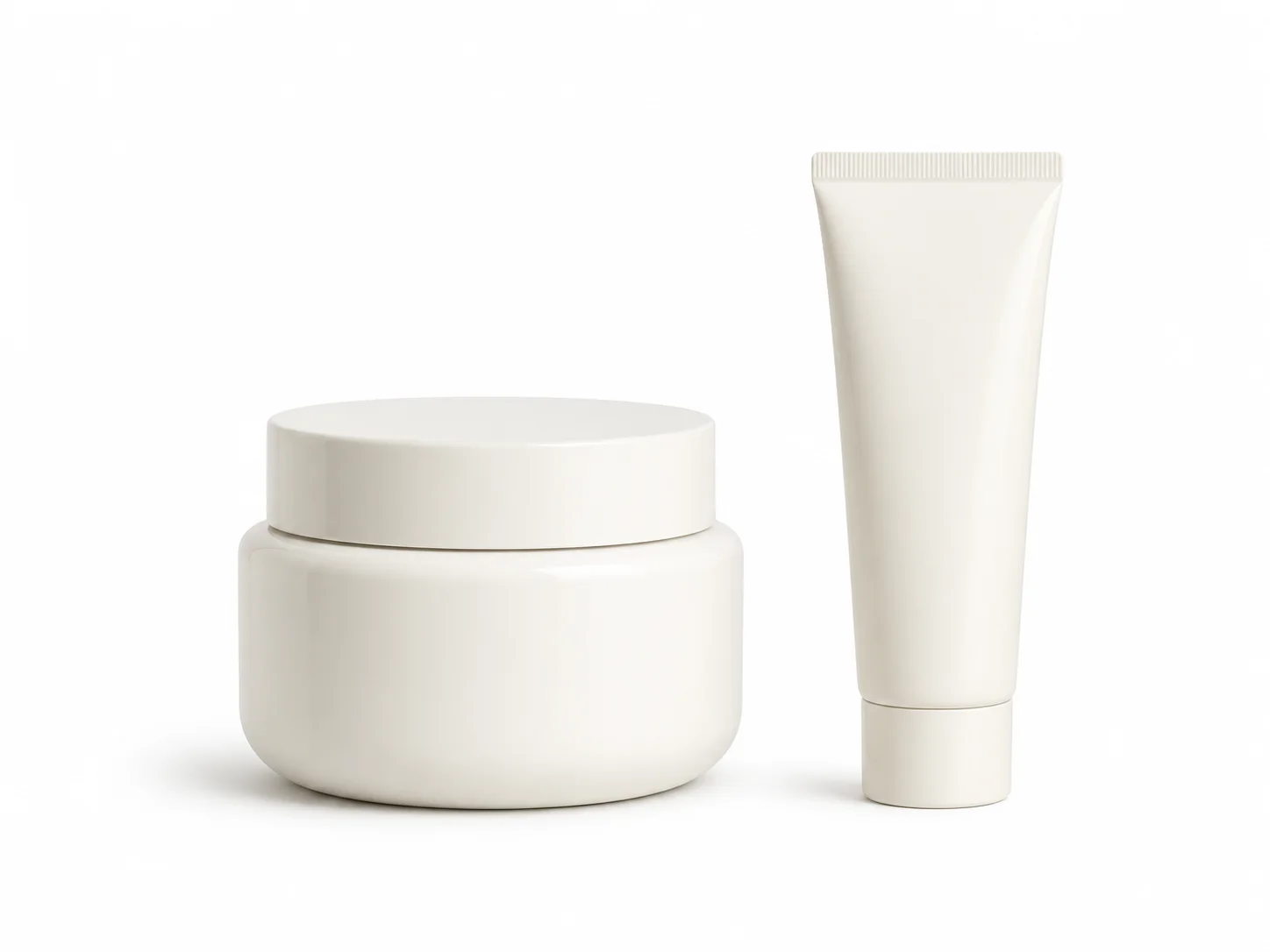
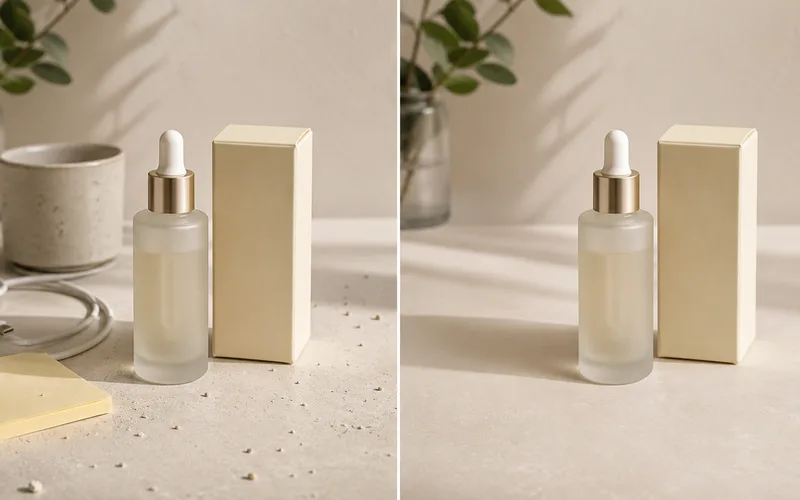
Prepare clean white product photos for ecommerce listings and catalogs.

Put products on a solid brand color for simple ads, shops, and posts.
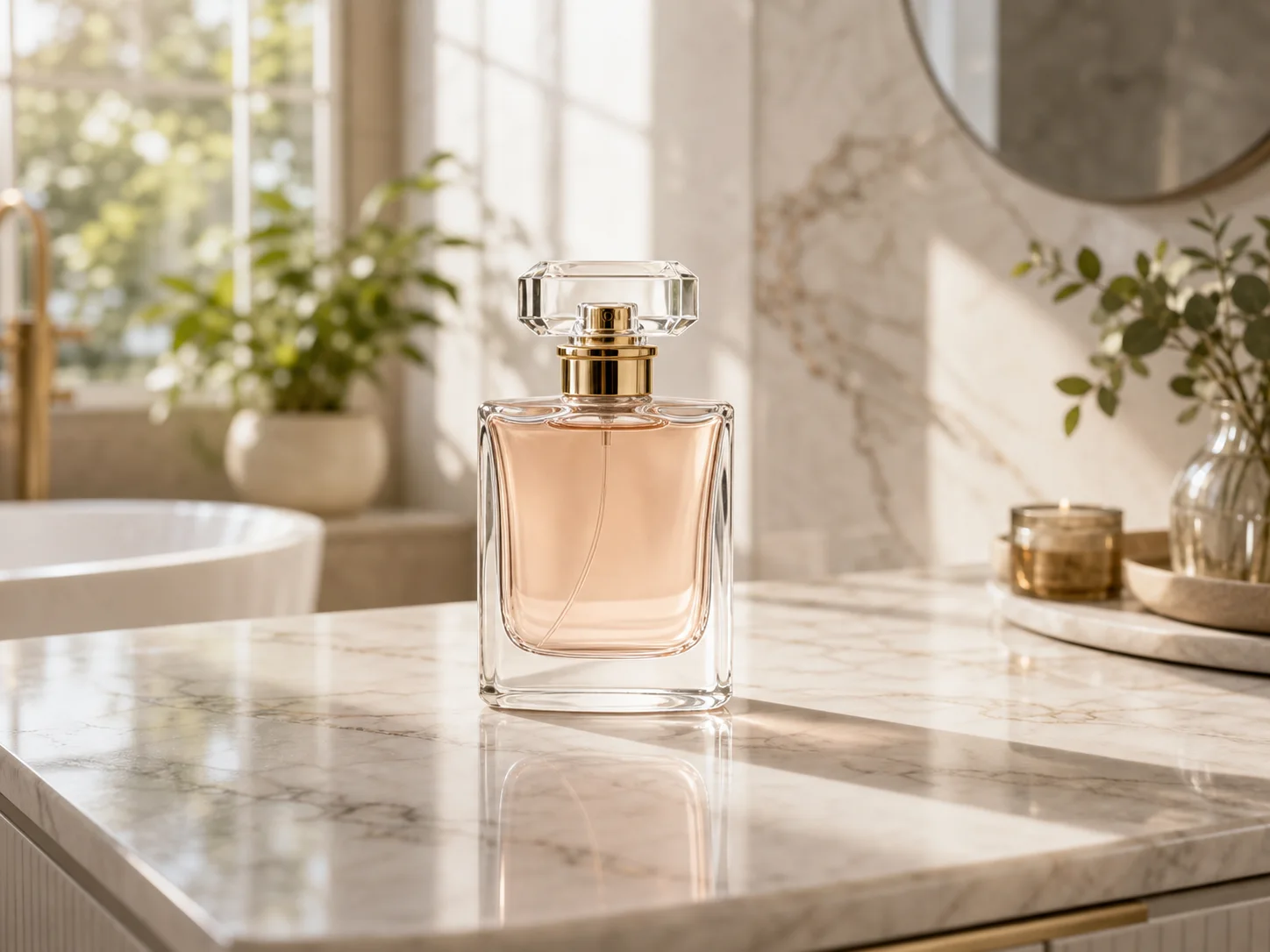
Move one cutout into a polished lifestyle or campaign-style scene.

Create simple blue or white portrait backdrops before checking local ID rules.
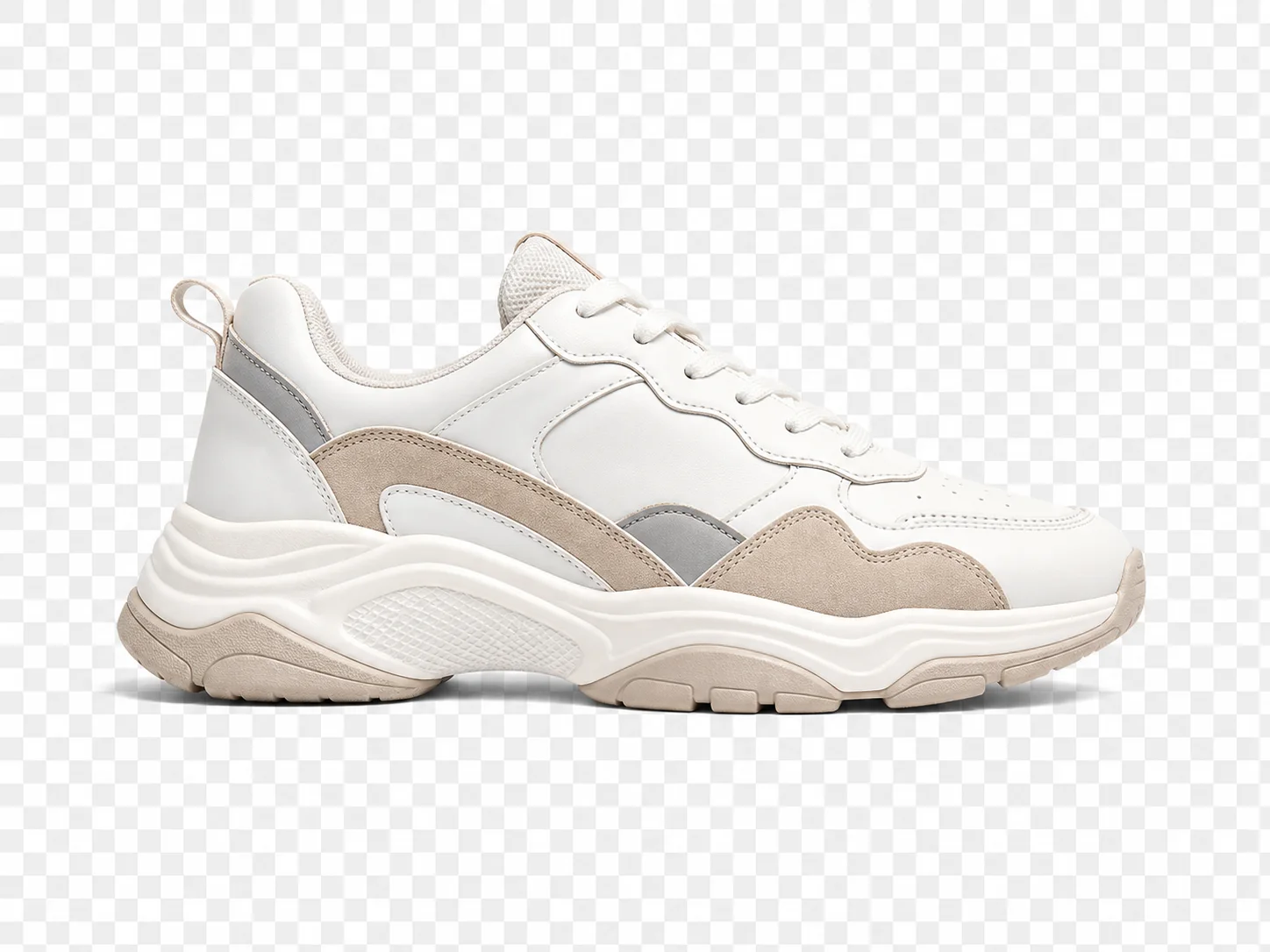
Keep a reusable cutout for design tools, listings, decks, and overlays.
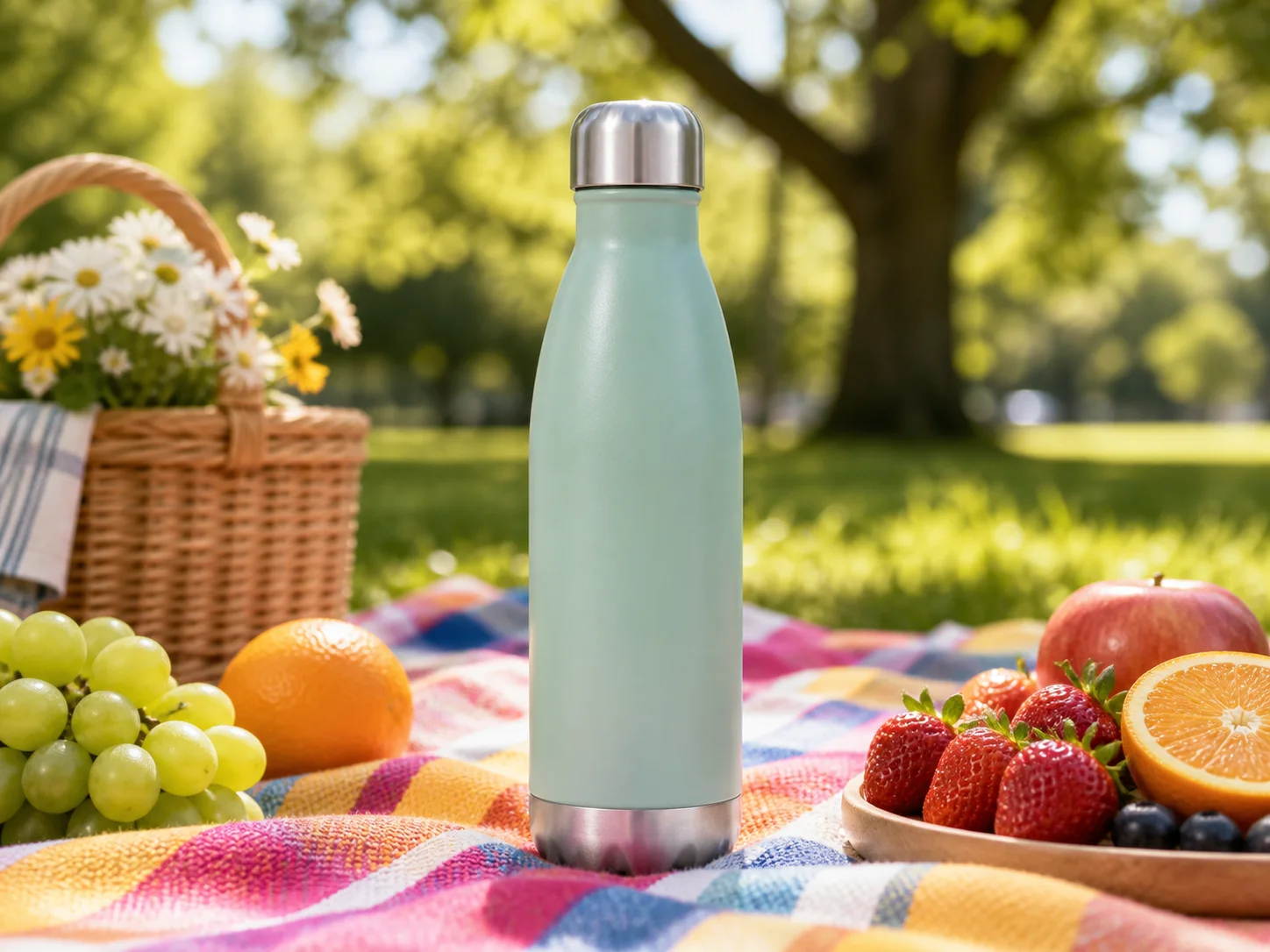
Turn a plain product photo into a brighter visual for social campaigns.
You want speed, clean edges, easy color picks, and results that look real.
Do it all in your browser. Upload, pick a new background, and keep editing if you need to.
Use white for stores, brand colors for ads, black for premium shots, or transparent for design work.
Good edges, right shadows, and matching light make it look real. Start with a clear photo for best results.
No long sign-up flows. Upload your photo and start changing the background right away.
Products, headshots, pets, and social pics all work. Pick the background that fits the job.
Keep editing in the AI editor. Add text, resize, clean up, or polish for your campaign.
Clear choices, real-looking edges, and a result ready for your listing, profile, or post.
I turn one product photo into white, color, and lifestyle versions. Listing updates are way easier now.
Nora Kim
Shopify operator
Quick and direct. Works great when the room behind me looks bad.
Diego Ramos
Creator marketer
I pick the background color first, then do final edits. Saves me a step.
Aisha Patel
Growth designer
More tools
Move between the image jobs people usually pair together: editing, backgrounds, resizing, enhancement, and text overlays.
Quick answers about white backgrounds, passport photos, custom scenes, and natural results.
Upload your photo, remove the old background, then pick white, a color, or a studio look. Download the PNG or keep editing.
Do it in your browser. Upload a JPG, PNG, or WEBP. The AI cuts out your subject. Then pick a new background.
Yes. White backgrounds work great for Amazon, Shopify, eBay, and Etsy. Start with a clear shot and check the edges.
Upload your product photo. Remove the old scene. Pick the white option. Check shadows and edges, then download.
Yes, but passport photos have strict rules. Use this for a simple white or blue backdrop, then check your local ID requirements.
Products, portraits, pets, and fashion items work best. Sharp subjects with clear edges give the cleanest results.
Match the light, add real shadows, and keep edges clean. Avoid busy scenes if your photo has soft edges or fine hair.
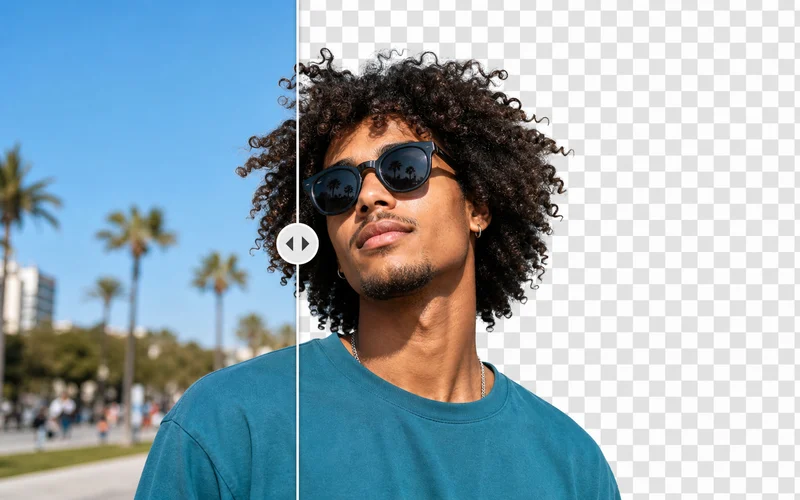
Remove background gives you a cutout or transparent PNG. Change background puts that cutout on a new color or scene.