Upload a Photo to Cleanup Pictures
Drop a product image, travel photo, portrait, screenshot, or social post. JPG, PNG, and WEBP are supported.
Cleanup pictures in seconds. Remove unwanted objects, people, text, blemishes, glare, and background clutter while keeping the main subject natural.
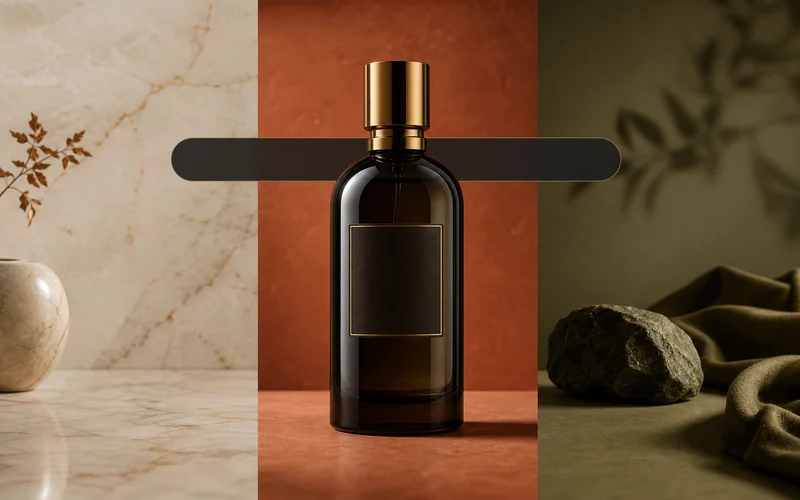
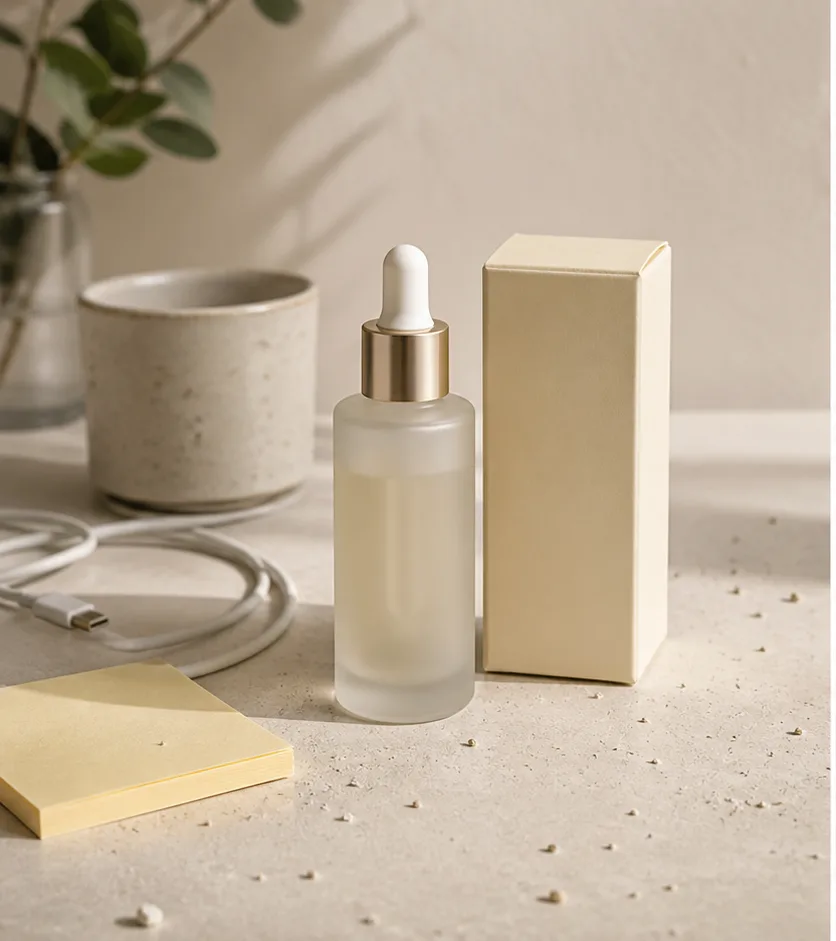
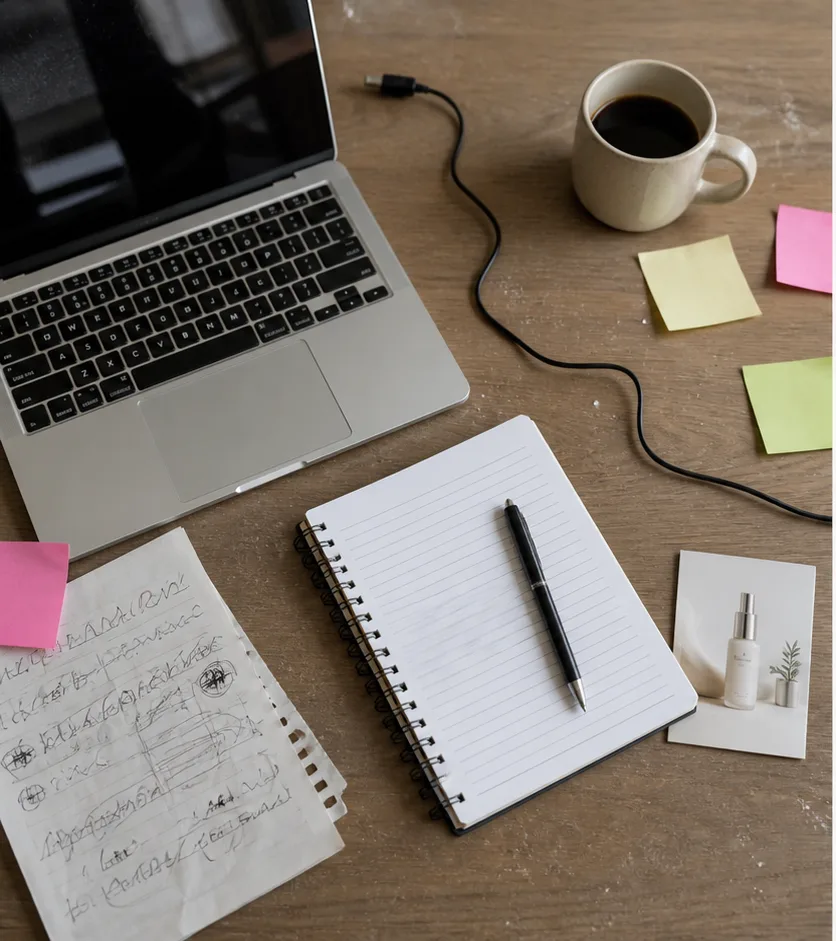
Remove cables, notes, dust, cups, and desk clutter from product shots. Keep the product unchanged and rebuild the background naturally.
Cleanup Picture Now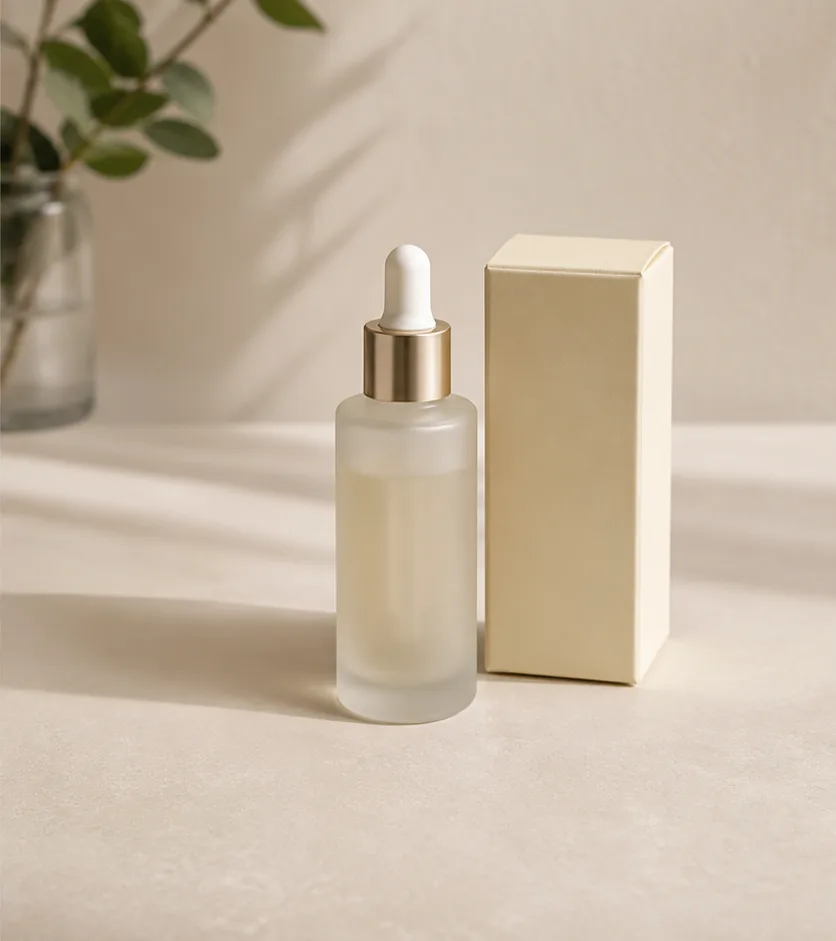
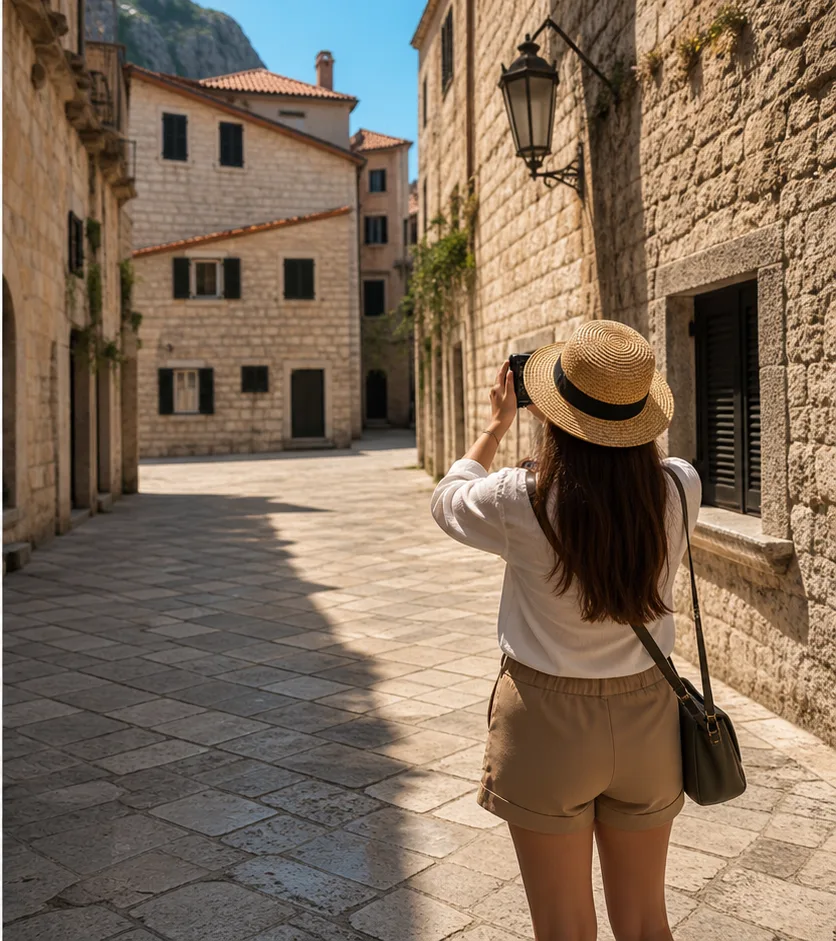
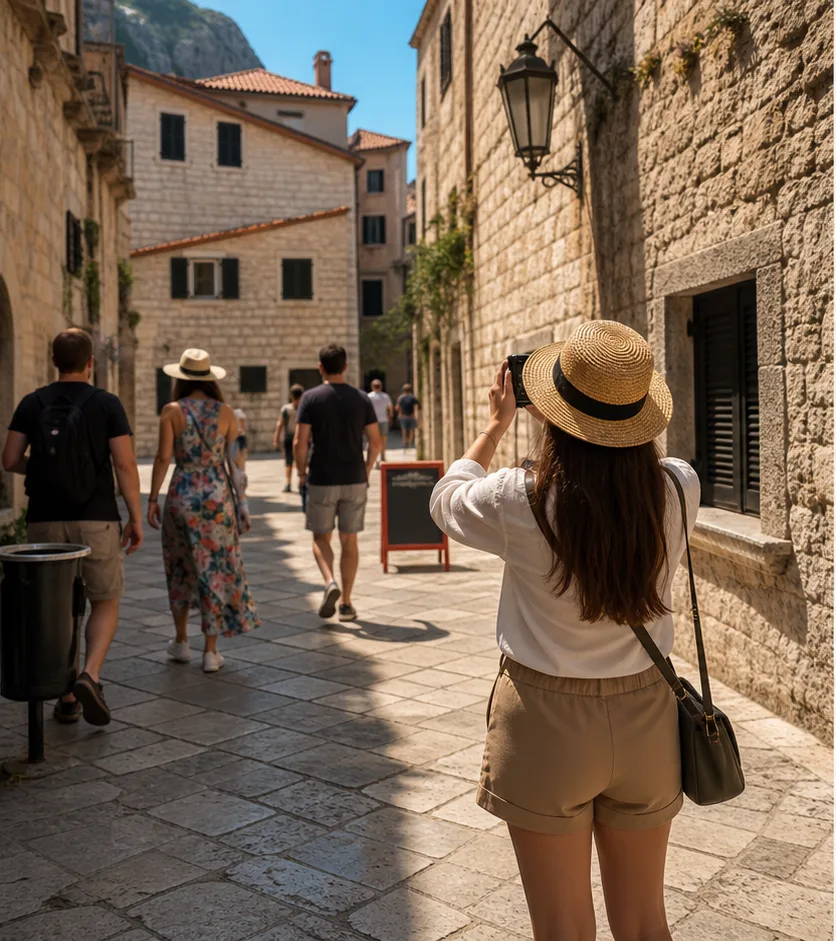
Clean up photobombers, signs, trash bins, and busy background details so the photo feels focused without looking edited.
Cleanup Picture NowErase unwanted scribbles, sticky notes, cables, and distracting marks from workspace photos, screenshots, and marketing flatlays.
Cleanup Picture Now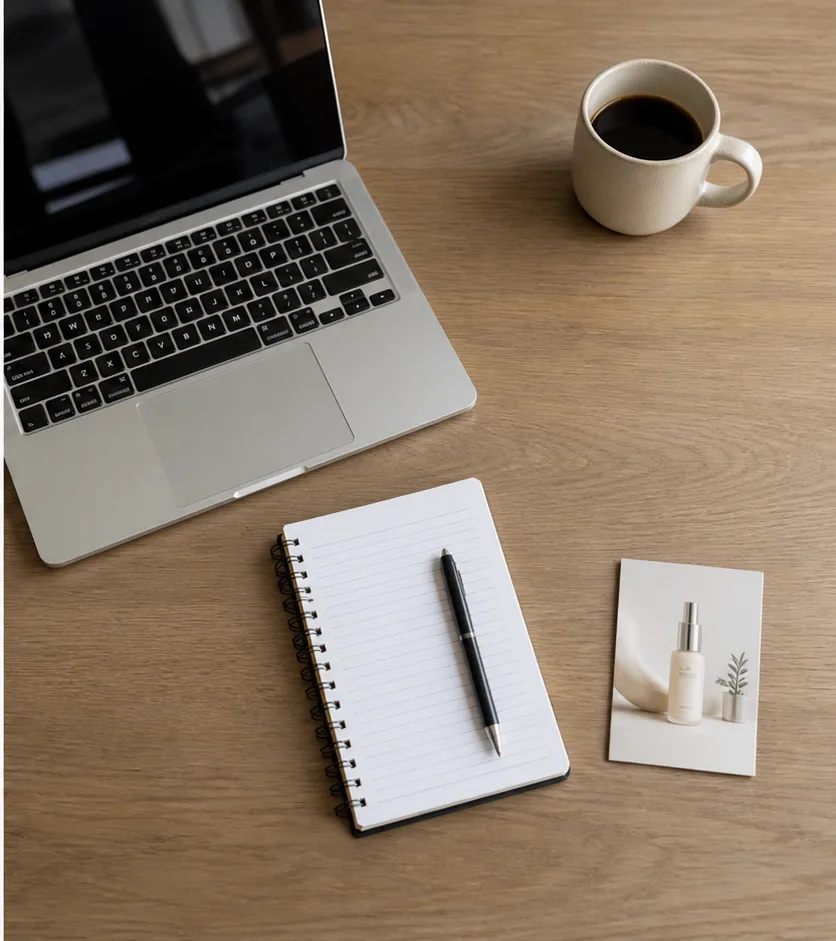
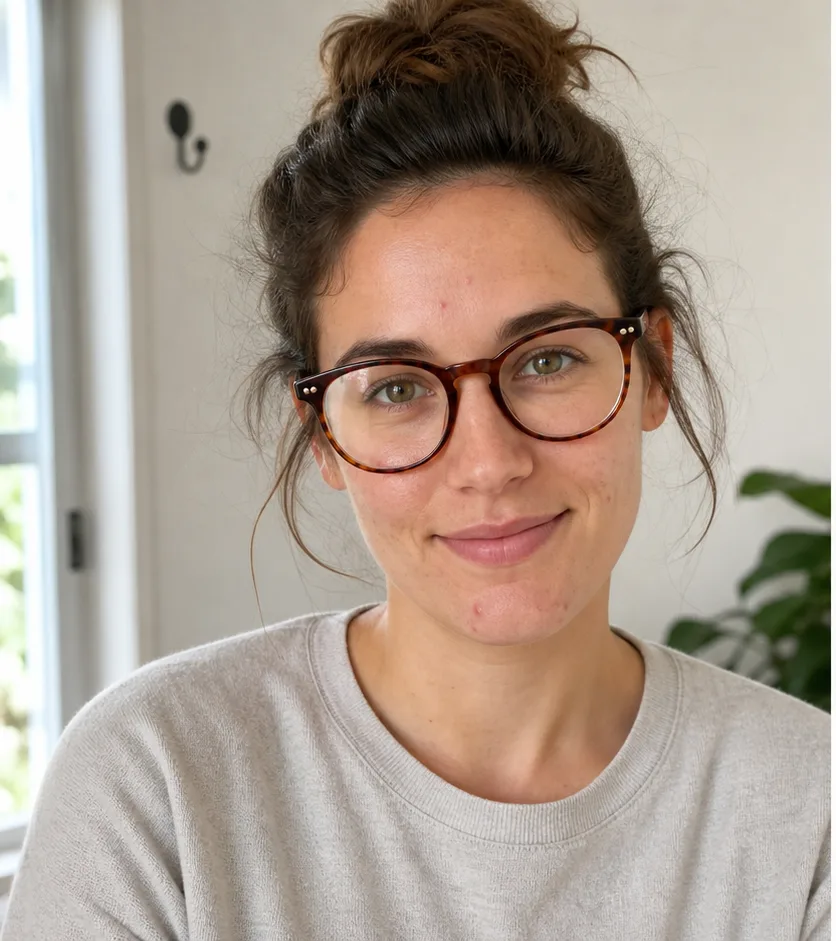
Clean blemishes, flyaway distractions, wall hooks, and glare while keeping skin, hair, and identity natural.
Cleanup Picture Now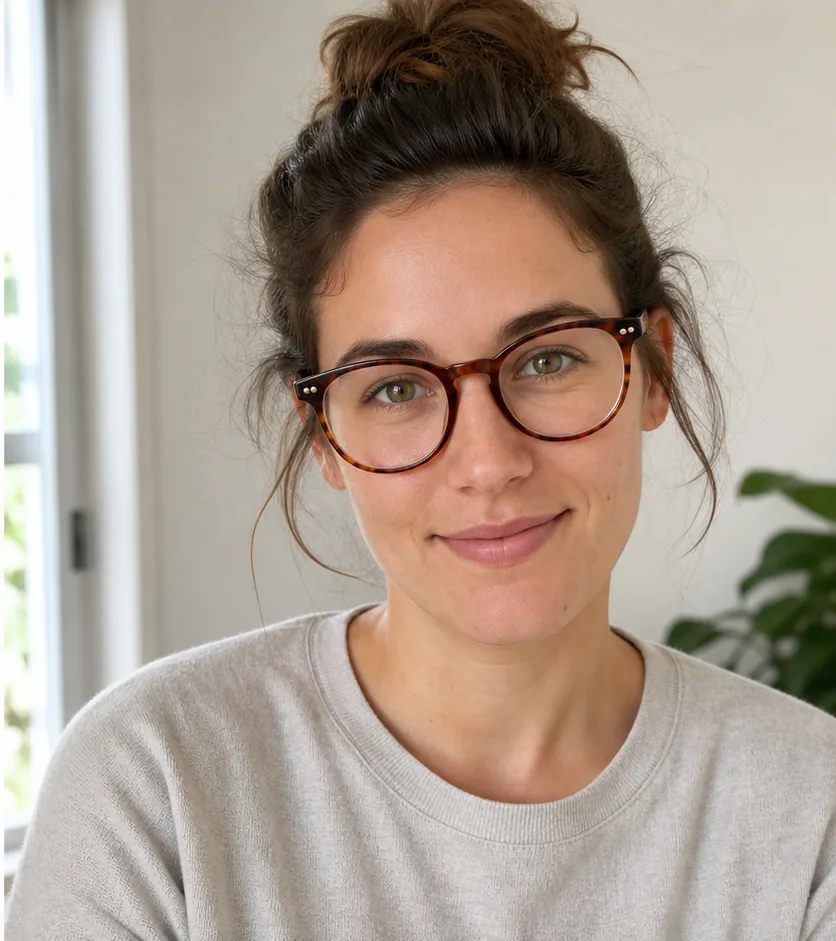
Upload your image, describe the cleanup, then review the cleaned picture before downloading or editing again.
Drop a product image, travel photo, portrait, screenshot, or social post. JPG, PNG, and WEBP are supported.
Use the cleanup prompt, then refine if needed. Remove objects, people, text, blemishes, glare, or background clutter.
Review the before and after, keep editing, or download a polished image for listings, posts, campaigns, or profiles.
The best cleanup pictures pages from the SERP focus on concrete jobs: products, travel photos, text cleanup, portraits, and social assets.
Clean table clutter, dust, cables, and props before publishing store listings or ad creatives.
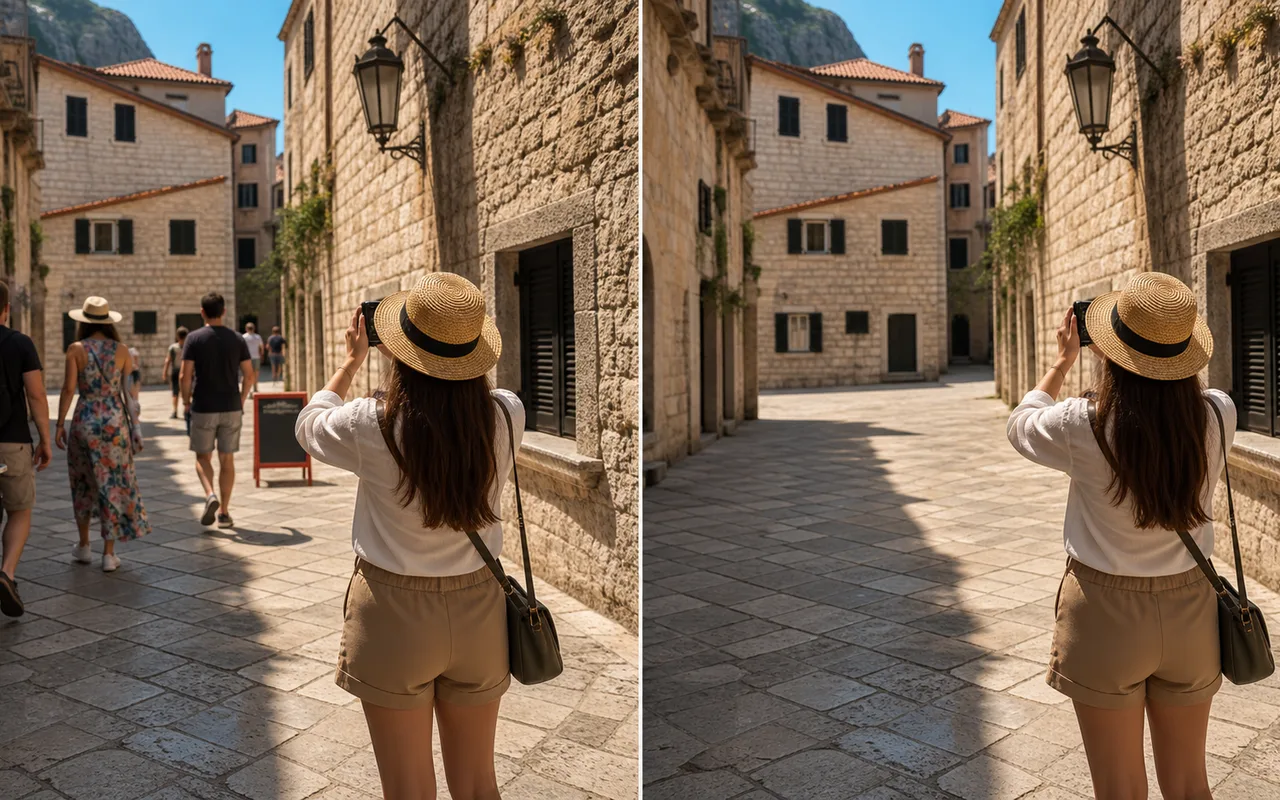
Remove tourists, signs, bins, and random background distractions from otherwise great travel shots.
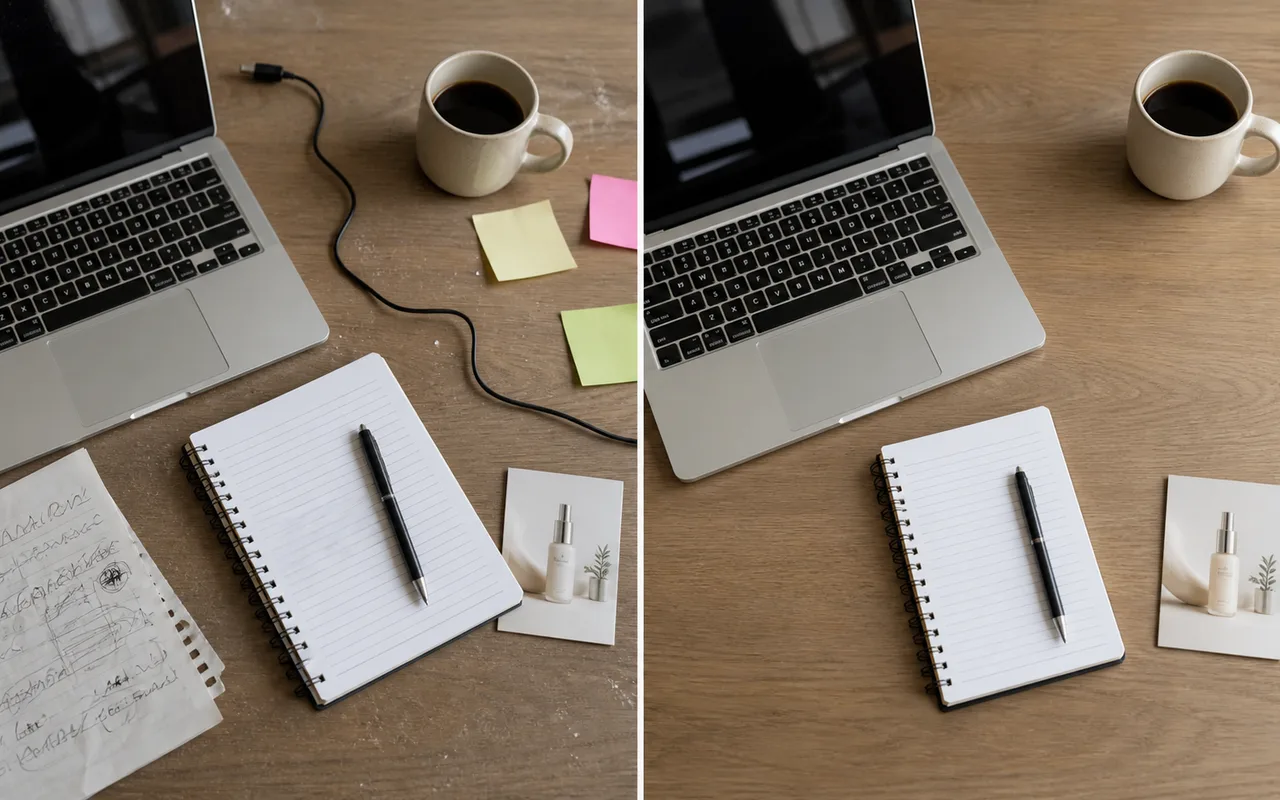
Erase sticky notes, text-like marks, messy cables, and desk noise from campaign visuals.
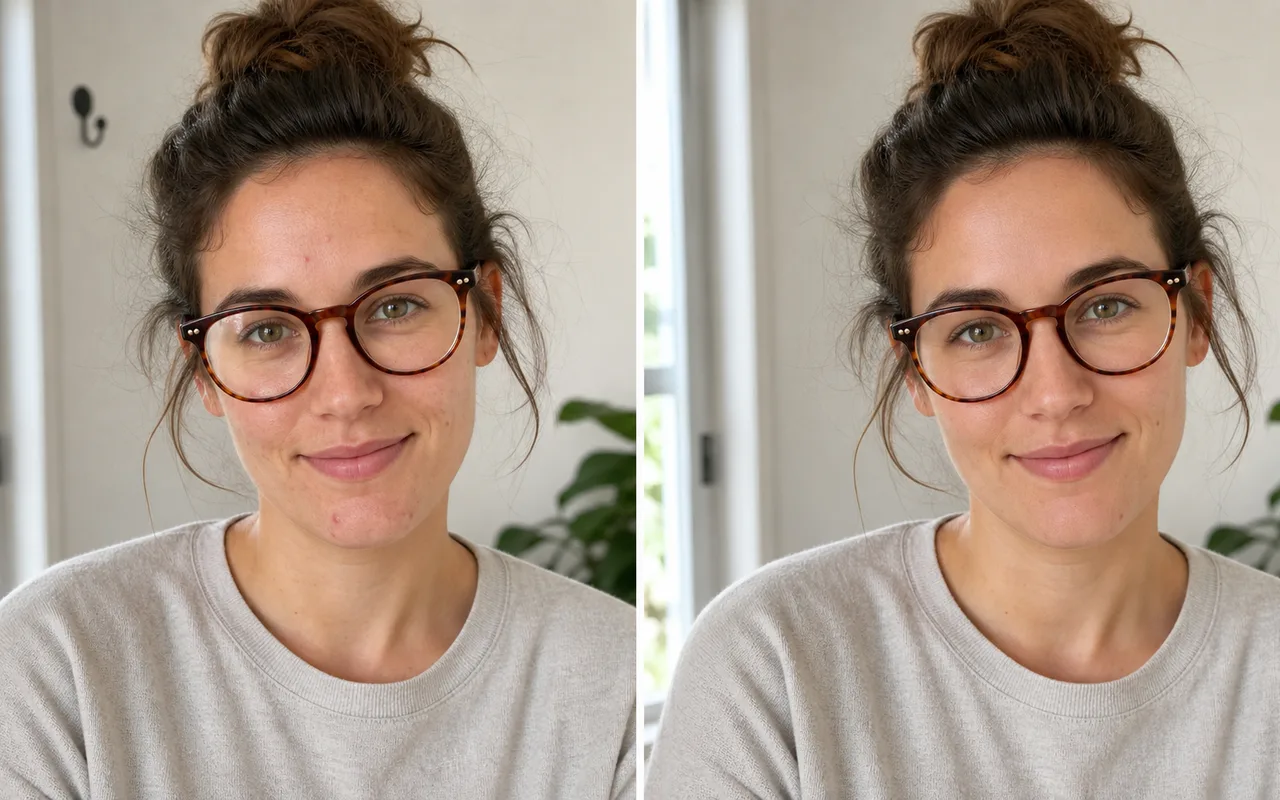
Retouch blemishes, glare, and background distractions without turning the portrait into plastic skin.
Use a focused cleanup prompt, review the result, and keep editing in the same browser workflow.
Start with a plain-language cleanup prompt instead of hunting through a complex desktop editor.
Remove distractions and let AI rebuild the background so the edited area blends into the photo.
Use it for ecommerce photos, travel shots, portraits, social posts, screenshots, and campaign assets.
Compare the original and cleaned image before you decide whether to download or keep editing.
Open the cleanup job in the browser-based AI editor and keep moving without clone stamp work.
Use cleanup for your own images or licensed assets. Avoid removing rights marks from content you do not own.
Remove the kinds of distractions that make good photos hard to publish.
Objects
People
Text
Blemishes
Good cleanup tools remove distractions, explain limits, and avoid surprising people at download time.
I use cleanup pictures before product launches. It removes desk clutter without changing the product.
Lina Park
Shopify seller
The best shots always have strangers in the background. This gives me a clean version fast.
Marco Ellis
Travel creator
It is perfect for removing sticky notes, messy cables, and old text from flatlay assets.
Priya Shah
Marketing designer
More tools
Move between the image jobs people usually pair together: editing, backgrounds, resizing, enhancement, and text overlays.
Quick answers about cleanup pictures, object removal, text cleanup, image quality, mobile use, and background remover differences.
Cleanup pictures means removing unwanted objects, people, text, blemishes, glare, or background distractions from a photo while keeping the important subject intact.
You can upload an image and open it in the AI editor with a cleanup prompt. Free accounts can try AI editing with available credits, and paid plans unlock higher usage.
Yes. The cleanup workflow can remove photobombers, tourists, or background people, then reconstruct the scene so the photo looks natural.
Yes, use it to clean your own screenshots, dated graphics, labels, notes, or licensed visuals. Do not remove copyright marks from images you do not have rights to edit.
The best results come from sharp images with enough surrounding background detail. Very tiny, blurry, or heavily compressed photos may need an extra edit pass.
Yes. A background remover cuts out the subject. A cleanup pictures tool removes selected distractions inside the photo and fills the area naturally.
Yes. Open this page on your phone, upload from Photos or Files, and continue in the AI editor with the cleanup prompt ready.