Upload an Image to Remove Background
Drop a product photo, portrait, logo, or signature. Images with clear edges work best.
Remove backgrounds from products, portraits, logos, and signatures. Upload, get a clean cutout, then save as transparent PNG or white background.
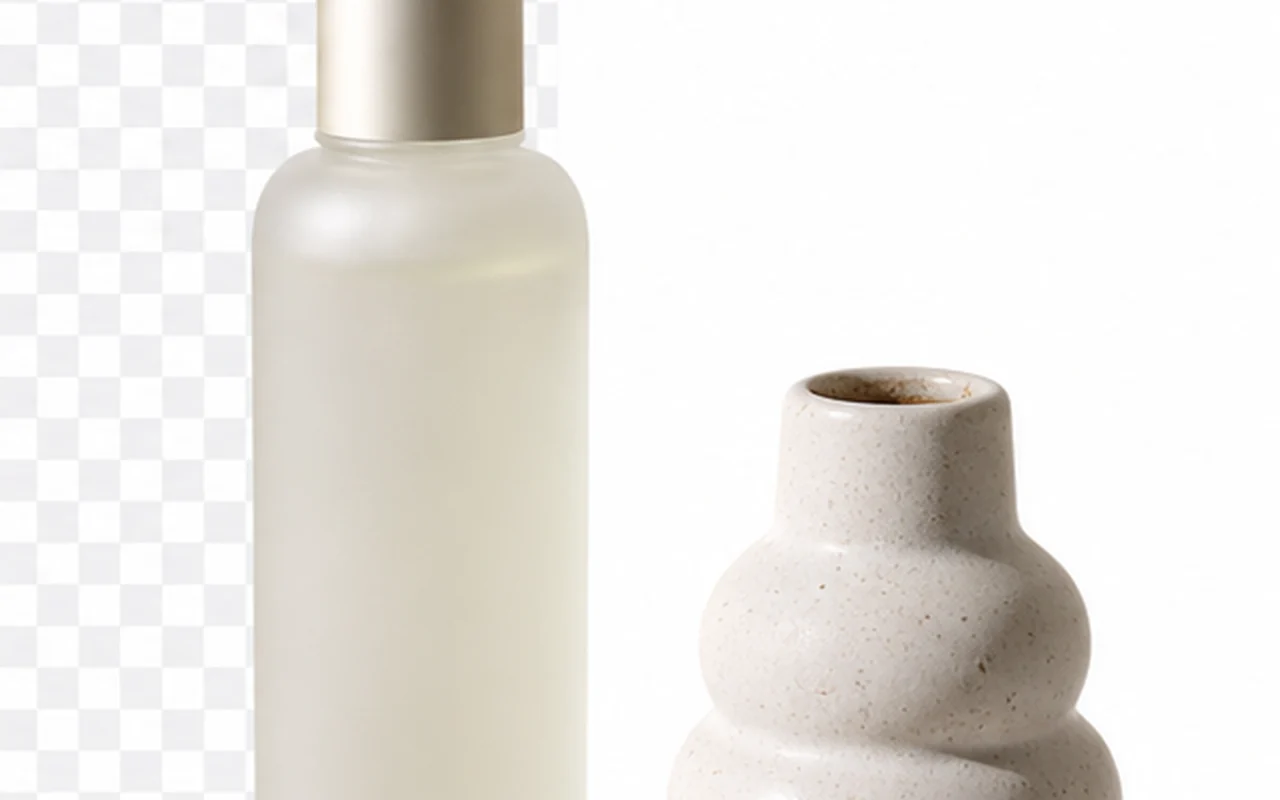
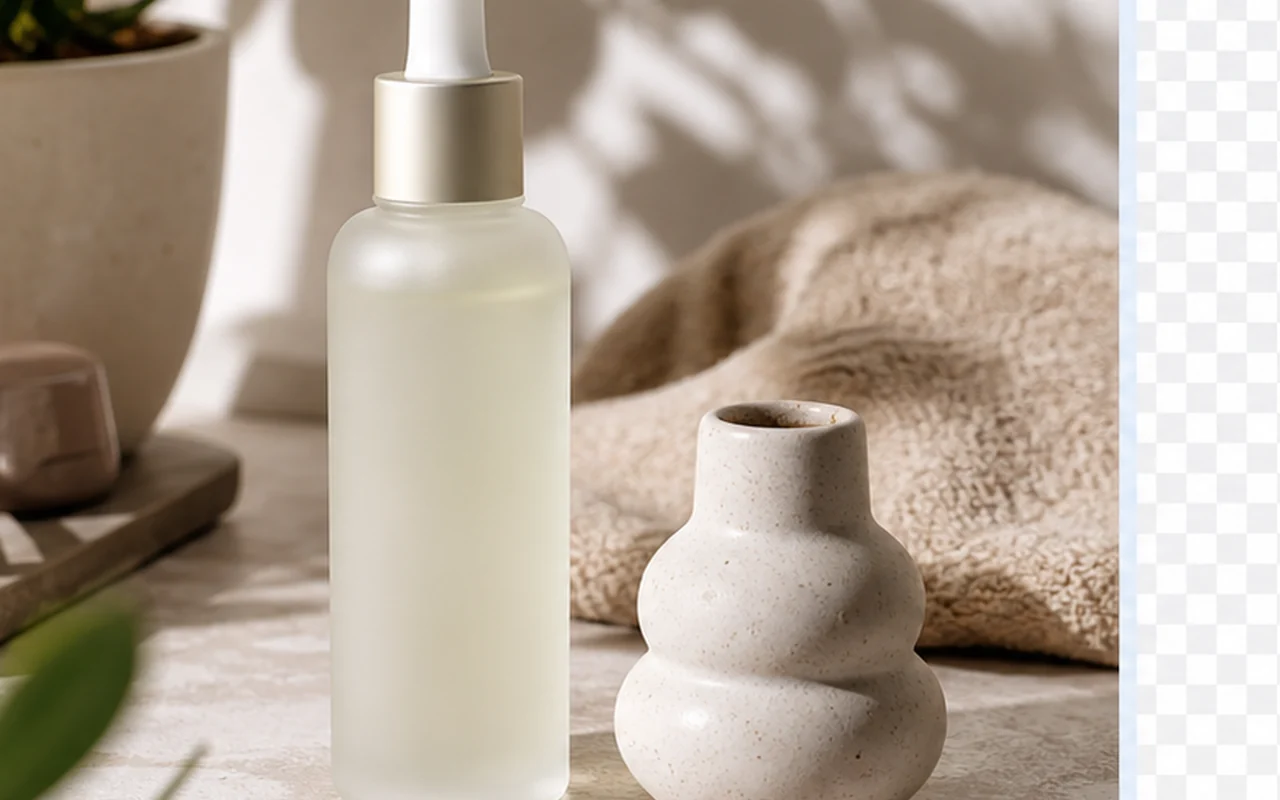
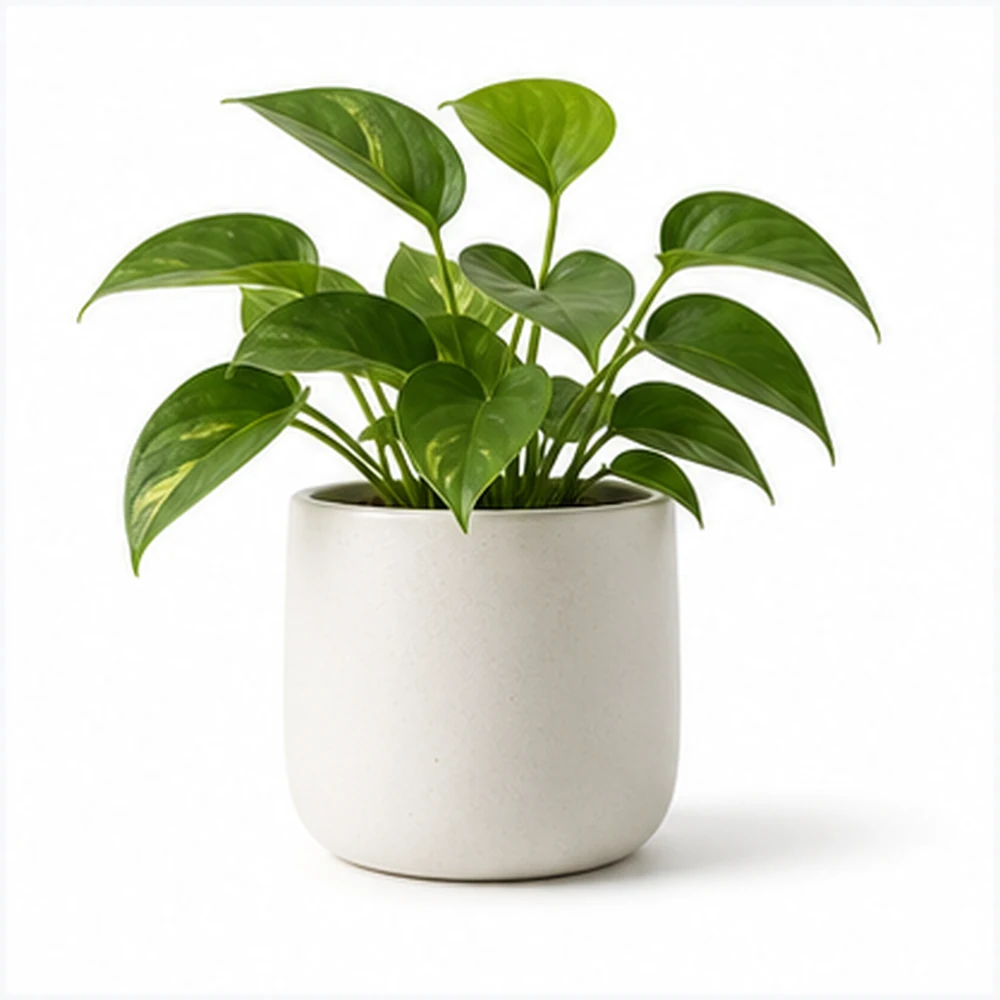
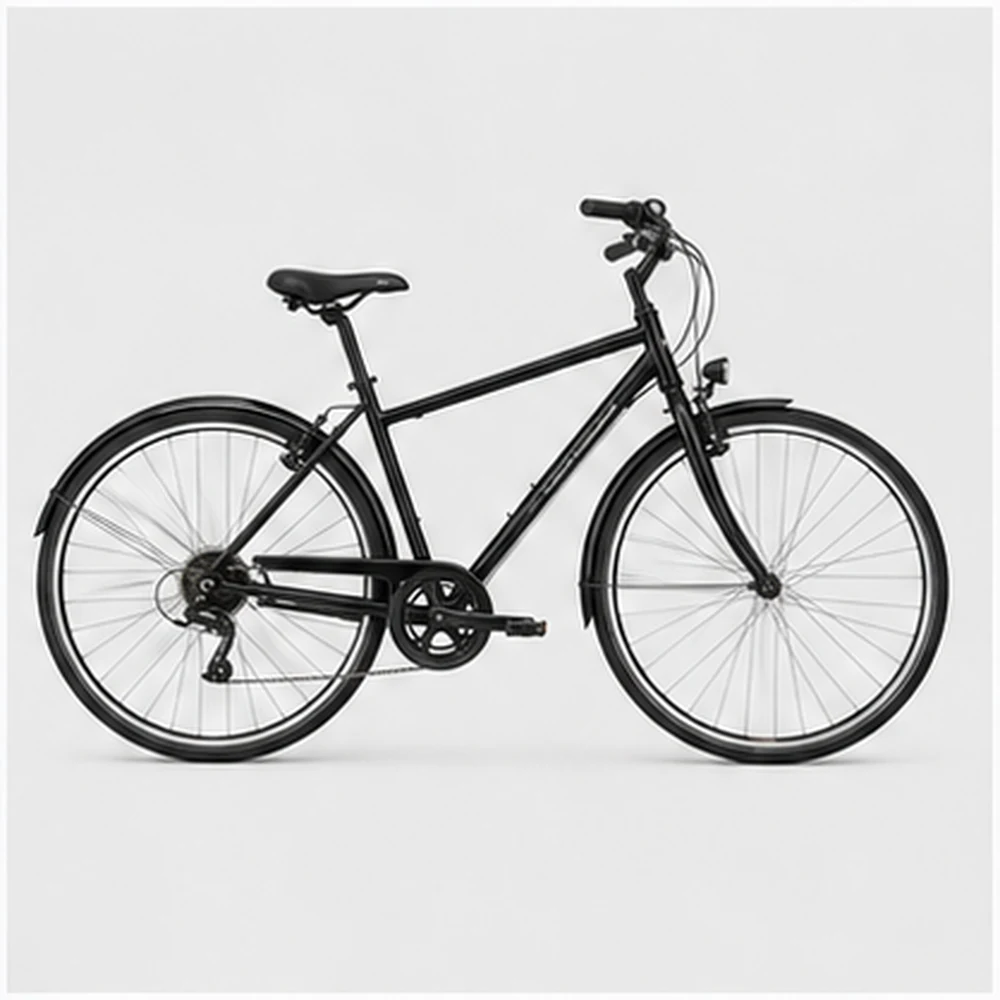
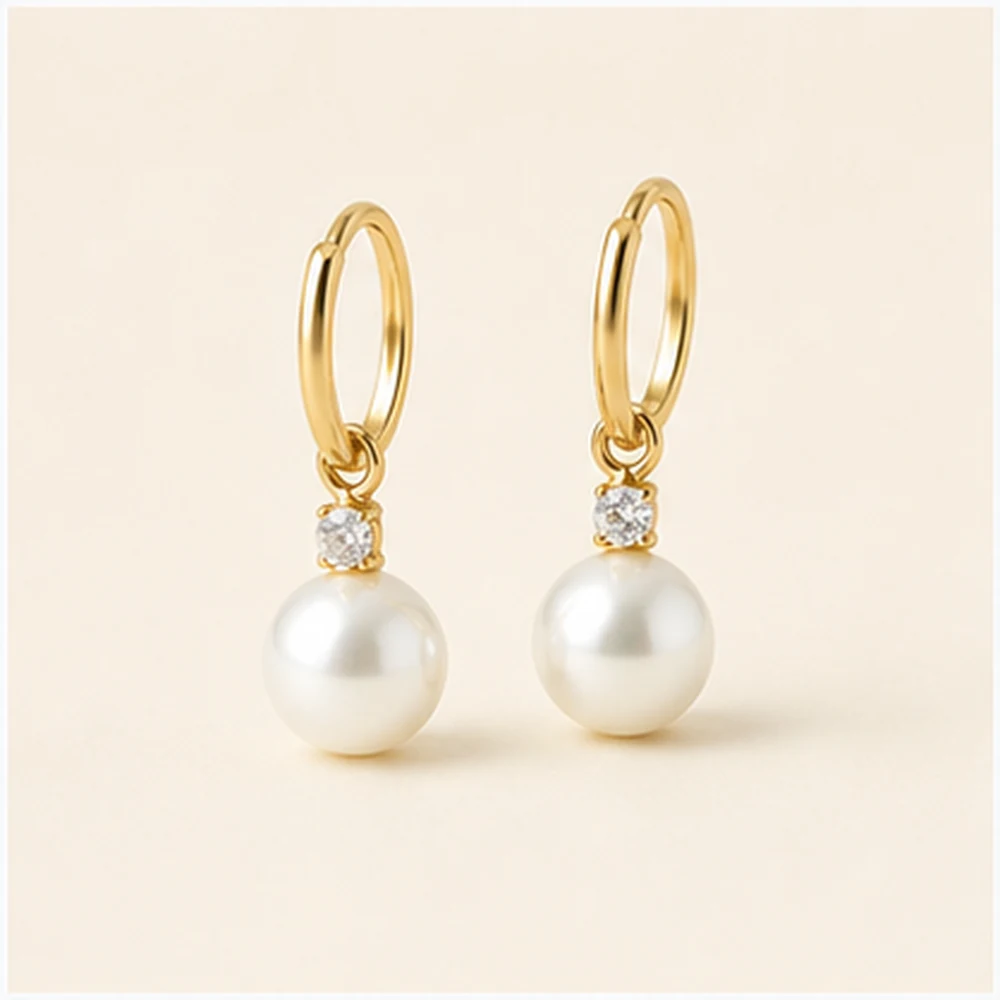
Drop, paste, or browse a file, then confirm when you are ready to spend credits.
Drop or paste a file
JPG, PNG, or WEBP up to 10MB
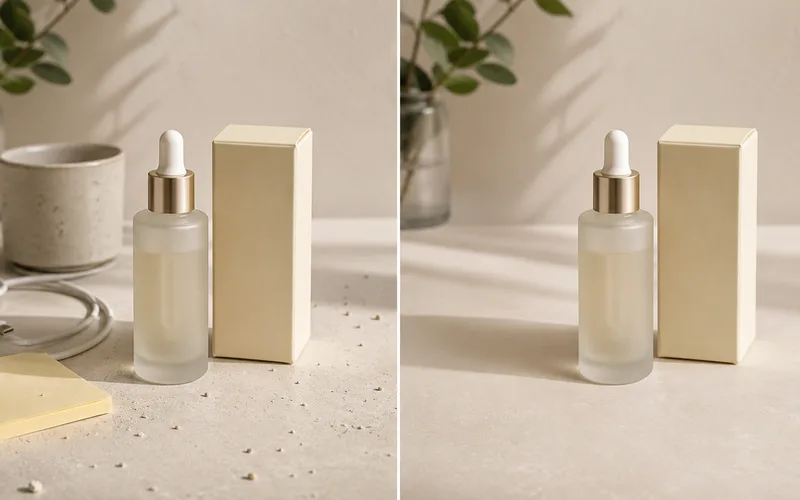
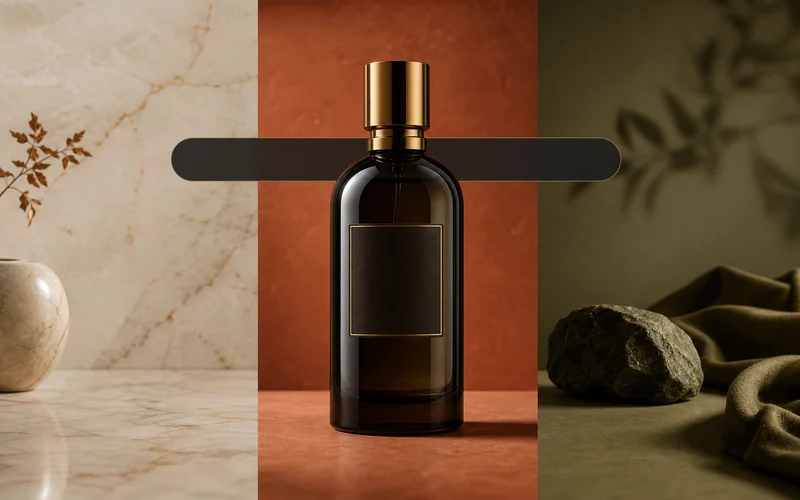
Turn messy product shots into clean cutouts. Get a transparent PNG or white background for your store, ads, or catalog.
Remove Background Now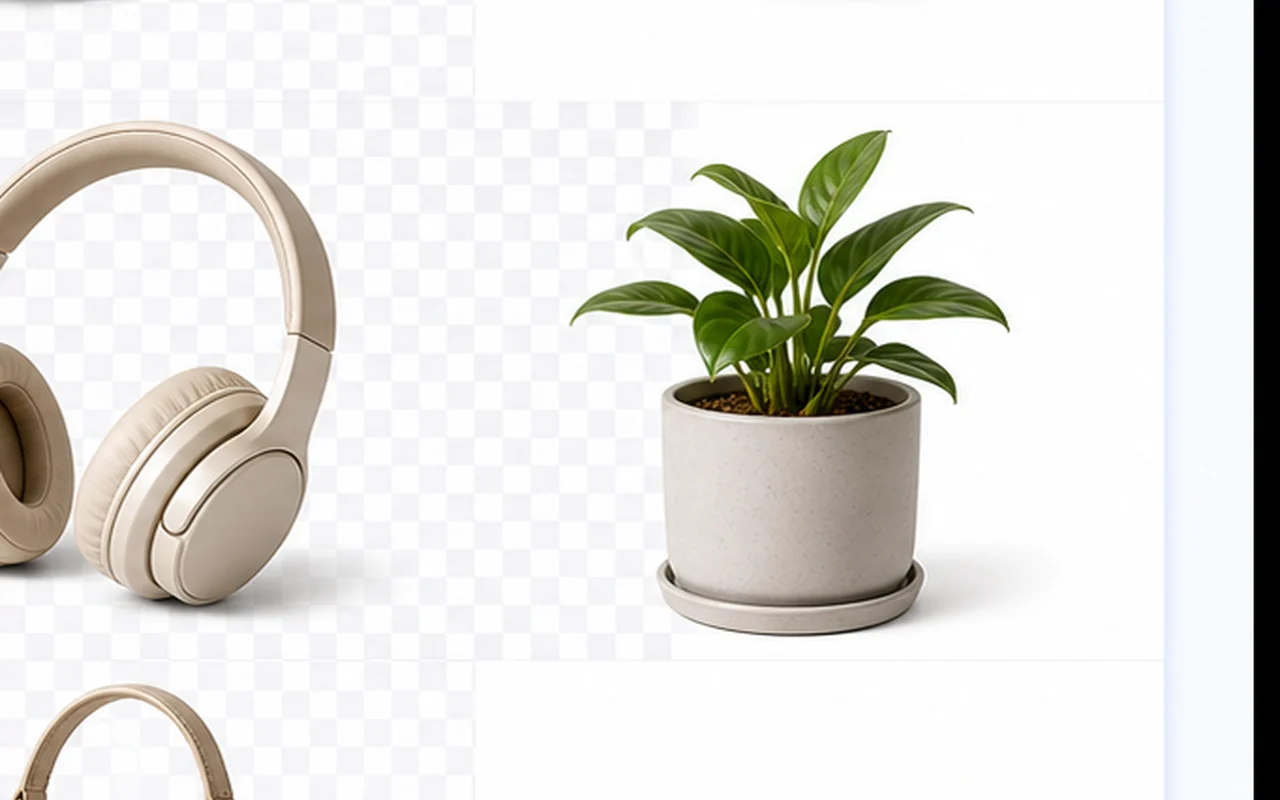
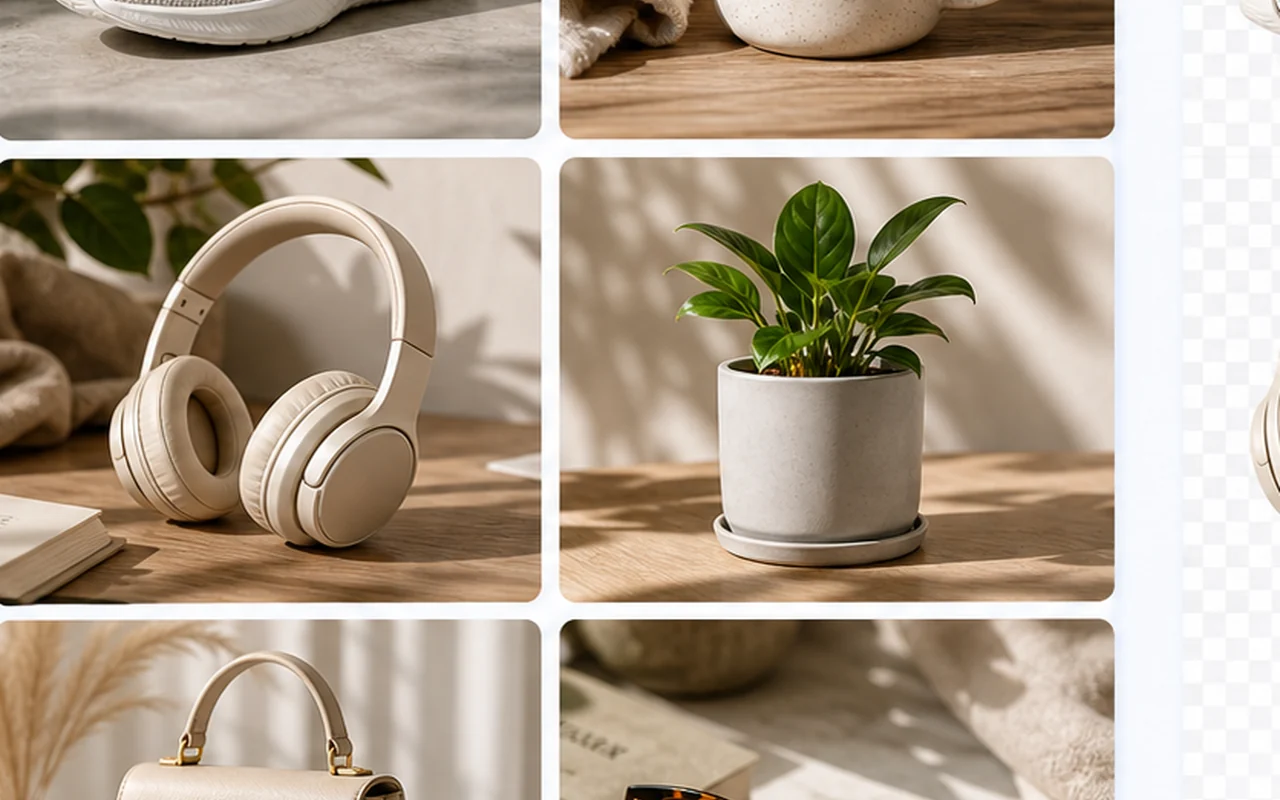
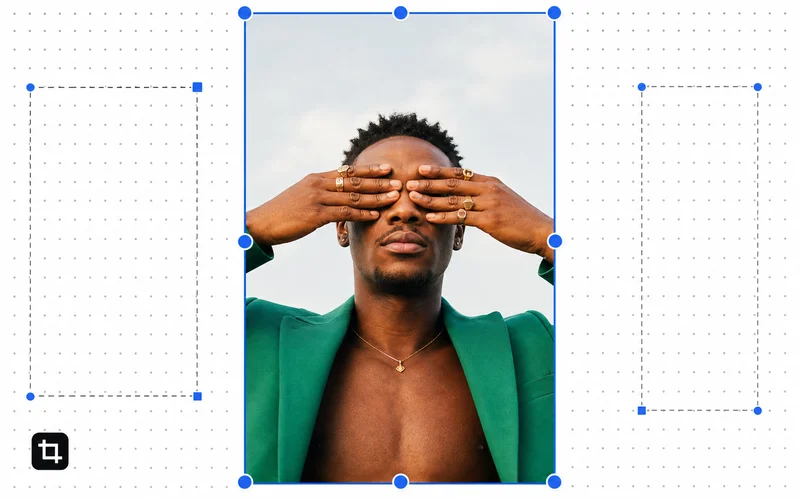
Cut out portraits and profile pics from busy rooms. Hair stays sharp. Edges look natural.
Remove Background Now

Clean up logos, signatures, and scans. Remove paper texture or desk shadows. Export as a transparent PNG you can reuse anywhere.
Remove Background Now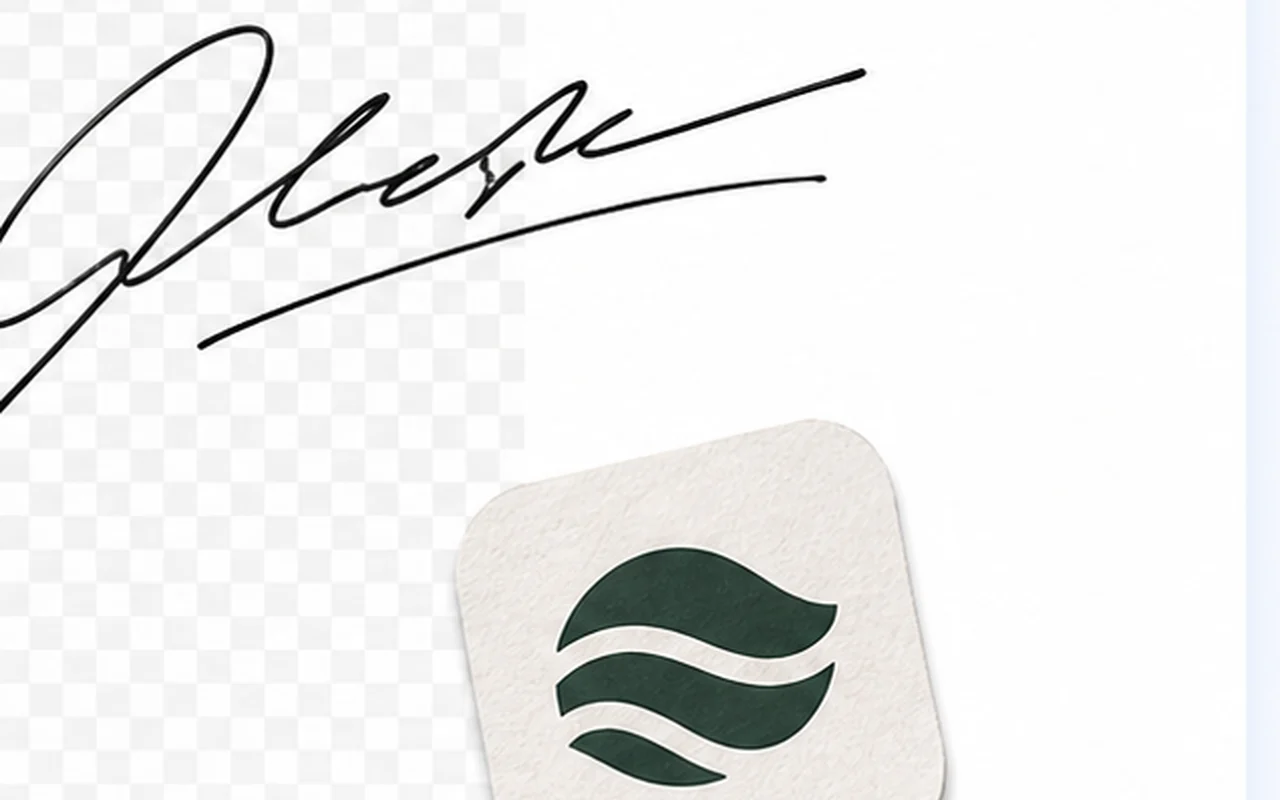
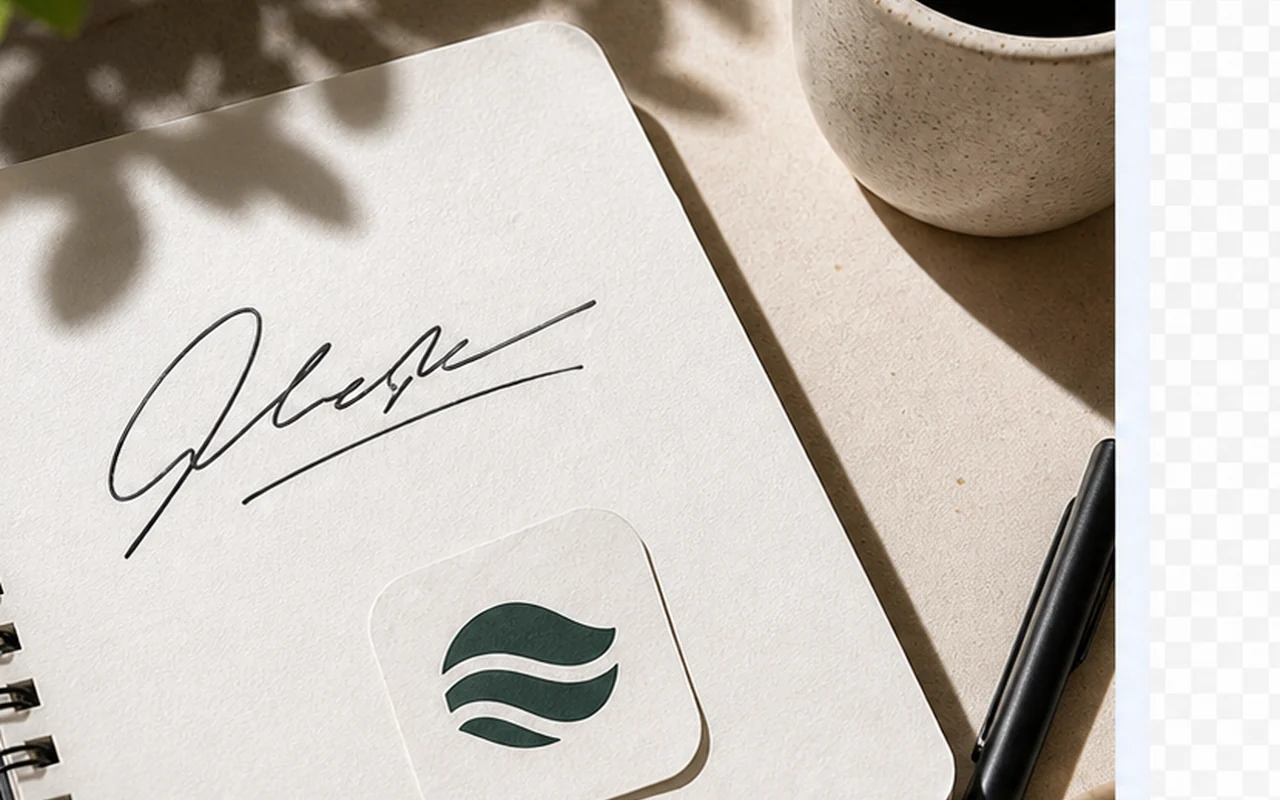
Works for sneakers, mugs, bags, plants, and more. Get a clean white background or transparent cutout in one step.
Remove Background Now
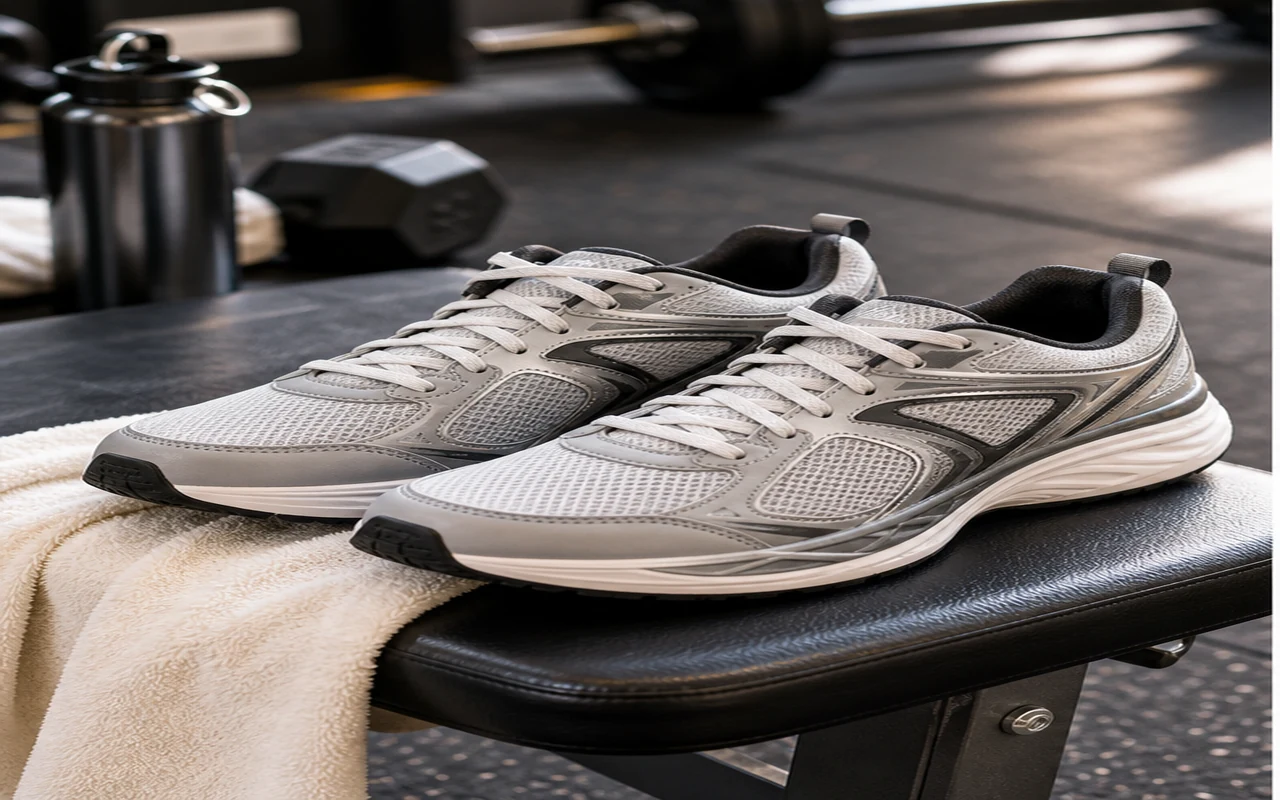
Upload your image, remove the background, then download a transparent PNG or white-background result.
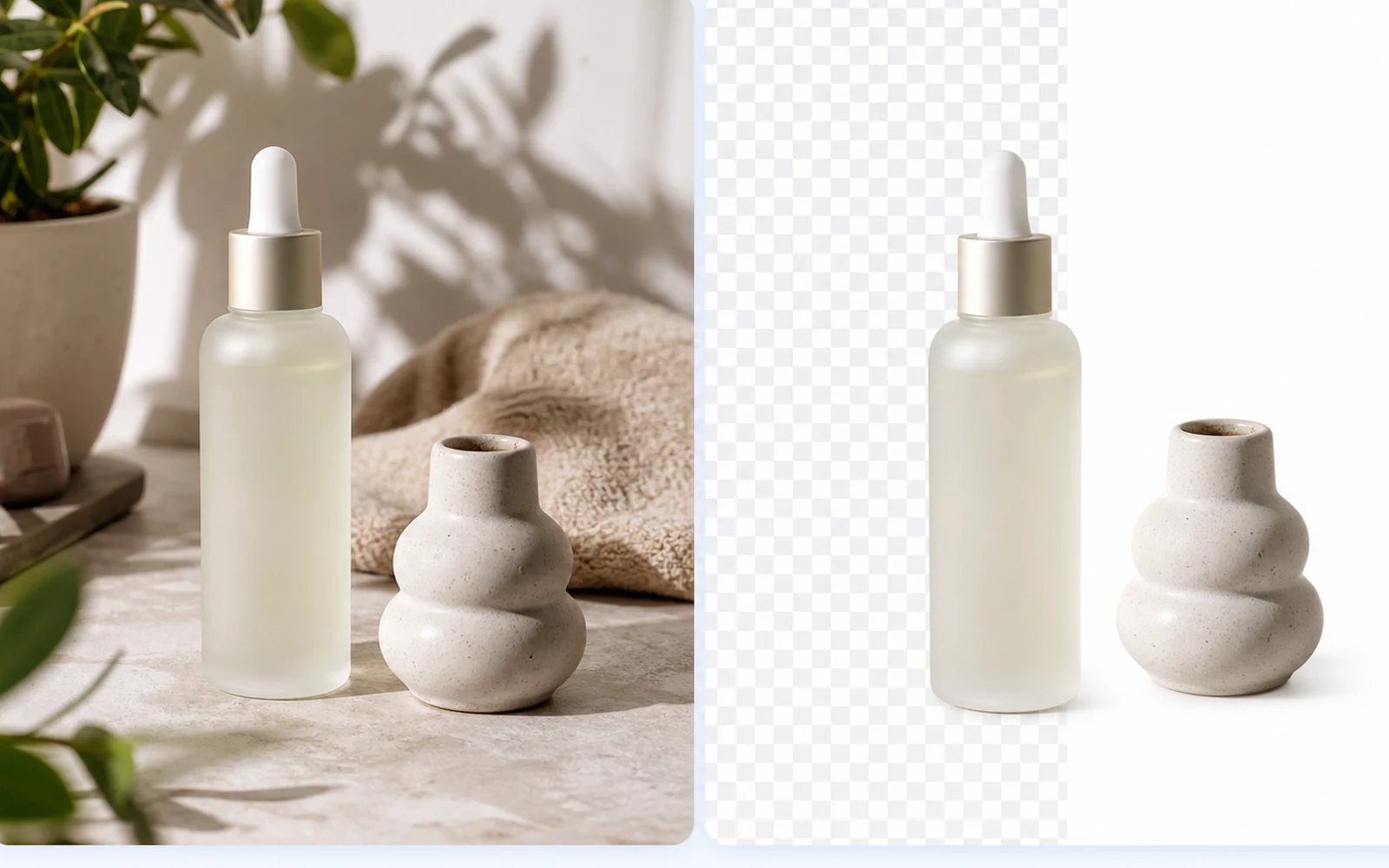
Drop a product photo, portrait, logo, or signature. Images with clear edges work best.
The AI cuts out your subject. Check hair, glass, or fine edges before you save.
Save as a transparent PNG or put it on white. Ready for your listing, profile, or post.
Each job needs a slightly different result. Store listings, profile pics, logos, and signatures all get their own treatment.
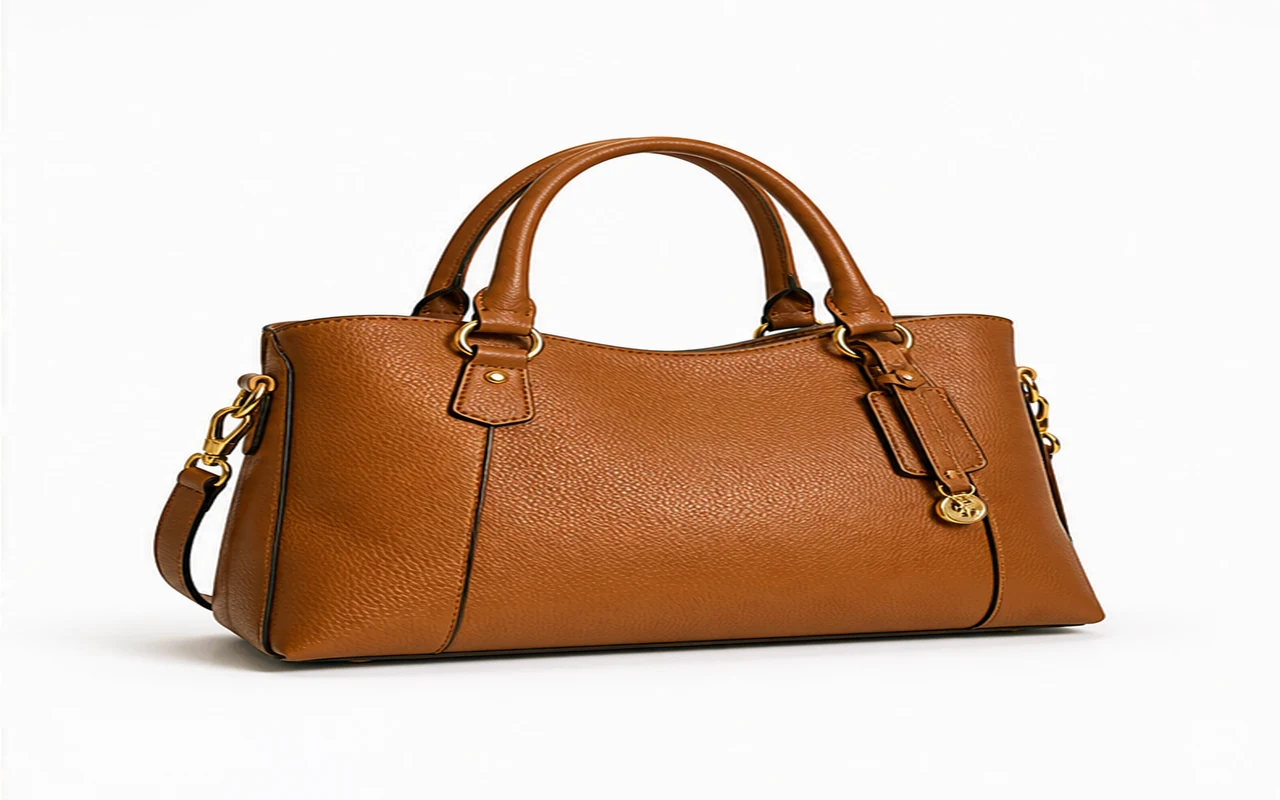
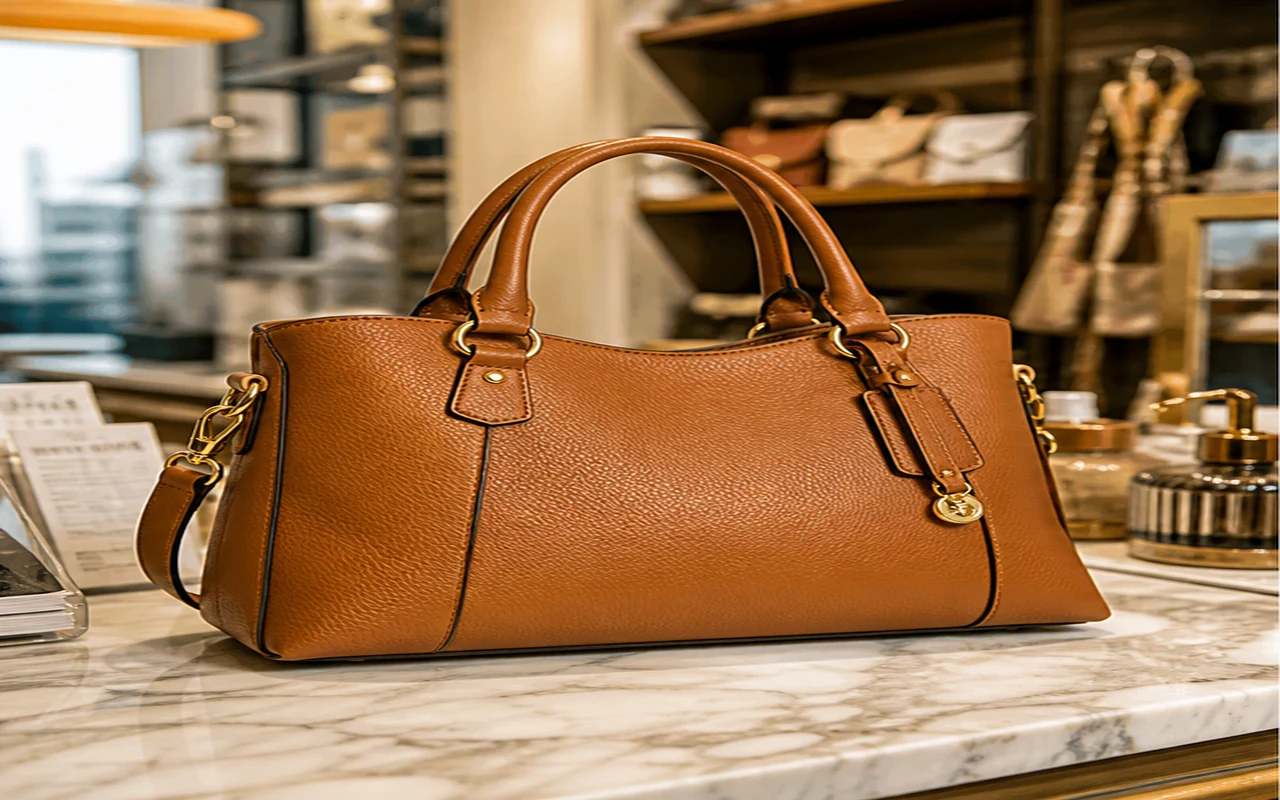
Get clean white product photos for Shopify, Etsy, or eBay. No need to reshoot.
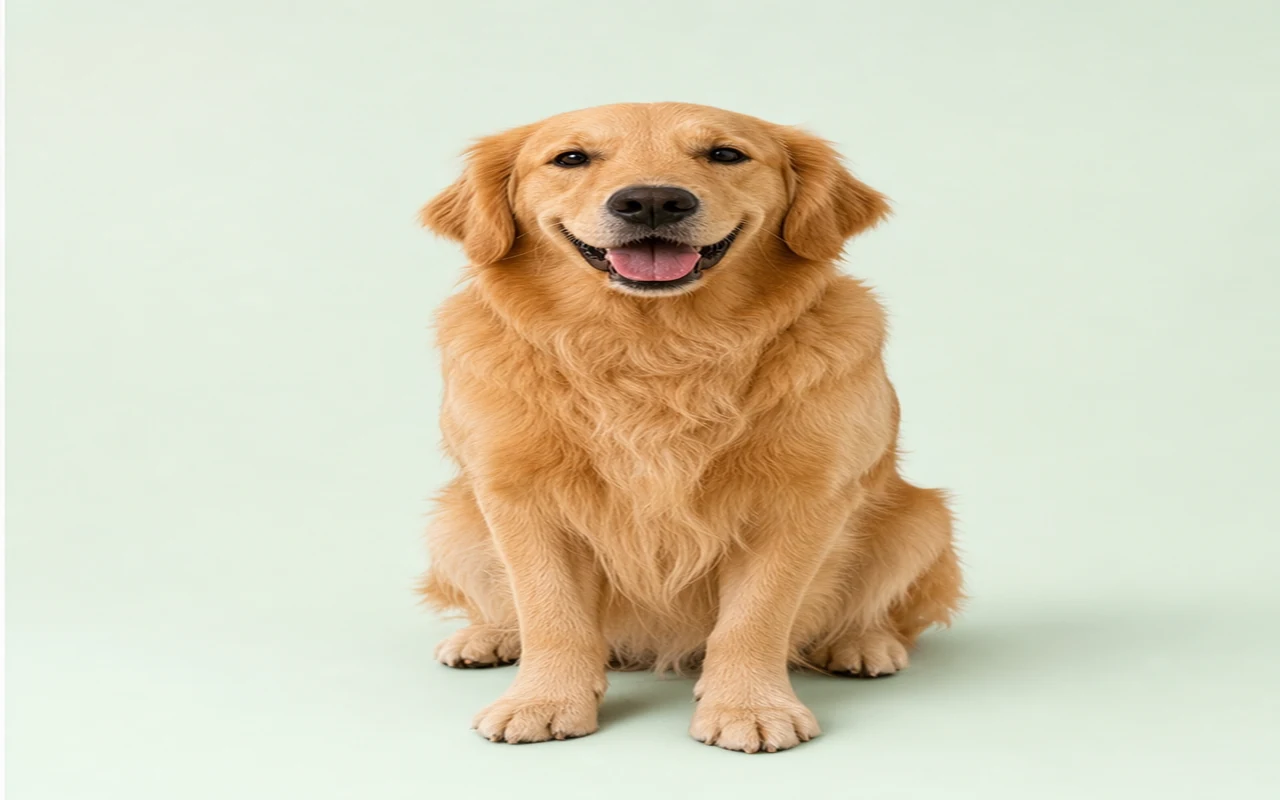

Remove messy home or office backgrounds from pet photos. Use for posts, listings, or profile pics.
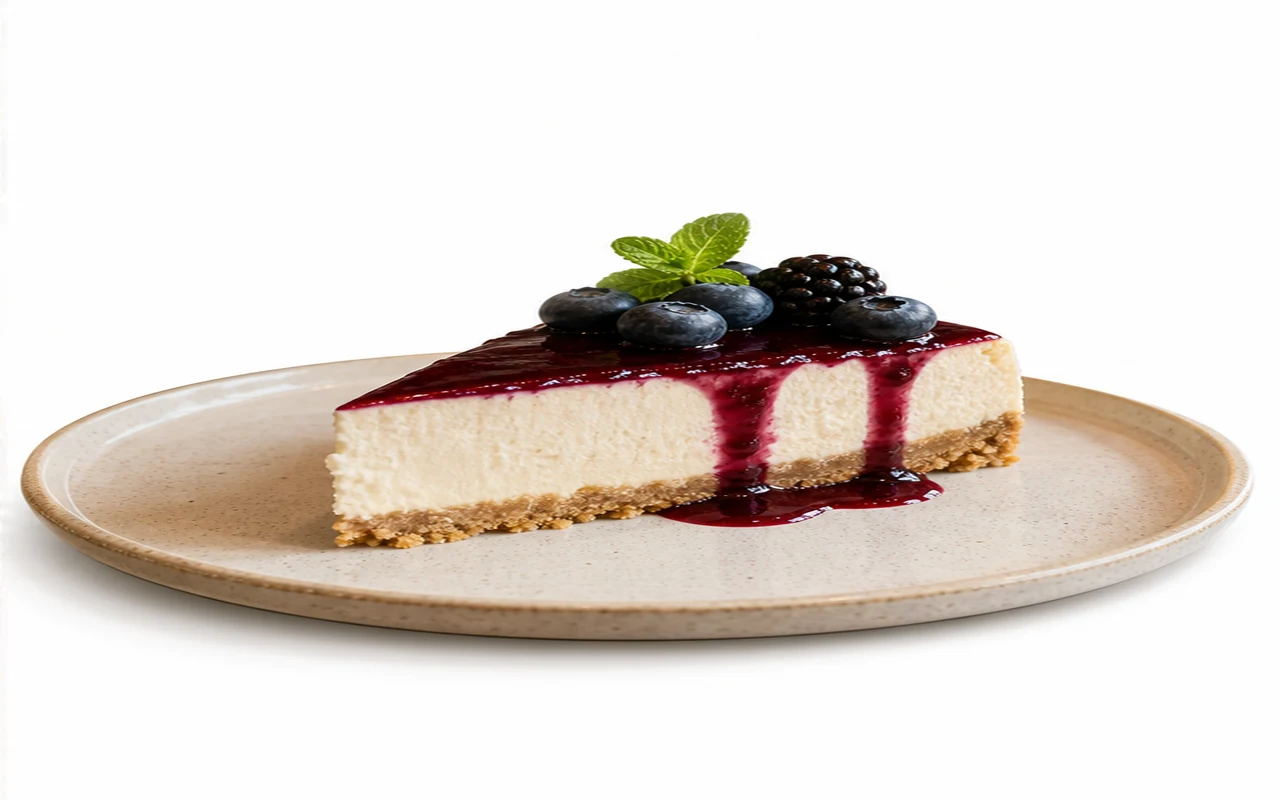
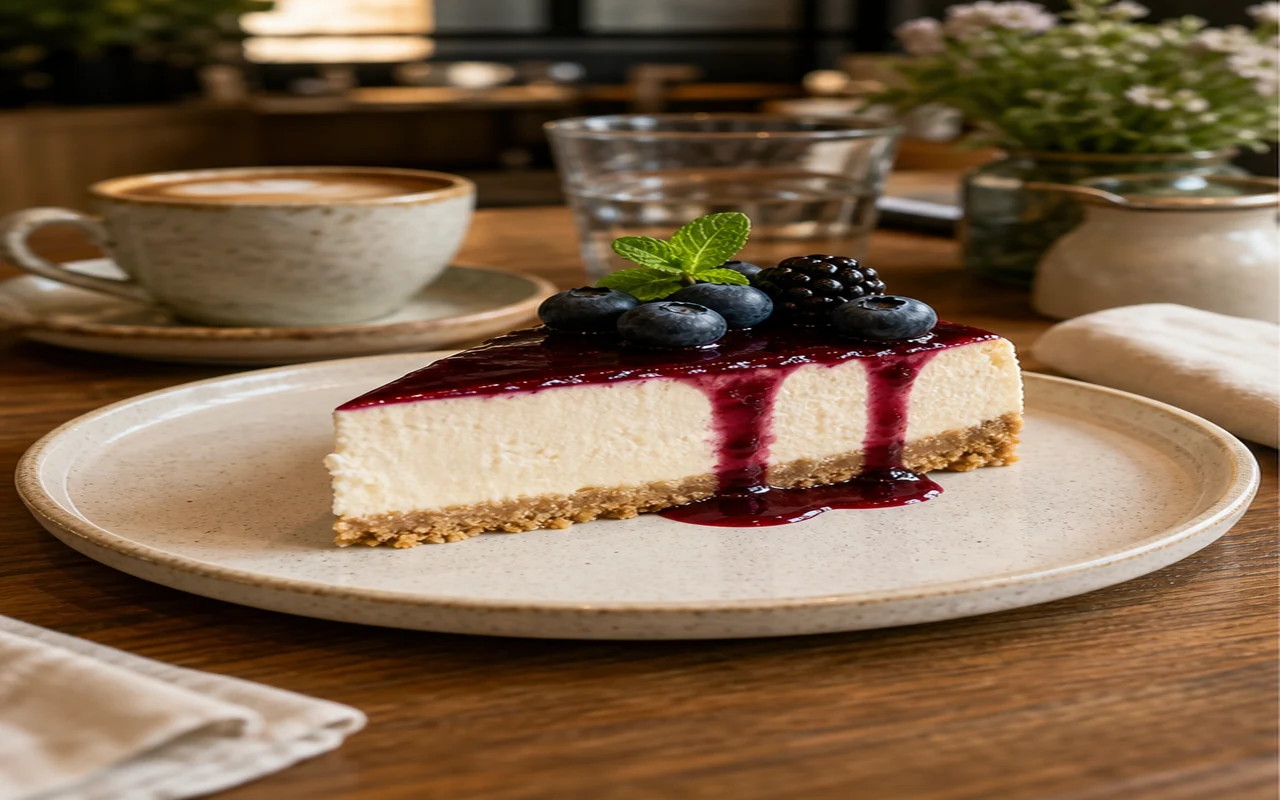
Turn busy food shots into clean menu images. Great for delivery apps and social posts.
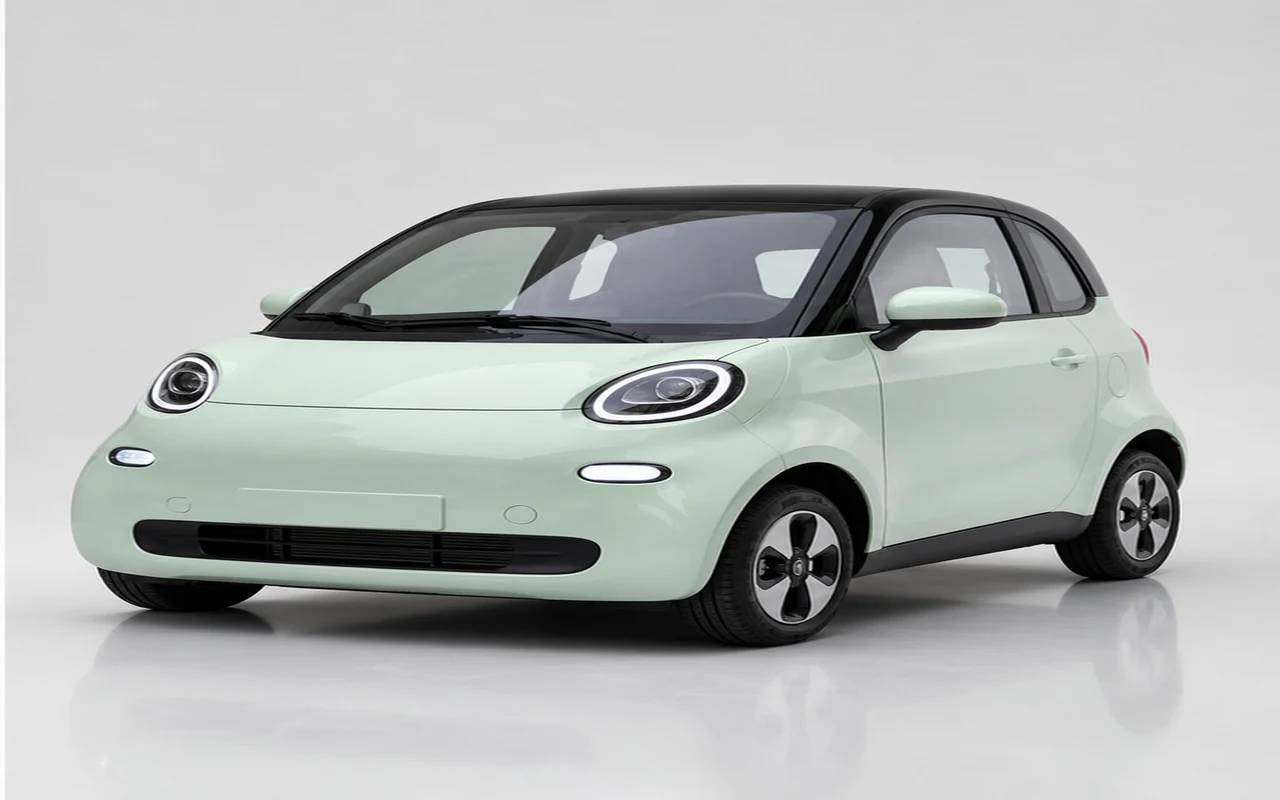
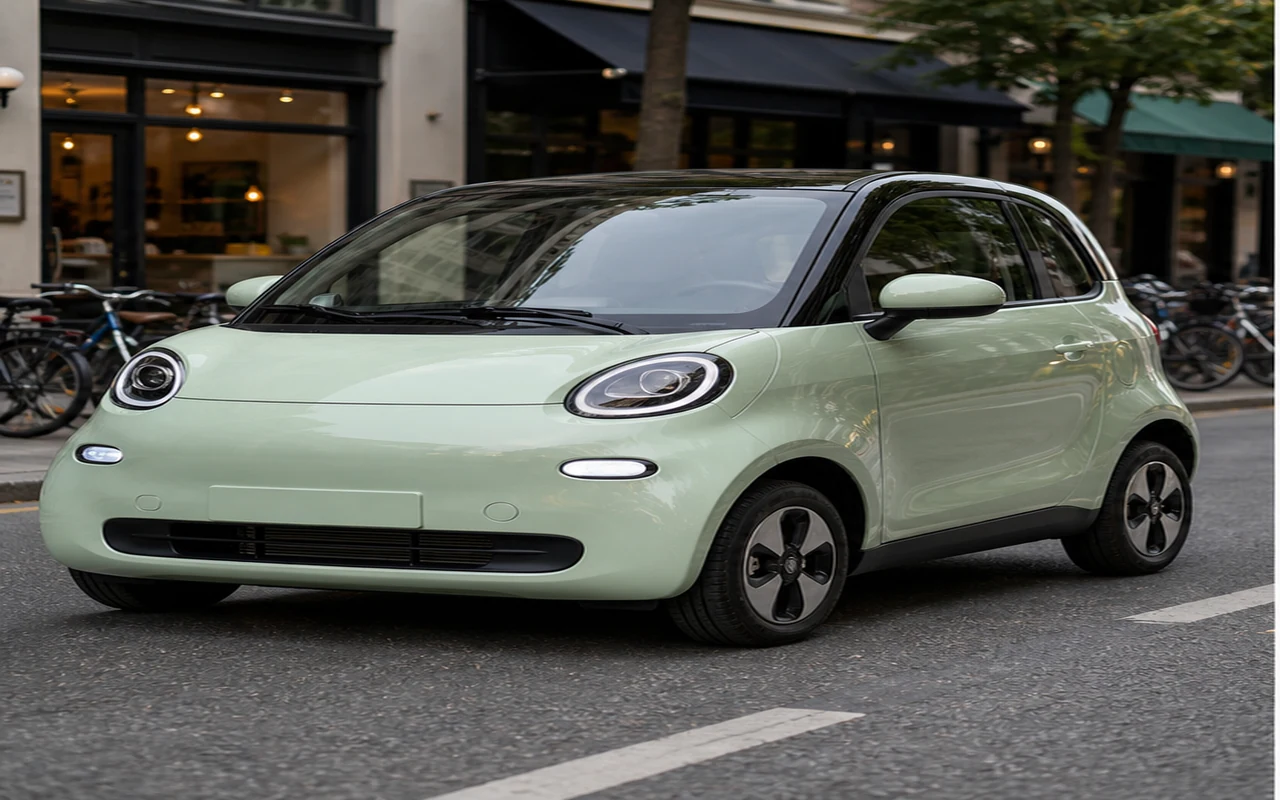
Remove street clutter from car and bike photos. Get a clean catalog look for your listing.
Get transparent PNGs, white product shots, portrait cutouts, clean logos, and signatures. All in one place.
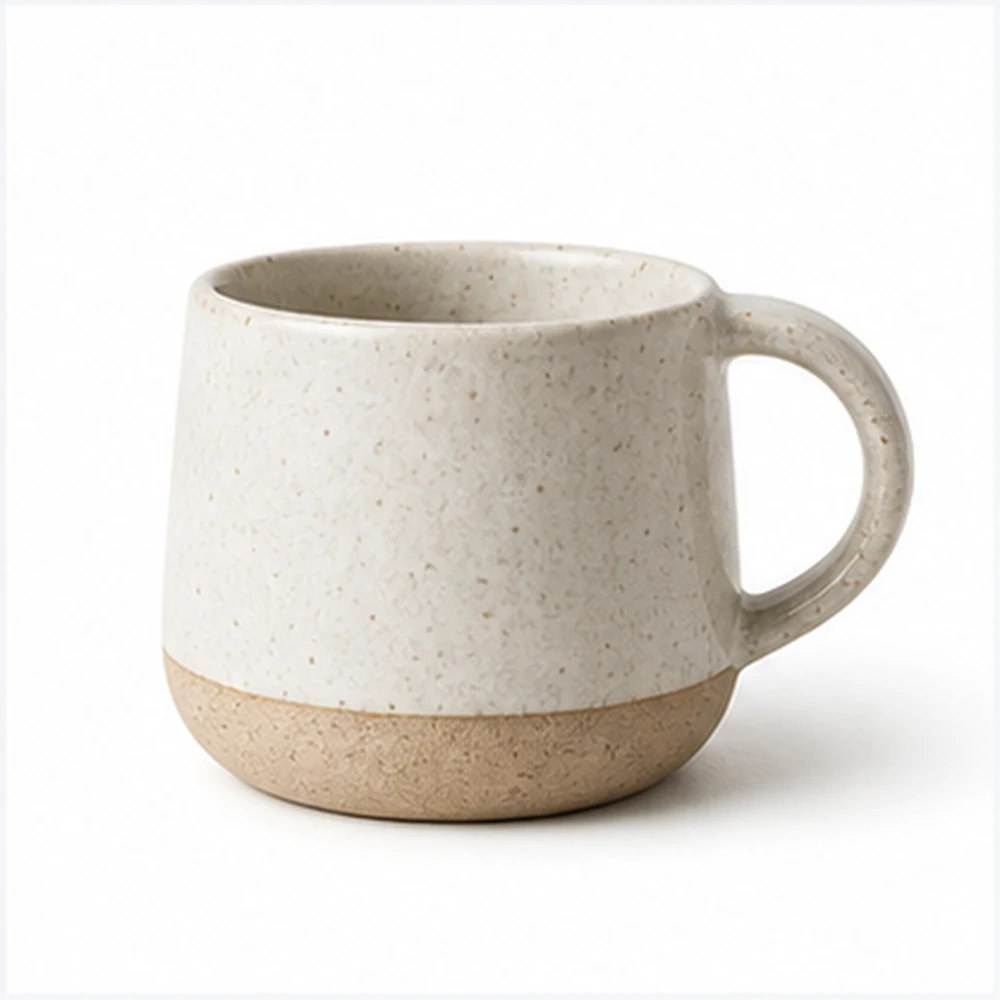
Export cutouts with transparent backgrounds for design work.
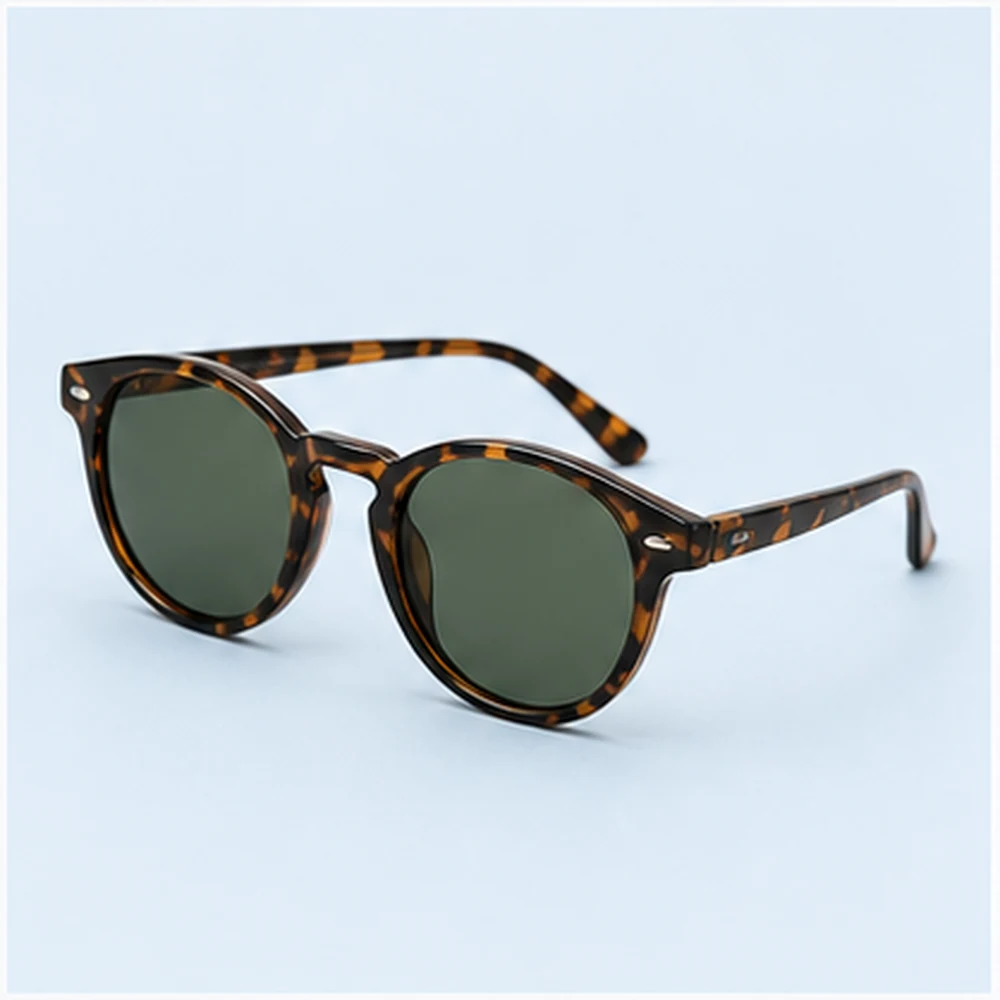
Prepare accessories for clean marketplace presentation.
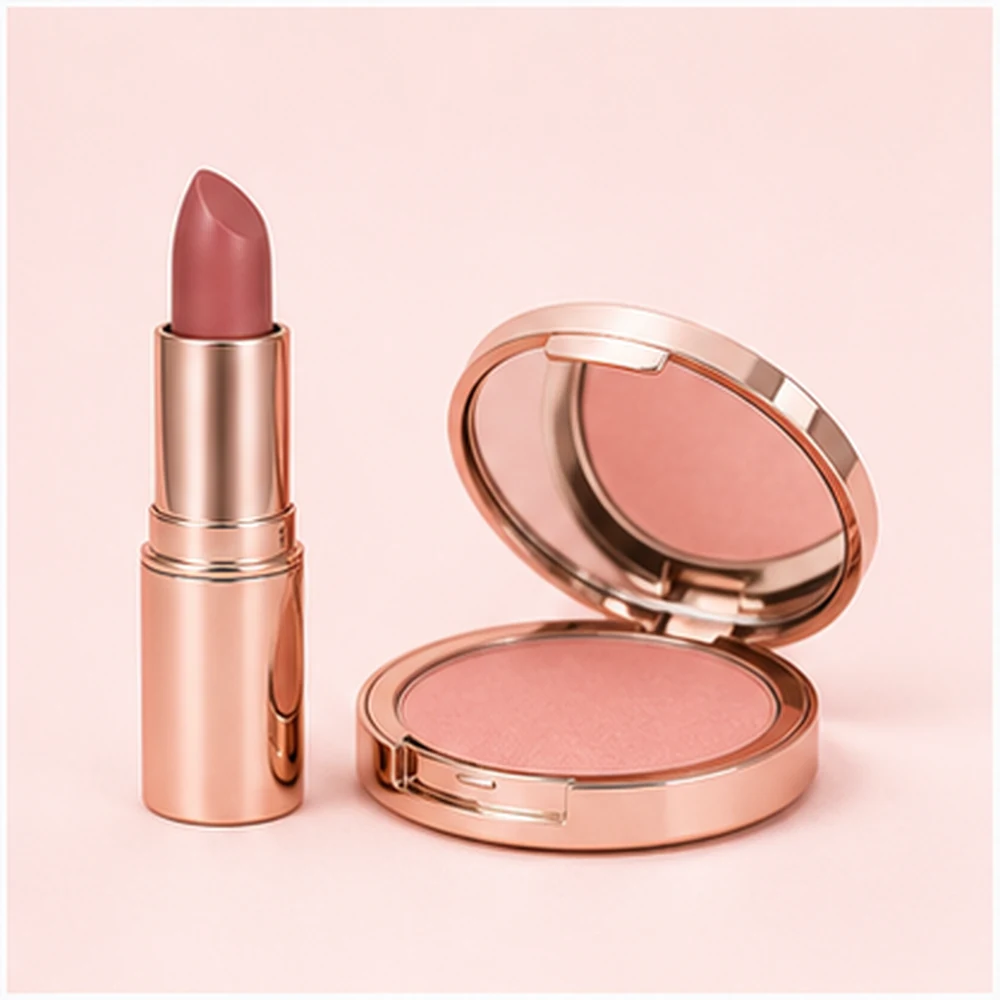
Clean up beauty products for ads, shops, and social posts.

Isolate logos and simple marks for transparent overlays.
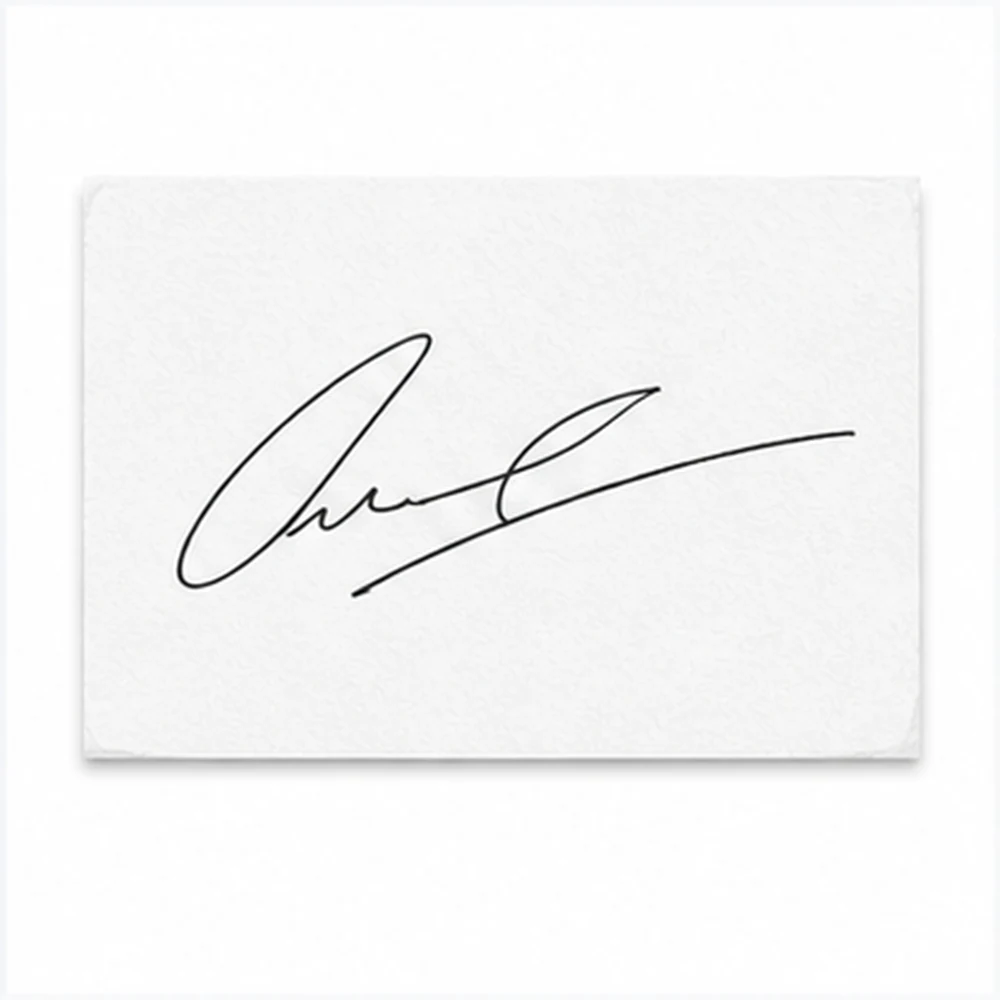
Turn photographed signatures into reusable document assets.
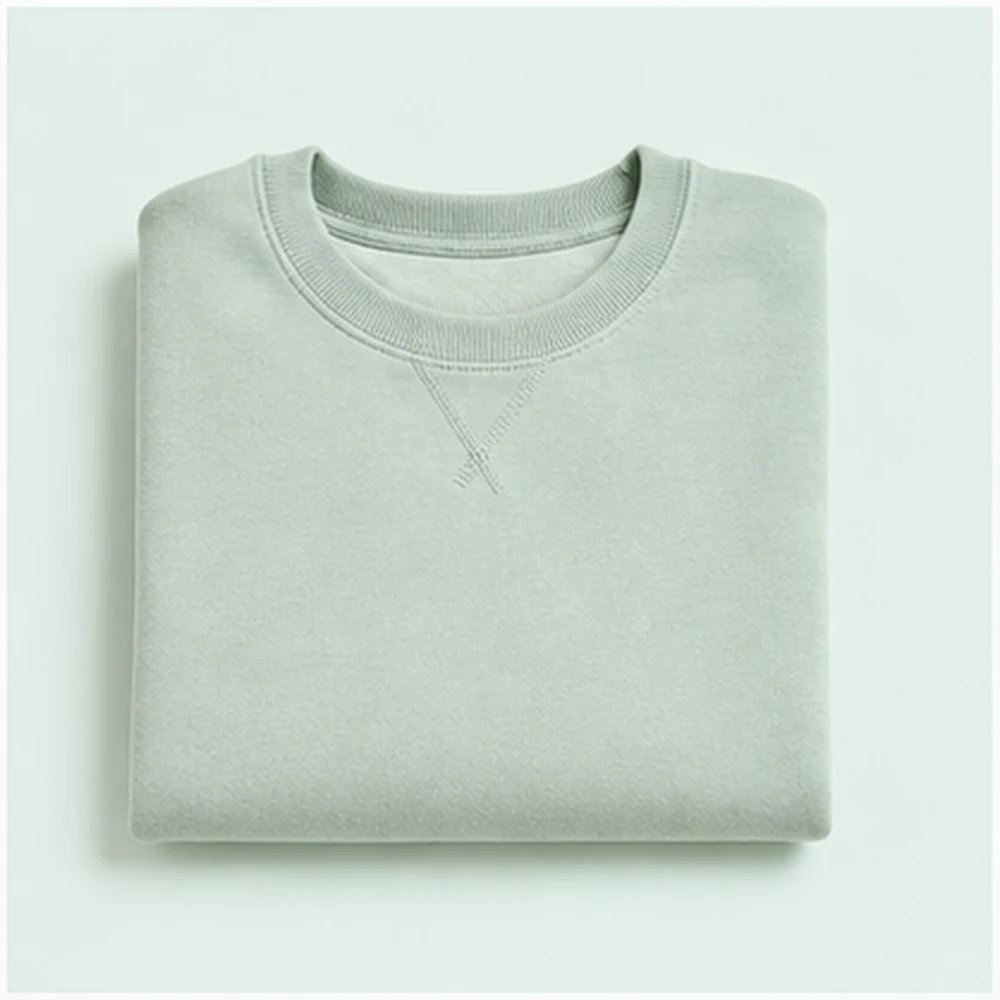
Create tidy apparel cutouts for catalogs and lookbooks.
You want speed, clean edges, clear export options, and a flow that keeps going after the cutout is done.
Get clean cutouts for products, portraits, logos, and signatures. Not just a one-click gimmick.
Export as transparent PNG or white background. Ready for store pages and social posts.
Do it all in your browser. Remove the background and keep editing online.
HD cutouts, product photos, logos, signatures, and mobile uploads all work here.
Start with one photo. Use the same flow for your whole catalog.
You know what happens to your files. No surprises after upload.
Clean edges, transparent PNGs, white backgrounds for listings, and no surprises. That is what matters.
I clean up product shots before listing them. The cutouts look just right.
Maya Chen
Etsy seller
Great for profile pics when the photo is fine but the room behind it is not.
Jordan Miller
Creator marketer
I use it for logos and signatures. Saves me time on doc work.
Priya Shah
Operations designer
More tools
Move between the image jobs people usually pair together: editing, backgrounds, resizing, enhancement, and text overlays.
Quick answers about free use, transparent PNGs, HD quality, white backgrounds, mobile, and privacy.
Yes. Sign up for free and use your credits to try the remove background online free workflow. Free downloads may have a watermark. Upgrade or add credits for clean exports.
Upload a JPG, PNG, or WEBP file. The AI cuts out your subject. Then save as a transparent PNG or white background image.
After the AI cuts out your subject, pick the transparent option. Your PNG will work in store pages, docs, posts, and design tools.
Yes. Start with a sharp photo for the best results. The output keeps your original size. Very blurry or tiny images may need a check.
Upload your product photo. The AI isolates it. Then save as transparent or put it on a cleaner white or color background.
Products, portraits, logos, signatures, pets, and cars work well. Clear edges help. Busy scenes work too, but check hair or glass edges.
Start with your clearest shot. Check the edges after the AI runs. Then put your cutout on white or your brand color.
Yes. Upload a scan or photo. The AI removes paper texture. Export as a transparent PNG for docs and overlays.
Yes. Open this page on your iPhone. Upload from Photos or Files. It costs 1 credit. Download the PNG or keep editing.
Only upload to tools with clear rules on file storage and removal. Check how your files are handled before uploading anything private.