BeforeAfter
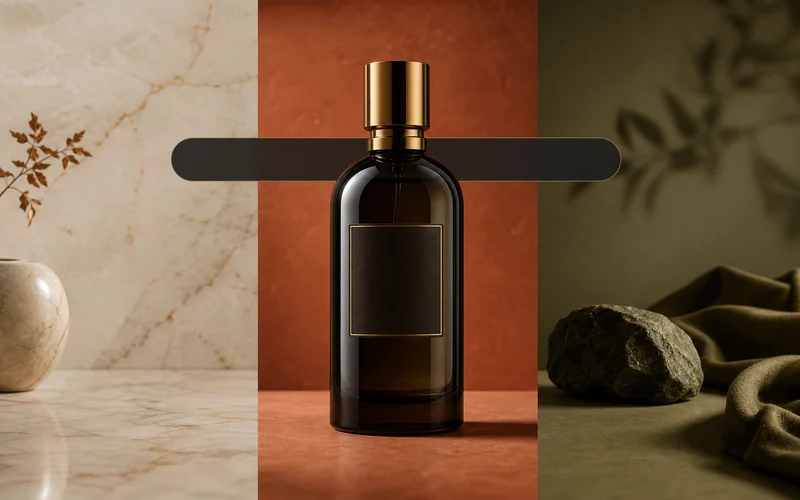
Studio background
Clean studio scene
AI image editor online for creators, stores, and marketers. Upload a photo, describe the edit, change backgrounds, remove objects, retouch portraits, and export a polished image from one browser workflow.
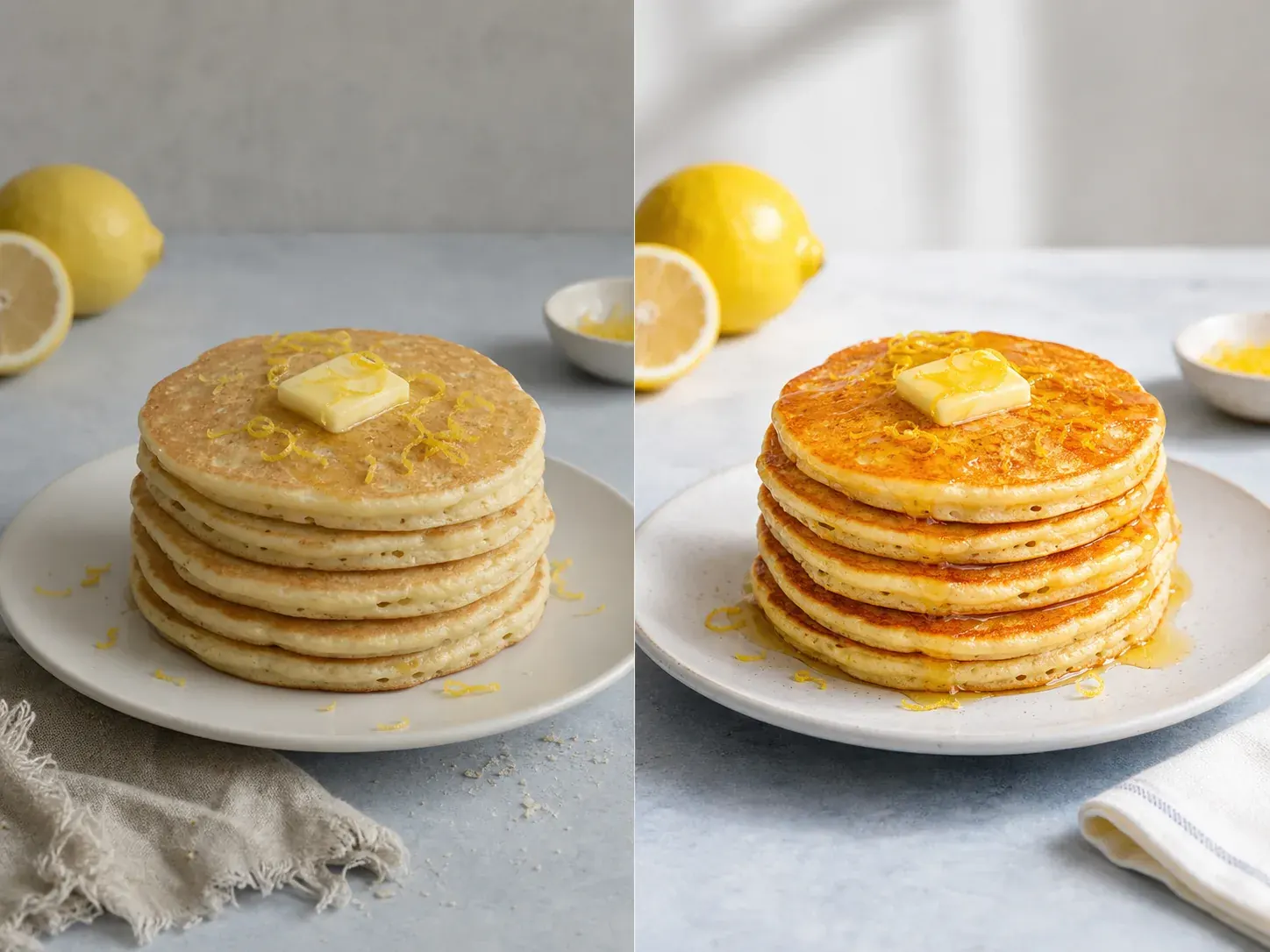
Use prompt-based AI photo editing for background changes, object cleanup, portrait retouching, product images, and creative restyling without opening a complex desktop editor.
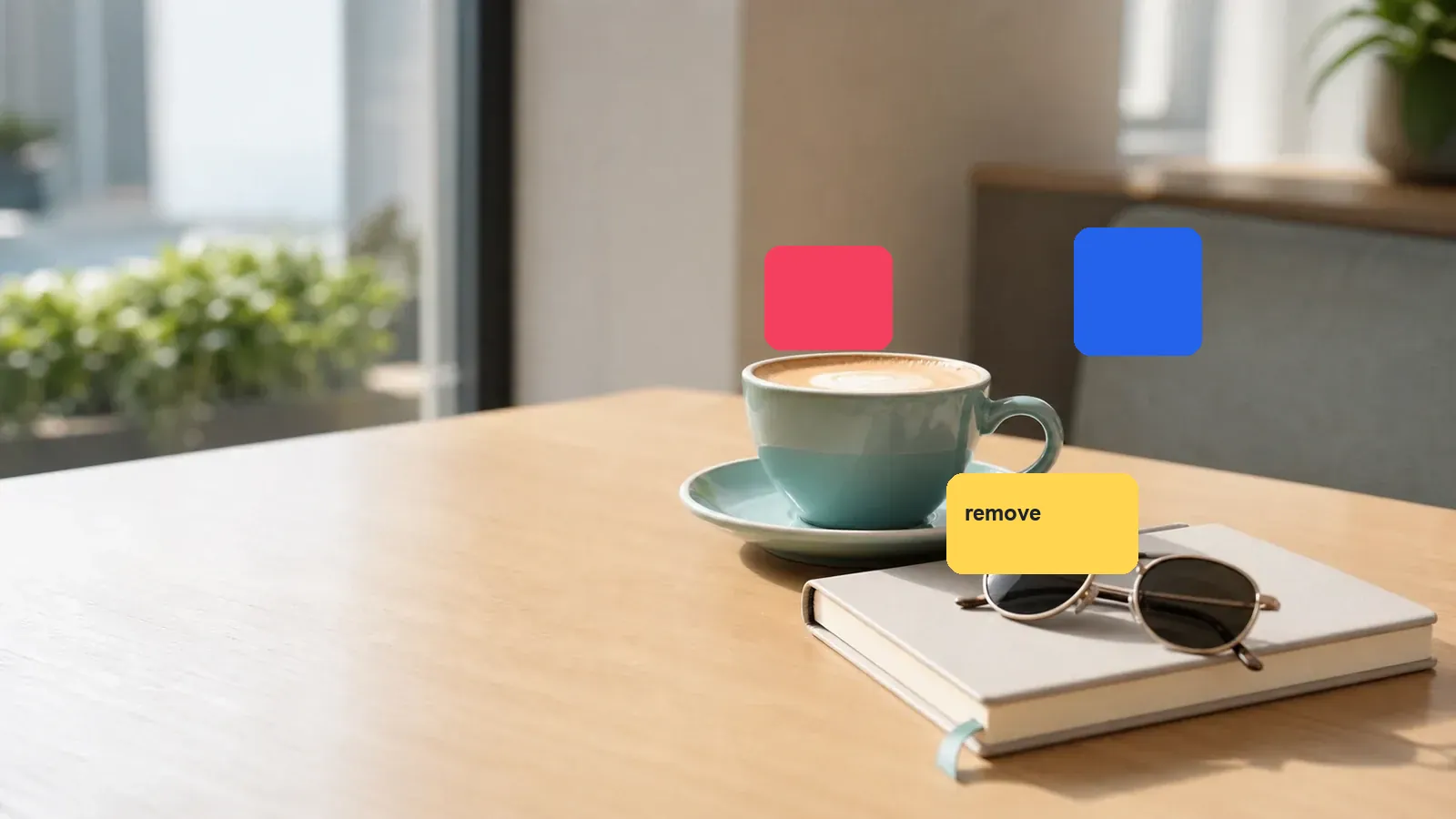
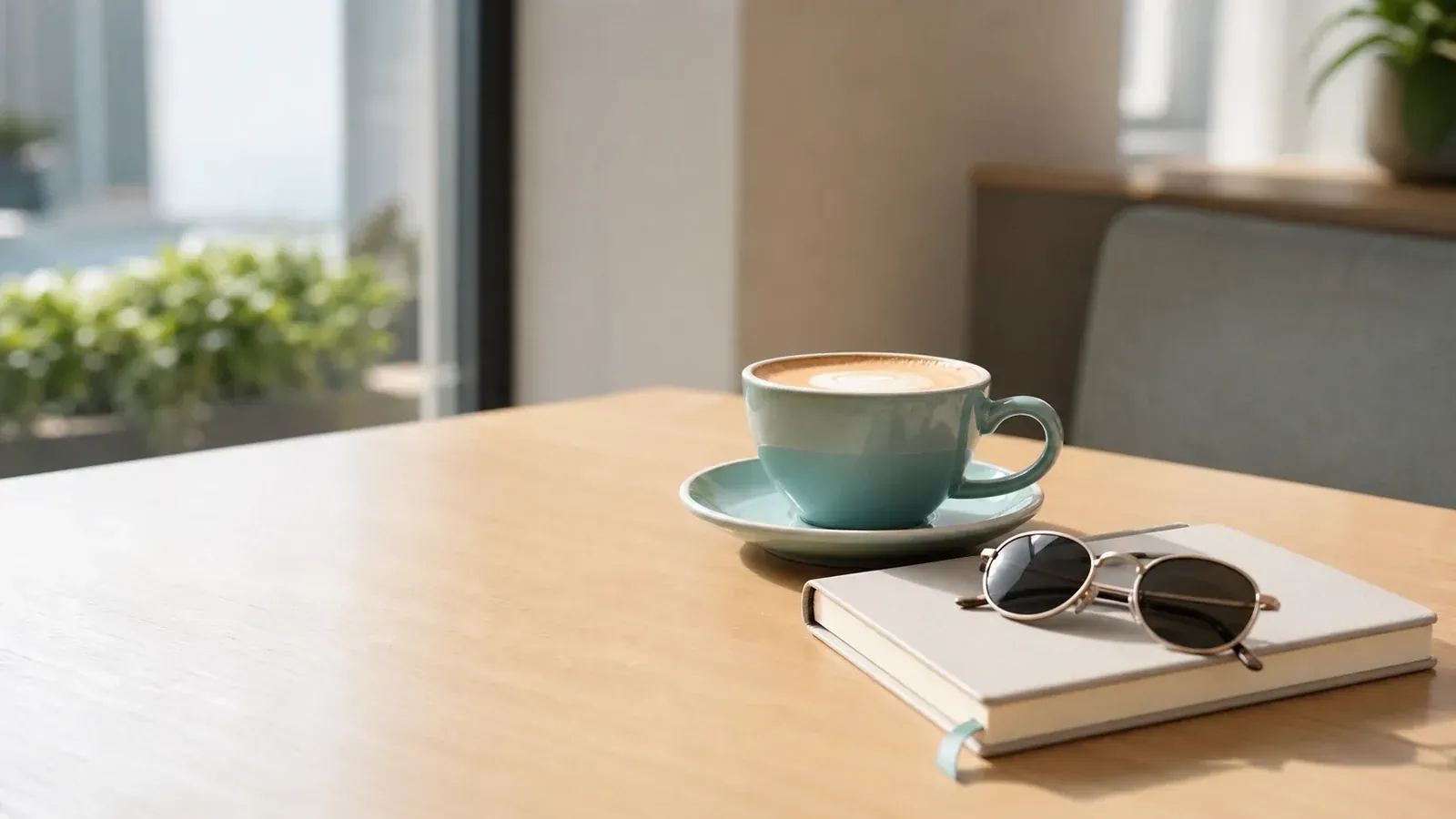
Upload an image, describe the change, and let the AI image editor create a polished variation.
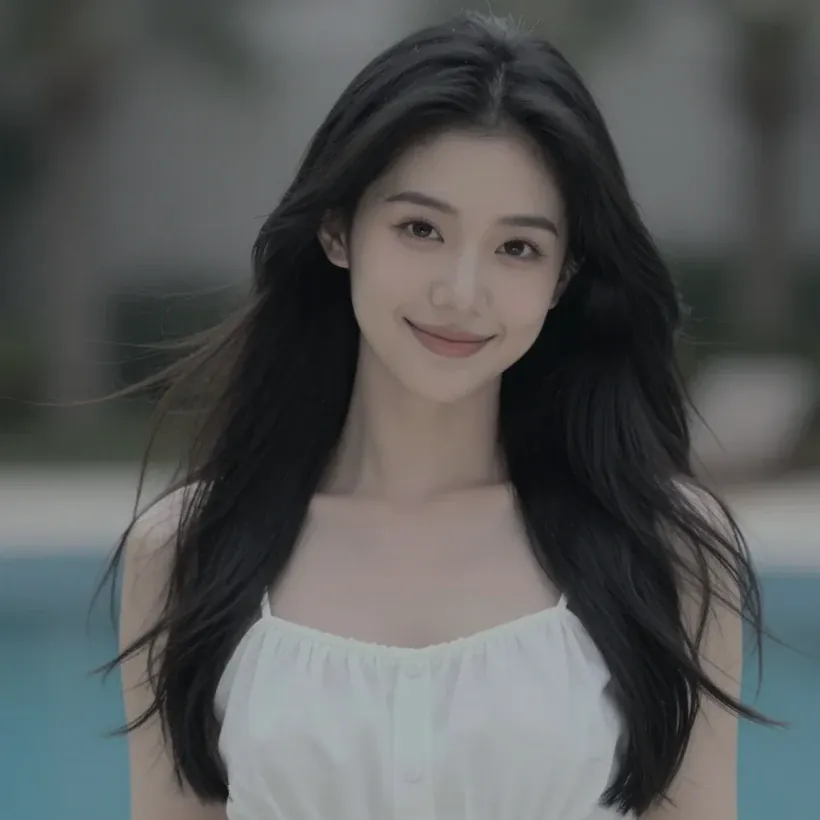
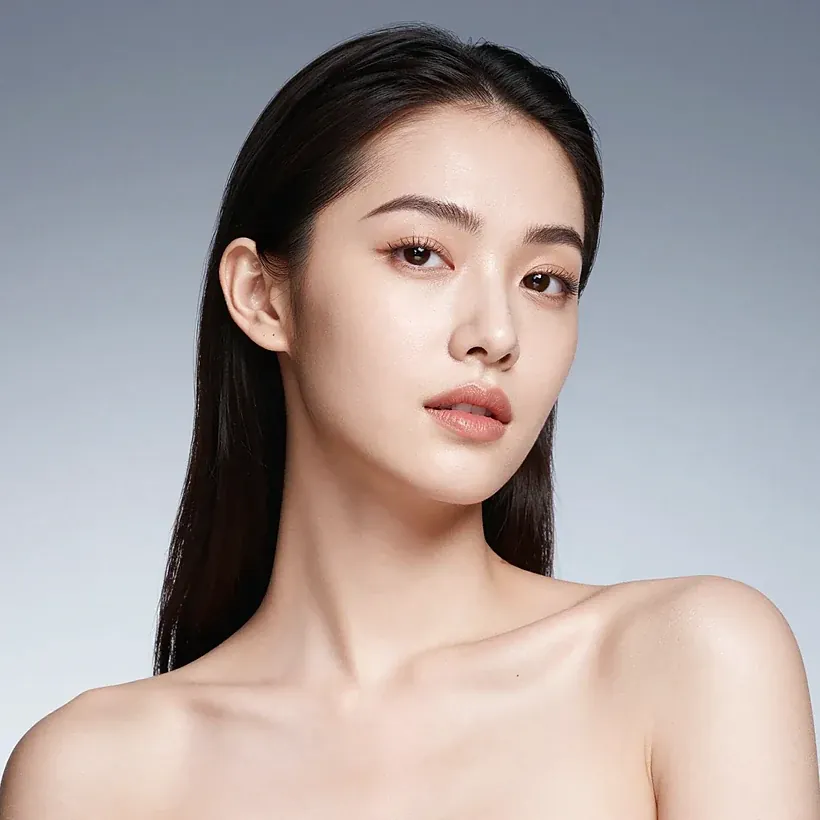
Replace messy backgrounds with studio, lifestyle, or product-ready scenes.
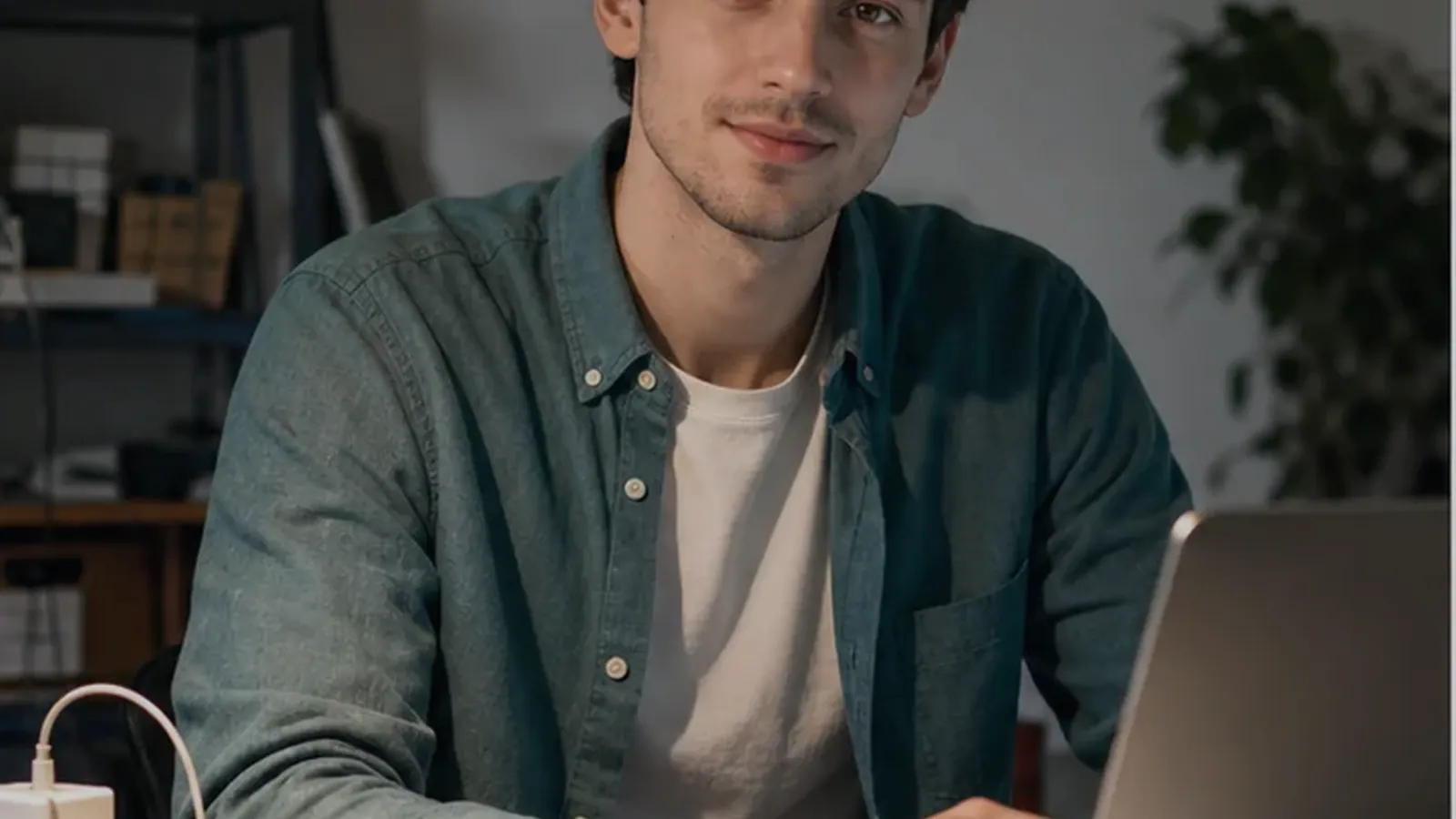

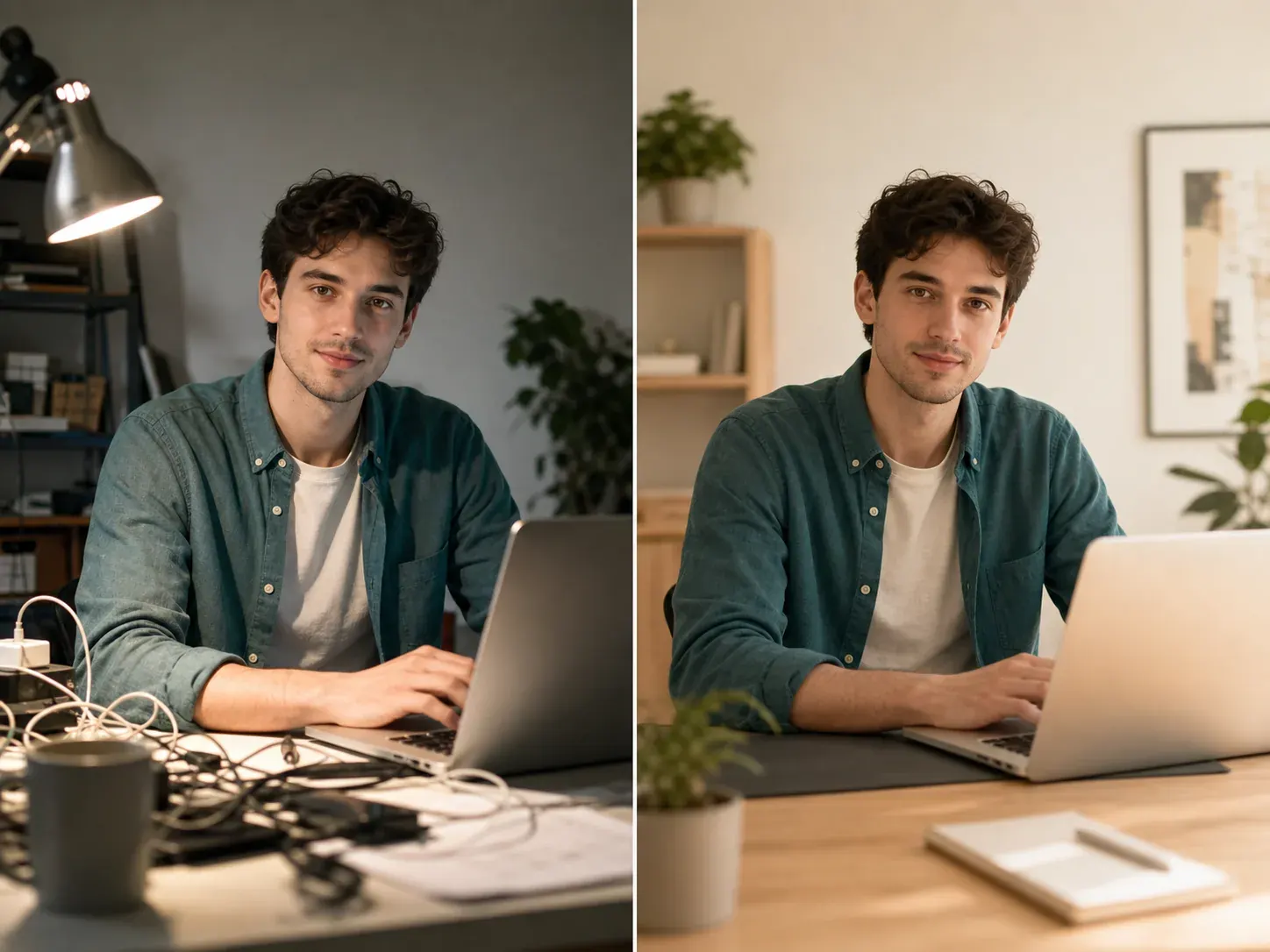
Improve lighting, color, and small details without the overly smooth AI look.
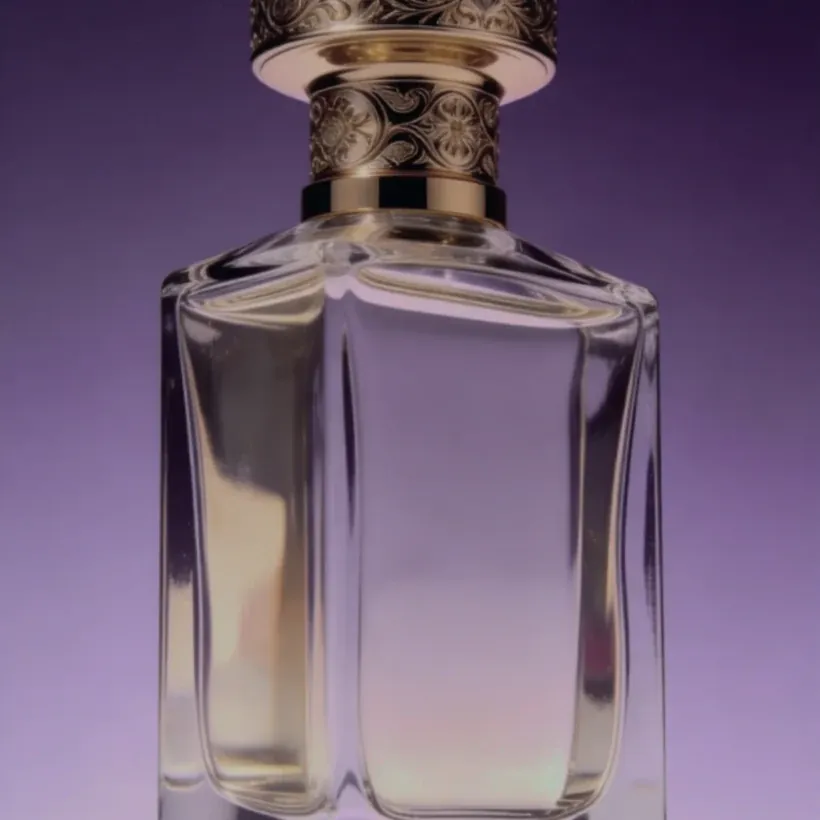
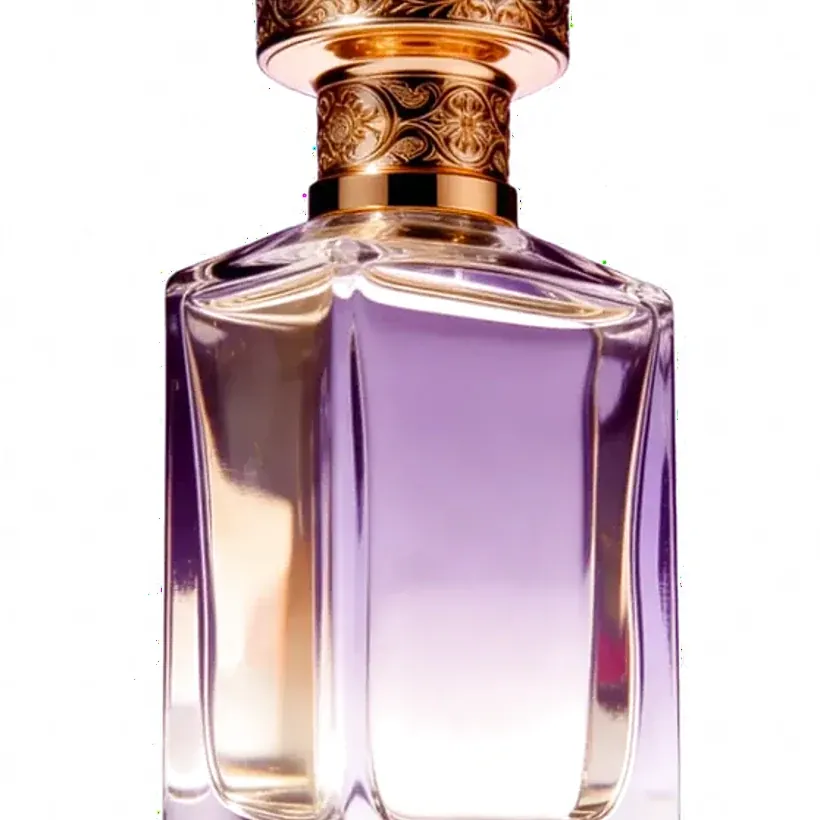
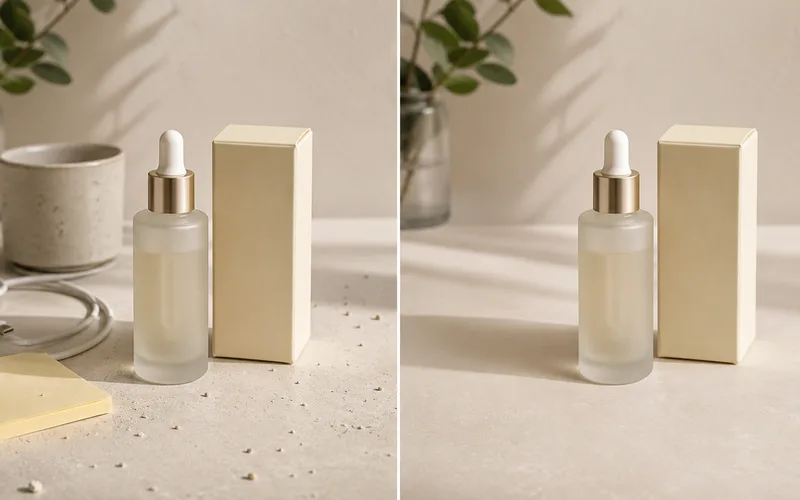
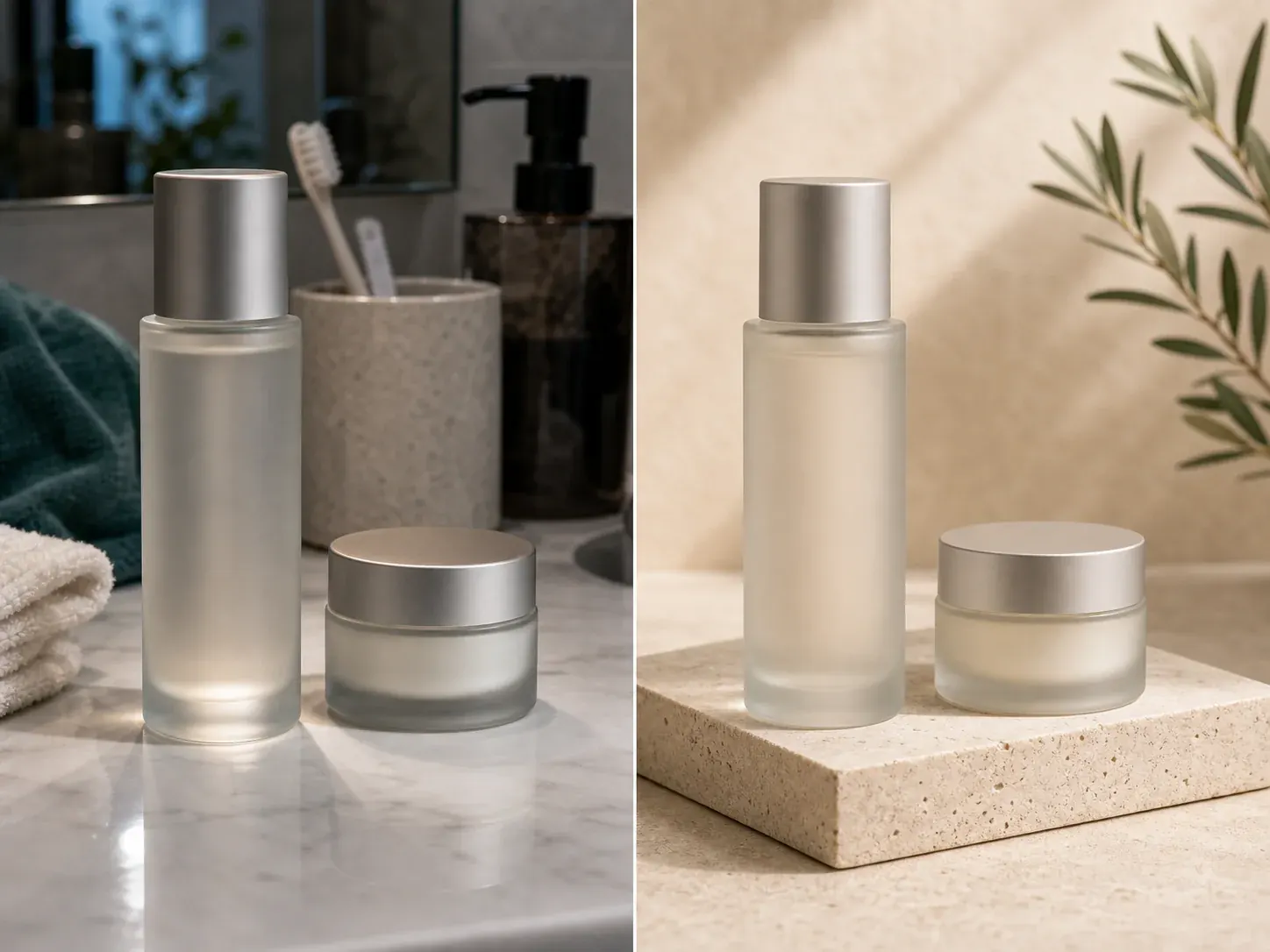
Clean product shots for listings, ads, and storefront visuals from one prompt.
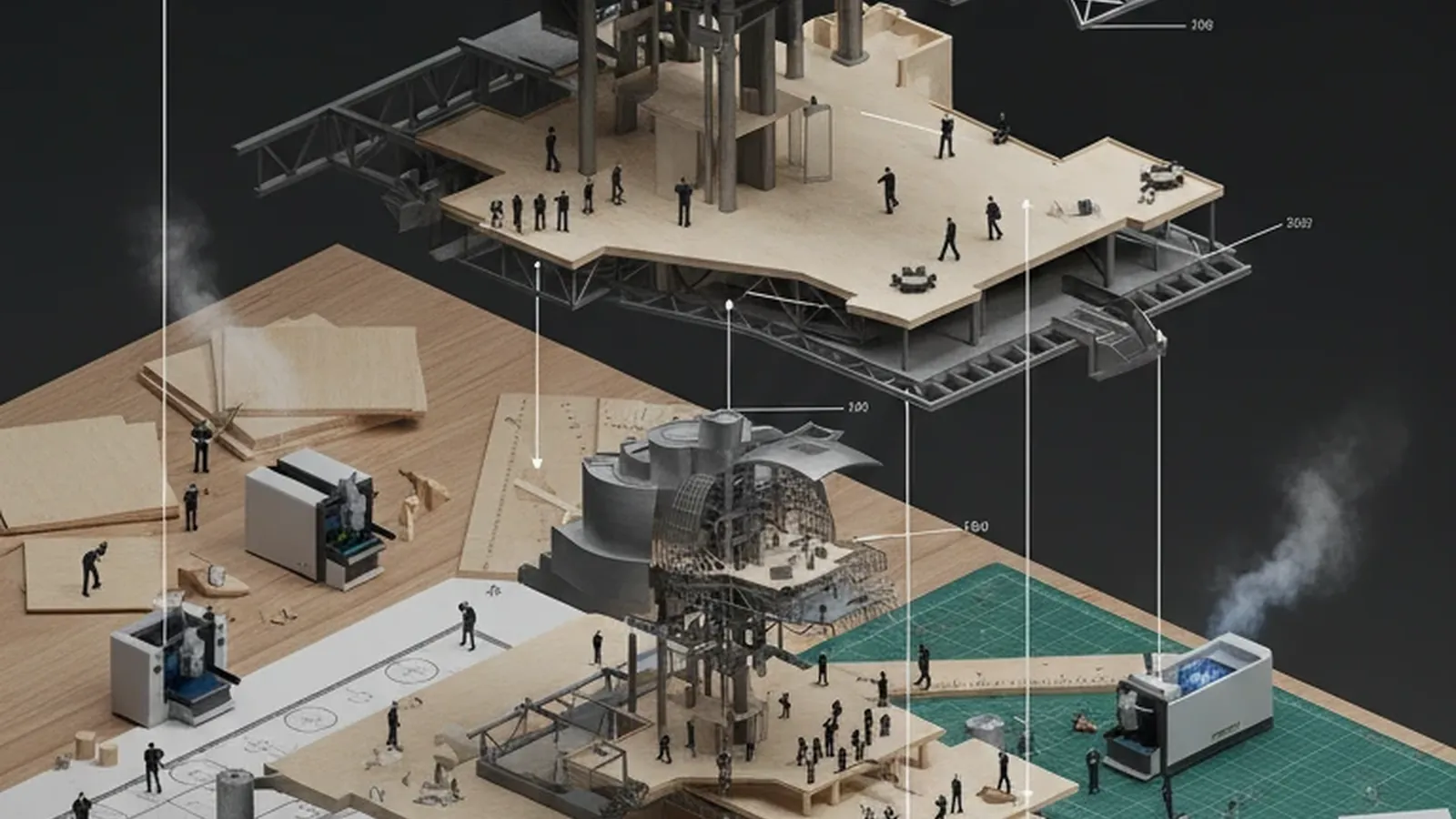

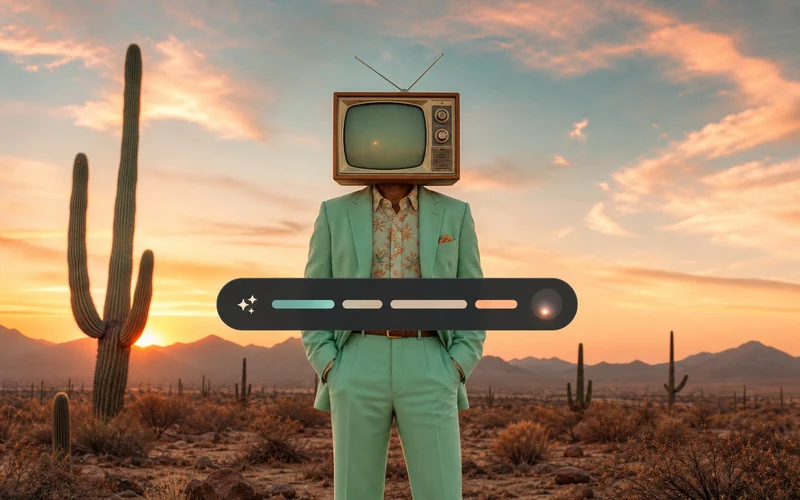
Try editorial, social, or campaign looks while keeping the original subject recognizable.
Choose the editing path that matches the job: prompt edits for creative direction, background replacement for clean visuals, object cleanup for distractions, and product photo editing for stores.
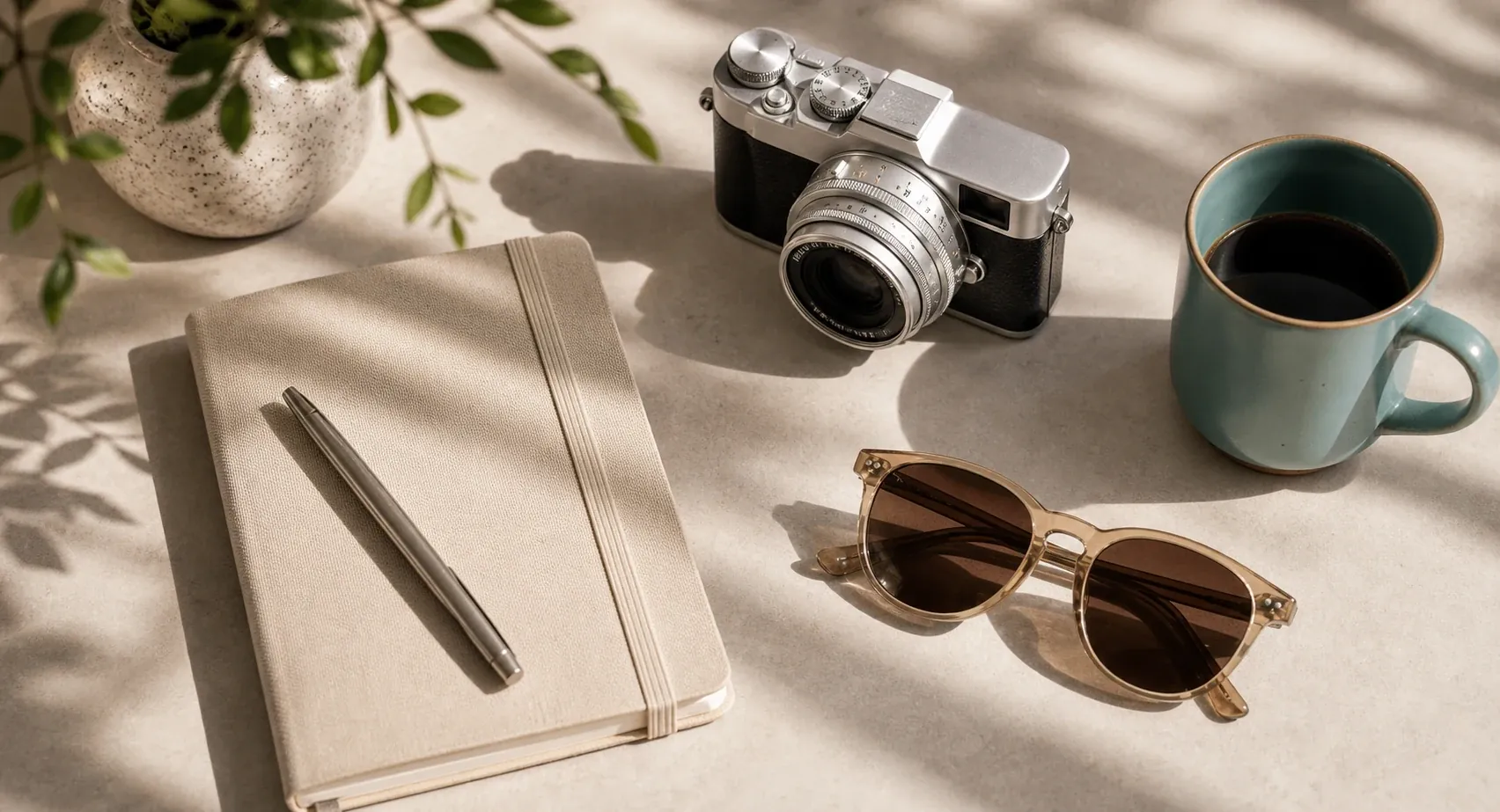
Describe background changes, cleanup, retouching, and style edits in natural language.
Start AI Image Editor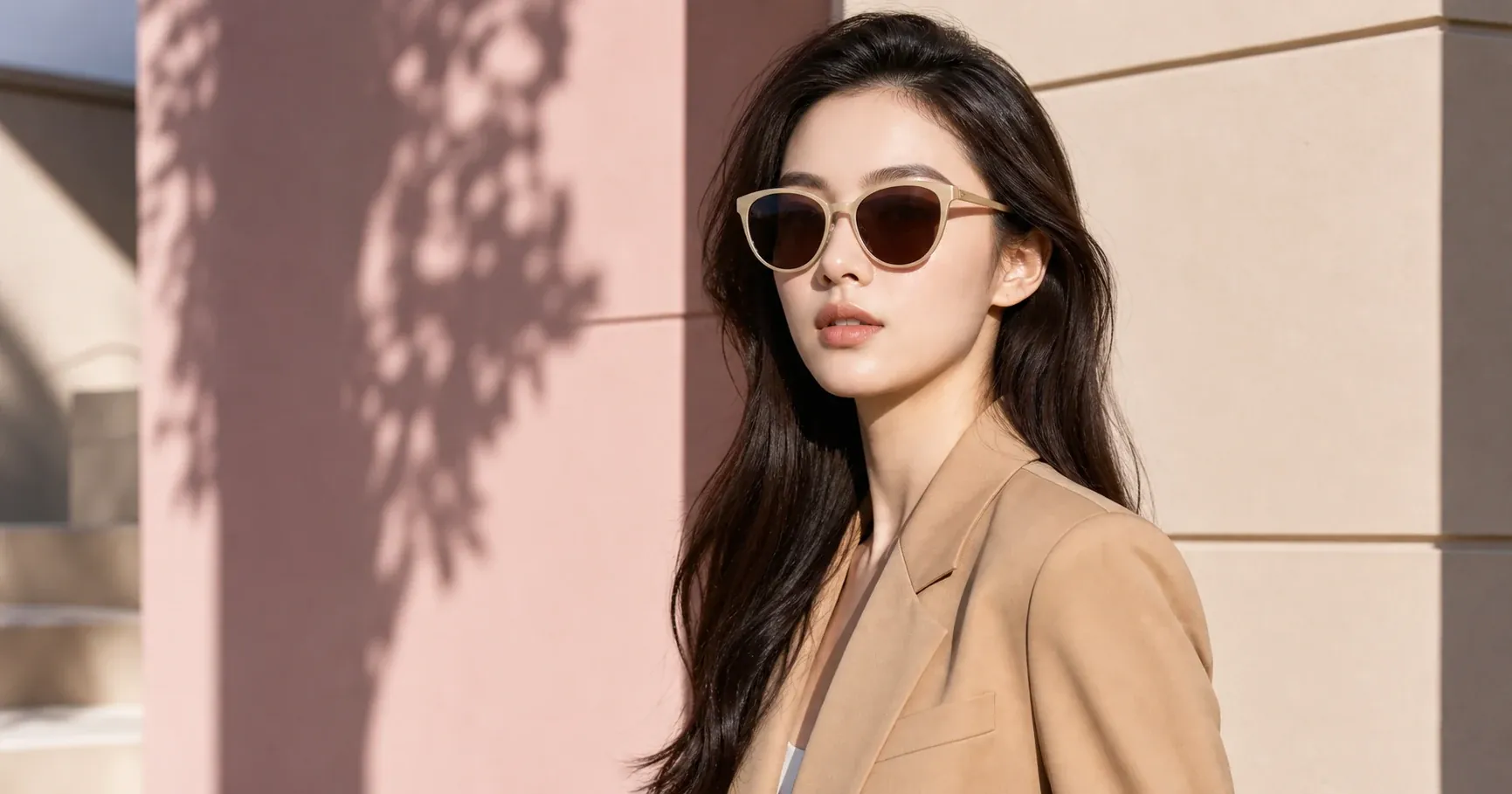
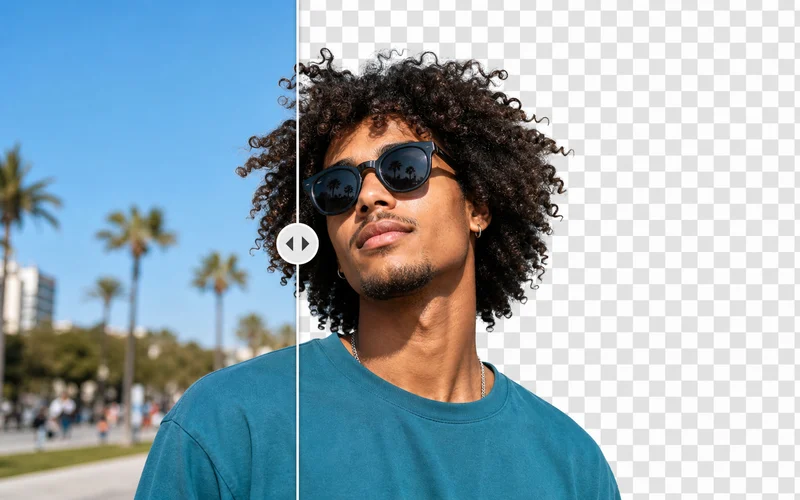
Create cleaner product, portrait, and social media backgrounds without manual masking.
Edit Backgrounds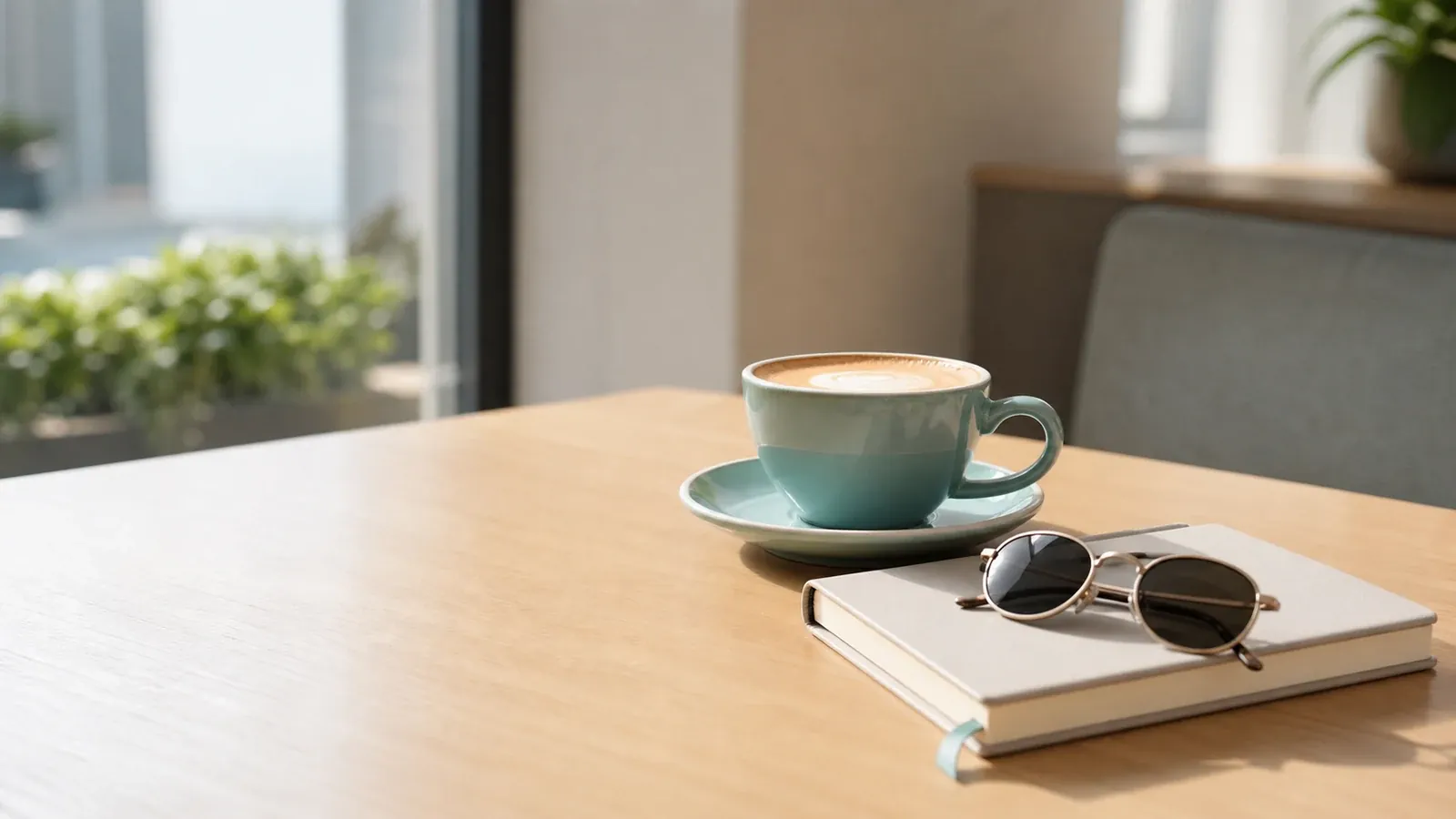
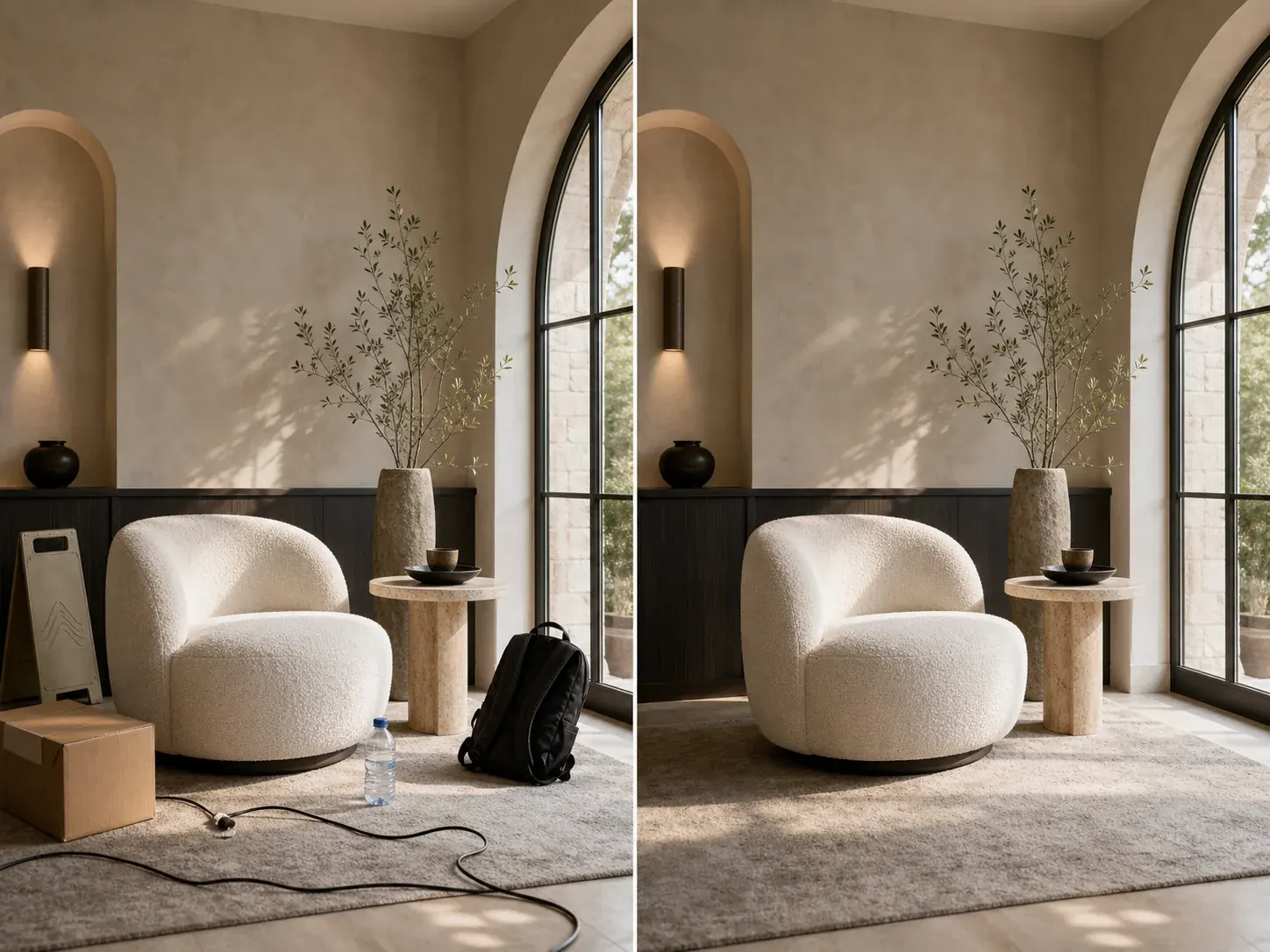
Remove distractions from travel photos, product shots, and campaign images.
Clean Up ImagesPolish product photos for marketplace listings, ads, and landing pages.
Edit Product Photos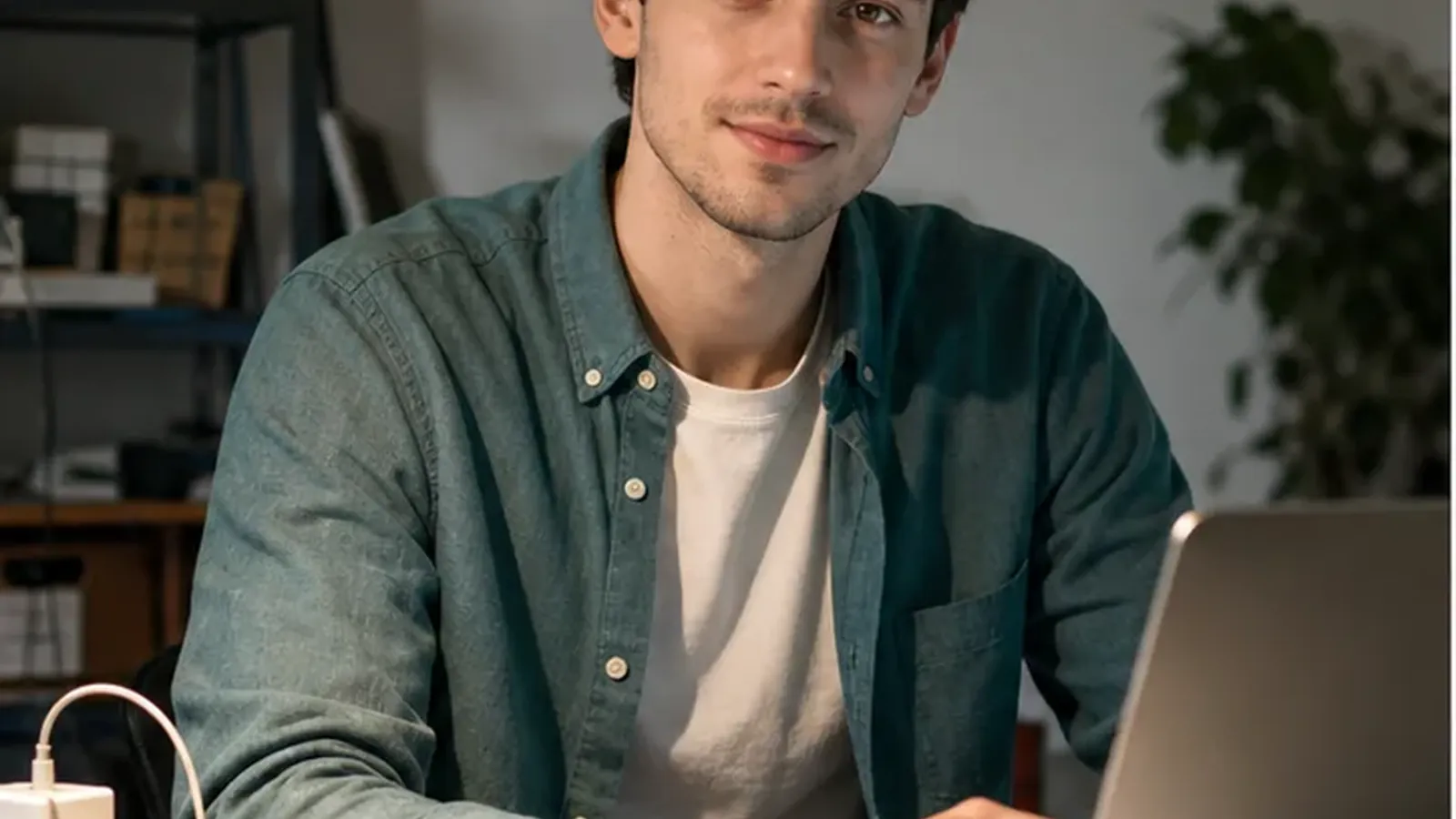
Start by uploading the source image you want to improve. Use a product shot, portrait, social post, or reference visual from your desktop or phone.
Write one clear instruction for the change you want. You can remove distractions, replace a background, retouch lighting, or restyle the image while keeping the main subject recognizable.

Preview the edited result next to the original, choose the strongest version, and download it for your listing, post, campaign, or next creative draft.
Use one focused prompt to clean up almost-ready photos for stores, creators, campaigns, and everyday visual work.
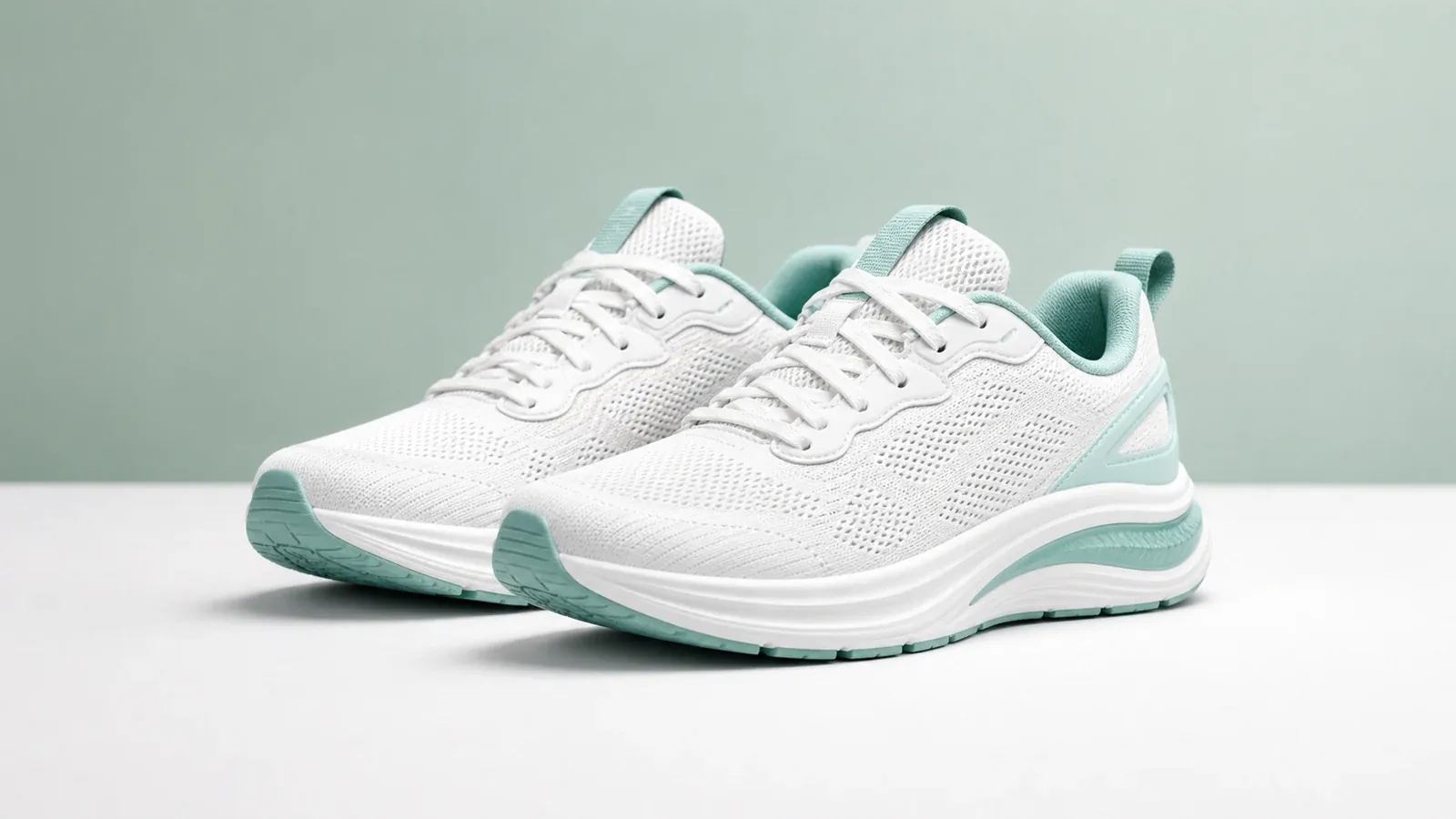
Remove clutter, improve the background, and prepare cleaner visuals for store listings or ads.
Polish lighting, skin tone, and small distractions while keeping the person recognizable and natural.
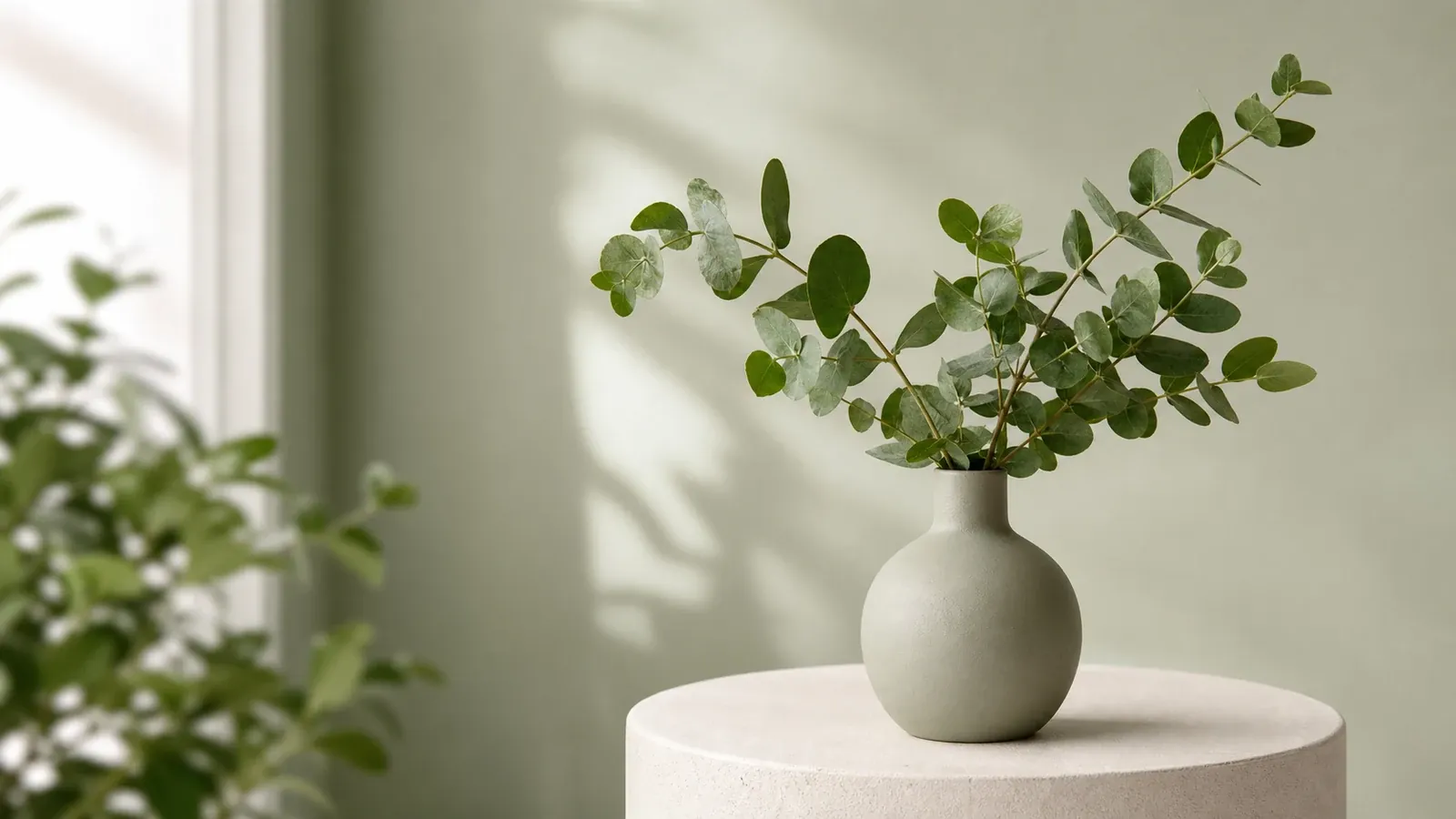
Turn a busy scene into a studio, lifestyle, or campaign-ready background from a short prompt.

Create cleaner versions of campaign visuals, thumbnails, and posts without opening a desktop editor.
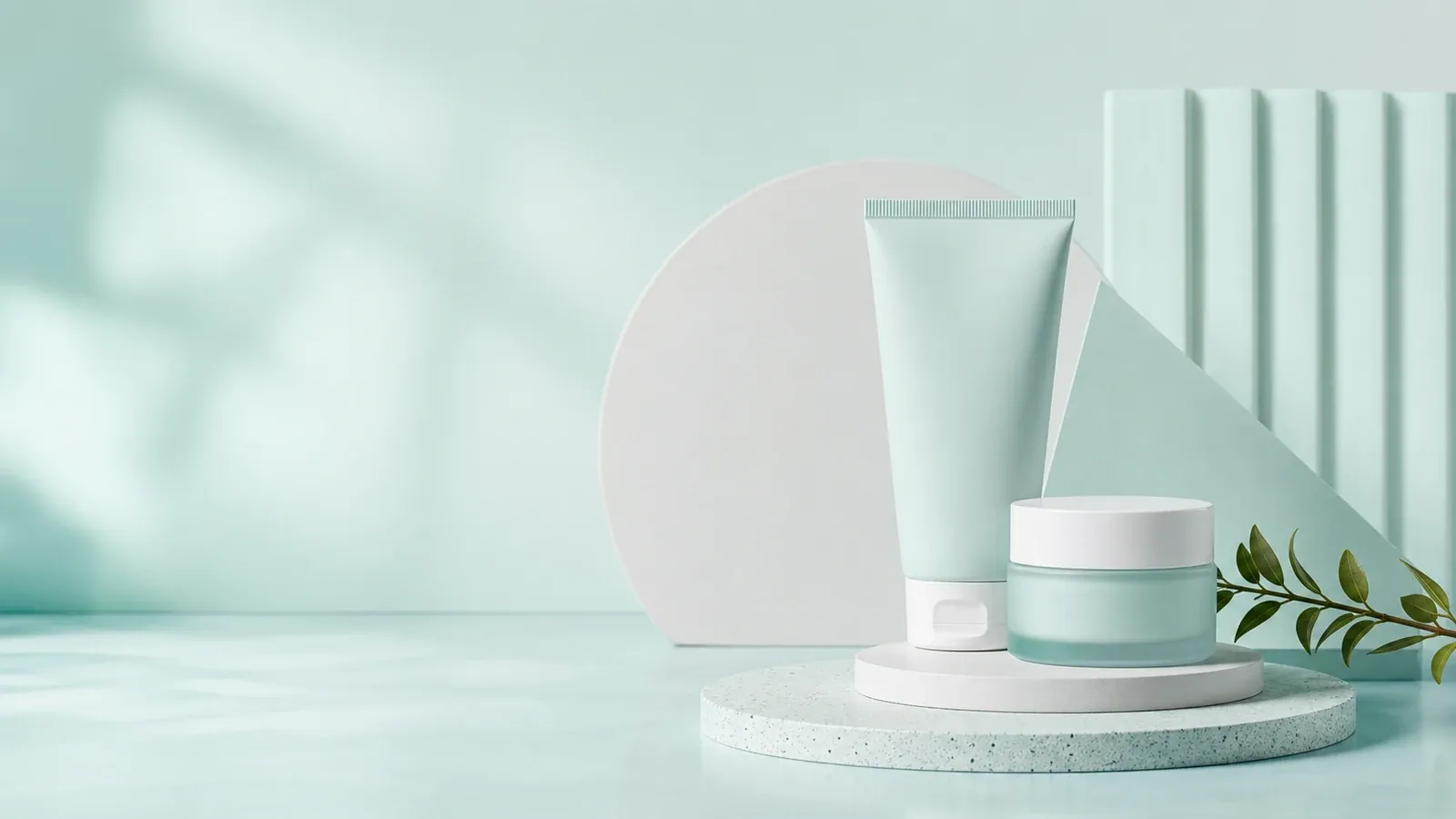
Iterate on hero images, ads, and launch graphics when a reference image needs one focused change.
Try editorial, product, or brand looks while keeping the original subject and composition usable.
The page focuses on the blockers users mention most often: complex tools, slow manual cleanup, unnatural results, and too many steps before the first useful edit.
Describe the change in plain language instead of switching between complex manual tools.
Upload, prompt, compare, and export from one browser workflow when you need a quick usable result.
Keep the original subject recognizable while cleaning backgrounds, lighting, and distractions.
Prepare product visuals for marketplace listings, ads, and landing pages without reshooting.
Clean up posts, thumbnails, portraits, and campaign images without a steep editing workflow.
Start from any modern browser and keep the workflow focused on the image, prompt, and result.
As a creator, I need quick photo edits without opening a complicated desktop tool. This AI image editor helps me upload a photo, describe one change, compare the result, and keep the workflow moving.
Learn practical prompt patterns for background changes, product photo cleanup, and natural-looking image edits.
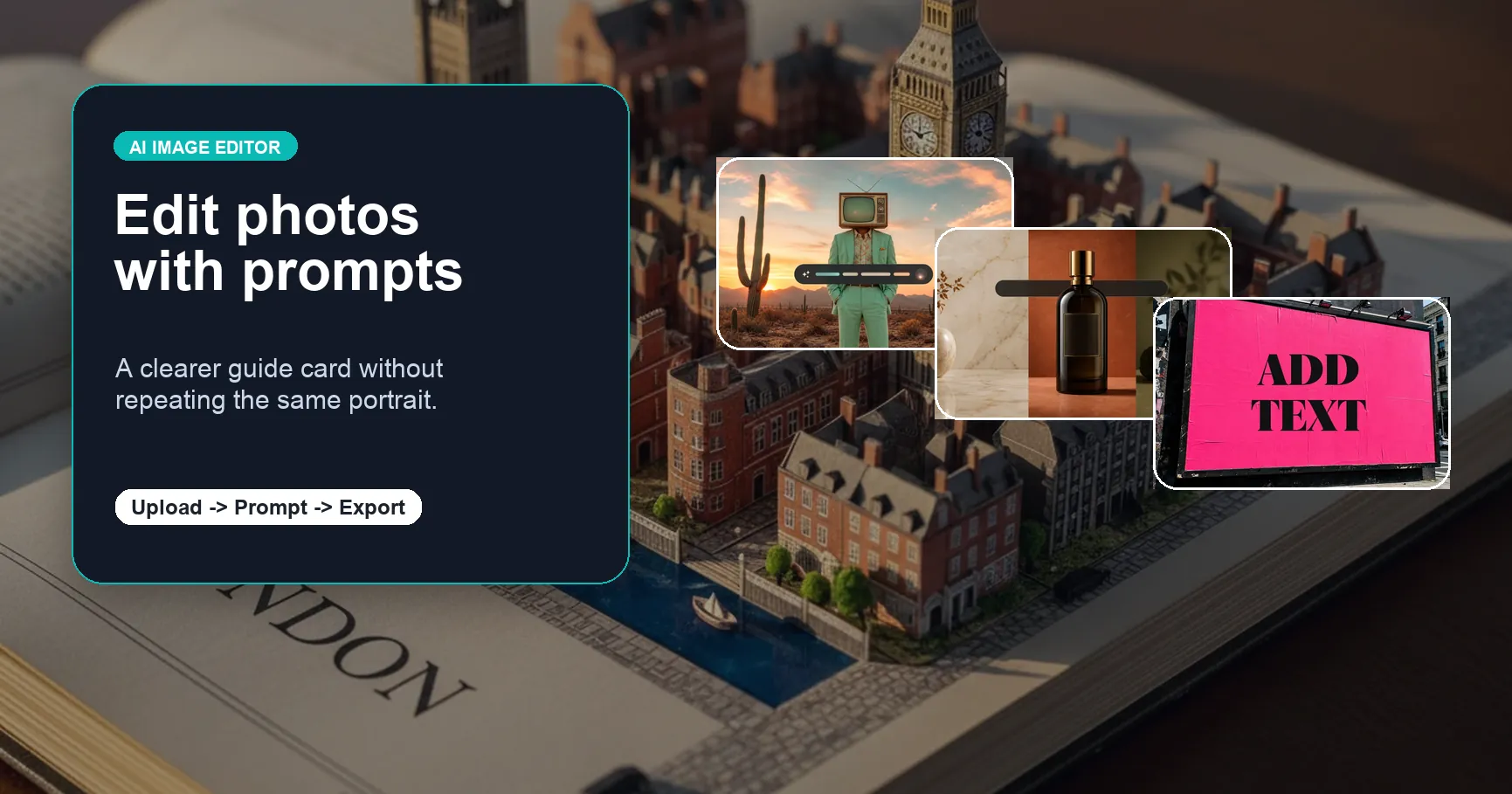
Practical examples for prompt-based image editing, faster decisions, and cleaner exports.
Practical examples for prompt-based image editing, faster decisions, and cleaner exports.
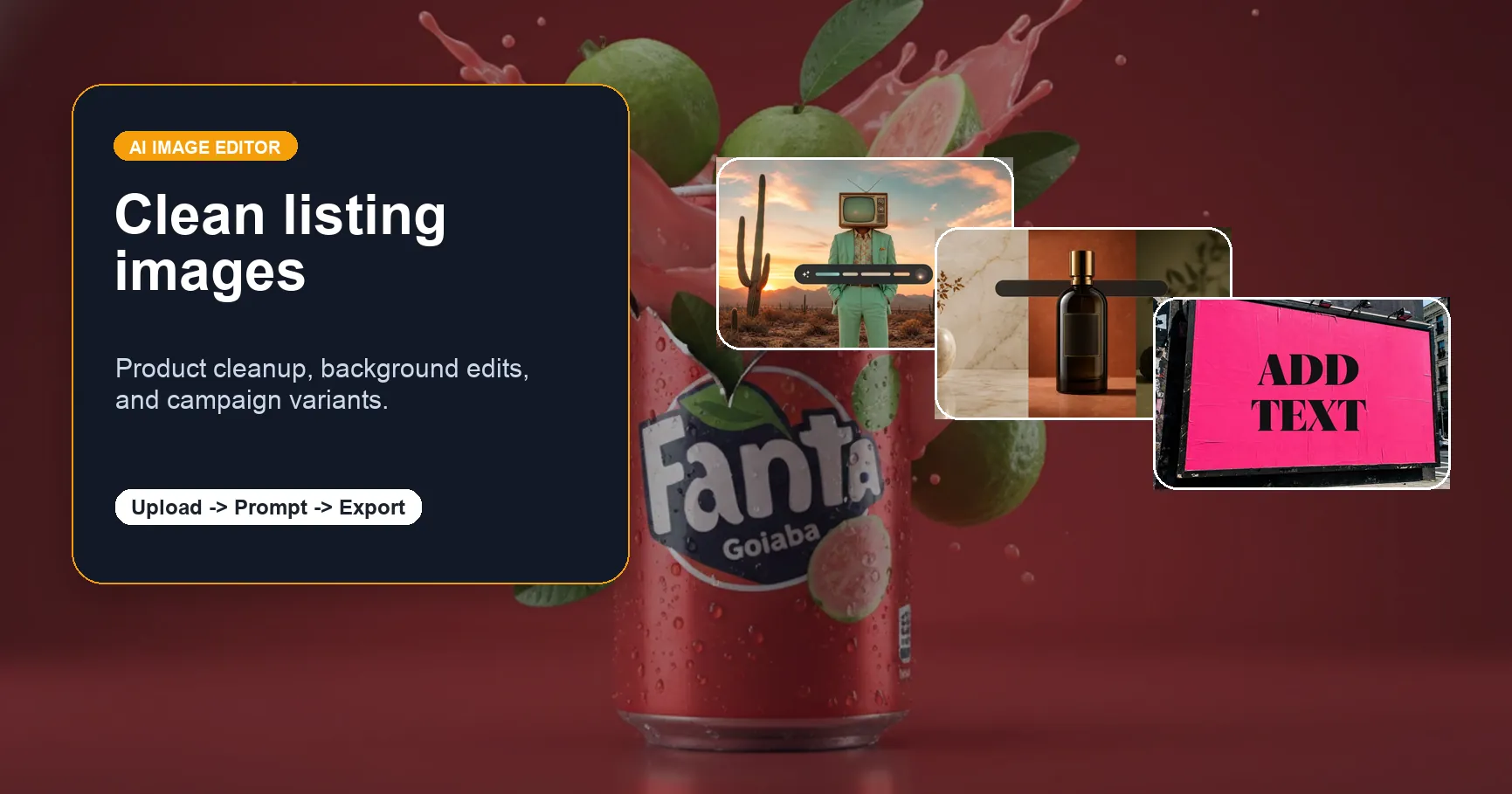
Practical examples for prompt-based image editing, faster decisions, and cleaner exports.
More tools
Move between the image jobs people usually pair together: editing, backgrounds, resizing, enhancement, and text overlays.
Answers for common searches around free AI image editor, AI image editor with prompt, online editing, no sign up workflows, and AI photo editor alternatives.
An AI image editor lets you change, enhance, or retouch images with simple text prompts. Instead of manually selecting every object or layer, you describe the edit you want and the AI applies it to your photo.
Yes. You can start with free credits and test AI image editing before choosing a paid plan. It is designed for quick edits like background replacement, object cleanup, portrait retouching, and image improvement.
Yes. Upload an image, write a prompt describing the change, and EzImgEditor generates the edited result. You can ask for edits like remove the object, change the background, or make this product photo look cleaner.
You can explore the editor experience before signing in. To generate final images, manage credits, and keep your results, you need a free account. This helps protect your work and makes it easier to continue editing later.
You can edit product photos, portraits, social media images, ads, thumbnails, and creative assets. Common tasks include background changes, object removal, cleanup, lighting adjustments, style changes, and image enhancement.
EzImgEditor is focused on prompt-based image editing rather than being a broad design suite or chat tool. The workflow is built around uploading an image, describing the edit, previewing the result, and generating a polished version fast.
EzImgEditor is built for safe, practical, and professional image editing. It does not support harmful, sexual, or abusive content requests. For brand, creator, ecommerce, and everyday photo edits, the editor gives you flexible prompt control within safe limits.
The best AI image editor should be easy to use, support prompt-based edits, produce clean results, and make pricing clear. EzImgEditor is designed for users who want fast online image editing without learning complex design software.